***
title: AI Agent Hackathon & Access Guide
position: 1
deprecated: false
hidden: false
---------------------
For clean Markdown of any page, append .md to the page URL. For a complete documentation index, see https://docs.moveworks.com/agent-studio/quickstart-guide/llms.txt. For full documentation content, see https://docs.moveworks.com/agent-studio/quickstart-guide/llms-full.txt.
# 1. Welcome & Submission
Build an AI Agent today, end-to-end. Follow the steps below, then submit your agent before the deadline. See [submission link](/agent-studio/quickstart-guides/hackathon-access-guide#4-submit-your-agent-for-judging) below.
* **Submission deadline:** 5:30 PM (local time)
* **Where to get help:** Ask any Moveworks staffer on the floor or post in #ai-agent-hackathon-support-sf.
# 2. Moveworks Access
* If you're a customer, use your production or sandbox org. (All relevant feature flags have been pre-enabled; ask us if anything looks off.)
* If you're a prospect, use the Moveworks Labs org provided at check-in. See [Moveworks Labs Details for Prospects](/agent-studio/quickstart-guides/hackathon-access-guide#moveworks-labs-details) below on the sign-in process
### Moveworks Labs Details for Prospects
1. Open your preferred browser to [https://labs.moveworks.com](https://labs.moveworks.com)
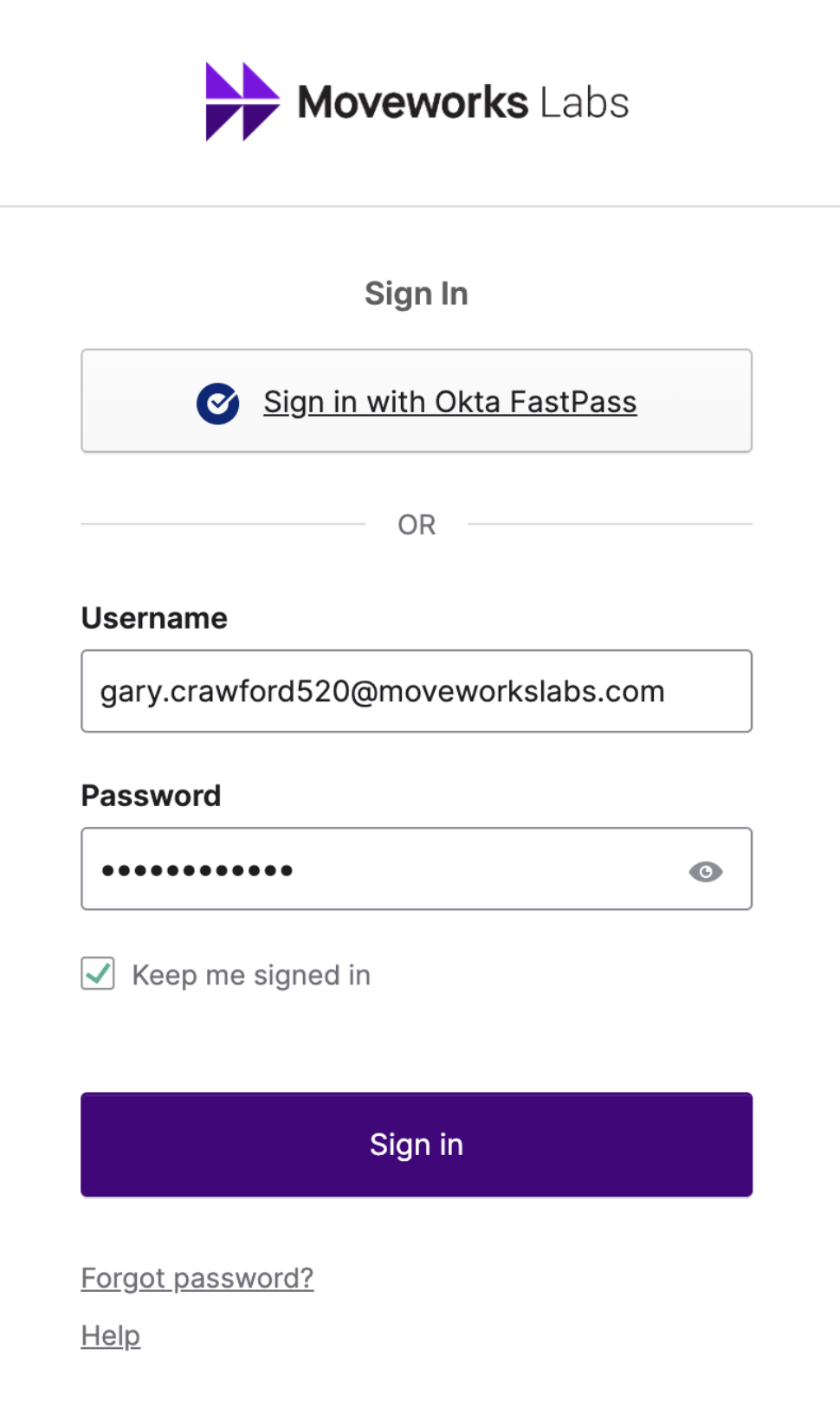
2. Sign in using your assigned credentials
Example: `first.last123@moveworkslabs.com`
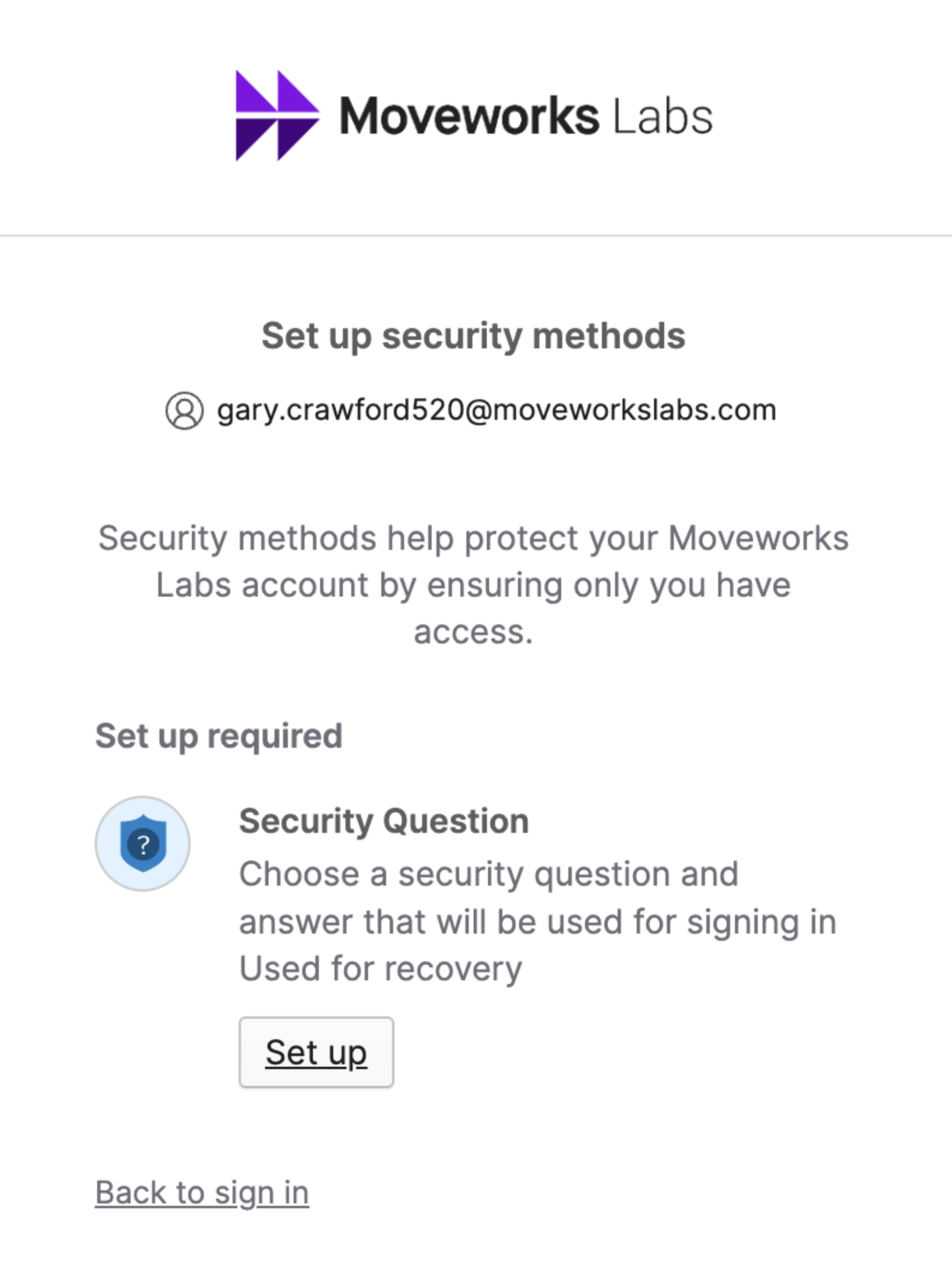
3. Setup a Security Question if you have not yet
4. Select Your Collaboration Platform of **Microsoft Teams** or **Slack**
5. Add and/or Message the **Developer Labs** App

6. From [**labs.moveworks.com**](https://labs.moveworks.com), click on the the tile called “**Agent Studio (Developer Labs)**"
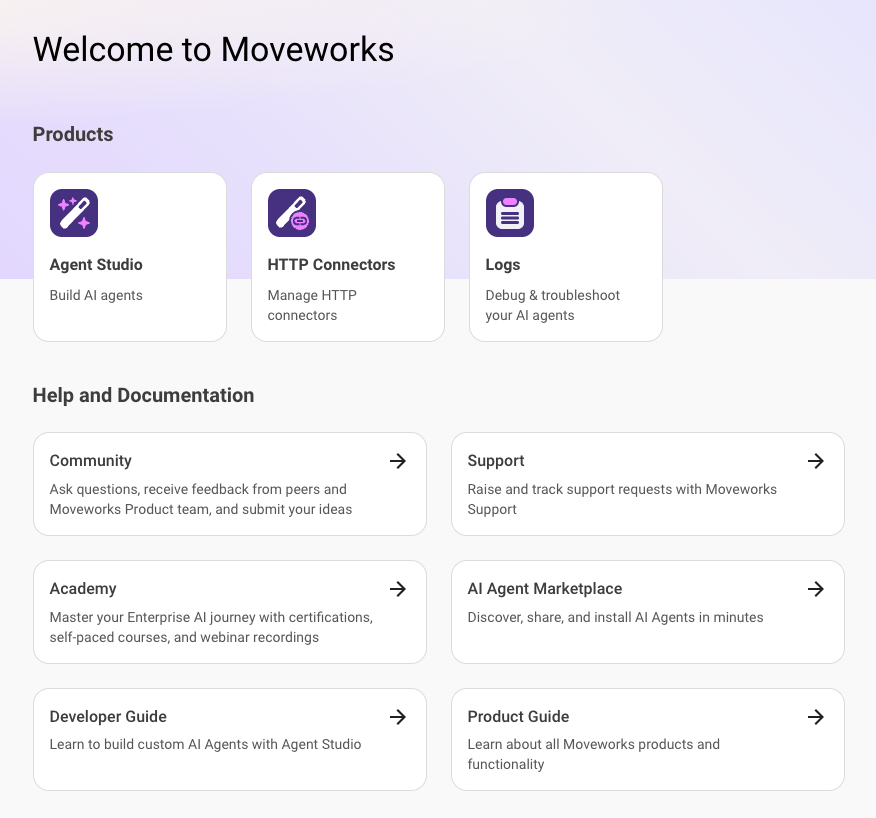
6. You should now be logged into the Developer Console and it should look like this:
# 3. Your Build Path
1. **[Quickstart #5: Notification Ambient Agent](/agent-studio/quickstart-guides/webhook-triggers-quickstart-guide)**
1. Build a simple webhook → notify flow with one actionable button.
2. Optionally, you can continue with the quickstart guides to build your knowledge:
1. **[Quickstart #6: Expense Approval Ambient Agent](/agent-studio/quickstart-guides/quickstart-6-expense-approval-ambient-agent#/)**
1. Add buttons, capture input, and complete an approval loop.
2. **[Quickstart #7: Scheduled Trigger Ambient Agent](/agent-studio/quickstart-guides/quickstart-7-scheduled-trigger-ambient-agent#/)**
1. Build simple and powerful analysis notifications
3. **Build your own Ambient Agent use case.** *Examples to consider:*
1. IT: auto-triage high-priority tickets; notify owners with “Approve / Assign / Snooze”
2. Finance: expense policy check + flag high-risk line items for review
3. HR: open-enrollment reminders with “Enroll / Ask a question”
**Chat with our ✨ new [Agent Architect](https://marketplace.moveworks.com/chat/new) ✨ to help design, build and debug your agent use cases in Agent Studio.**
### Resources
* Use Purple API to simulate real webhook payloads fast: [/agent-studio/quickstart-guides/purple-api-tool#/](/agent-studio/quickstart-guide/purple-api-tool#/)
* Use LLM Actions to classify, extract, or summarize: [/agent-studio/actions/llm-actions#/](/agent-studio/actions/llm-actions#/)
### Helpful Links
* **Ambient Agents overview:** [/agent-studio/core-concepts/ambient-agents/overview#/](/agent-studio/core-concepts/ambient-agents#/)
* **Notify expression:**[/agent-studio/actions/compound-actions/notify#/](/agent-studio/actions/compound-actions/notify#/)
* **LLM Actions:** [/agent-studio/actions/llm-actions#/](/agent-studio/actions/llm-actions#/)
* **Logs & Troubleshooting:** [/agent-studio/system-triggers/webhook-logs-troubleshooting-guide#/](/agent-studio/system-triggers/webhook-logs-troubleshooting-guide#/)
# 4. Submit Your Agent for Judging
* **Submit here:** [Typeform link](https://moveworks.typeform.com/ai-agent-london)
* **Due:** 5:30 PM (local time)
* **Some things you'll need to include:**
* Agent name
* Team members (names + emails)
* What your agent does (problem, systems, value)
* Why you built it
* Demo video link (2-5 minutes; Loom/YouTube). Or upload.
* Judging
* **Criteria:** Innovation, Impact, Execution (+ bonus for Ambient Agent alignment)
* **Awards:** 1 grand prize, 2 honorable mentions announced at the reception
* You may submit multiple agents, but a team can only win once.
# Troubleshooting FAQ
## I don't see the Agent Studio App
Reach out to someone with a **white lanyard**. They will help you enable the app.
## I clicked on the Agent Studio App but the page is blank
Try turning off all VPNs on your device & refreshing the page. If this continues to not work, reach out to someone with a **white lanyard** (sitting on the sides of the room & table 17)