***
title: Access and Login Guide
deprecated: false
hidden: true
metadata:
robots: index
-------------
# Moveworks Labs Okta
1. Open your preferred browser to [https://labs.moveworks.com](https://labs.moveworks.com)\
**NOTE:** Open a fresh Incognito Session. This lab uses user consent authorization and therefore can run into strange issues if other sessions are open in your current browser.

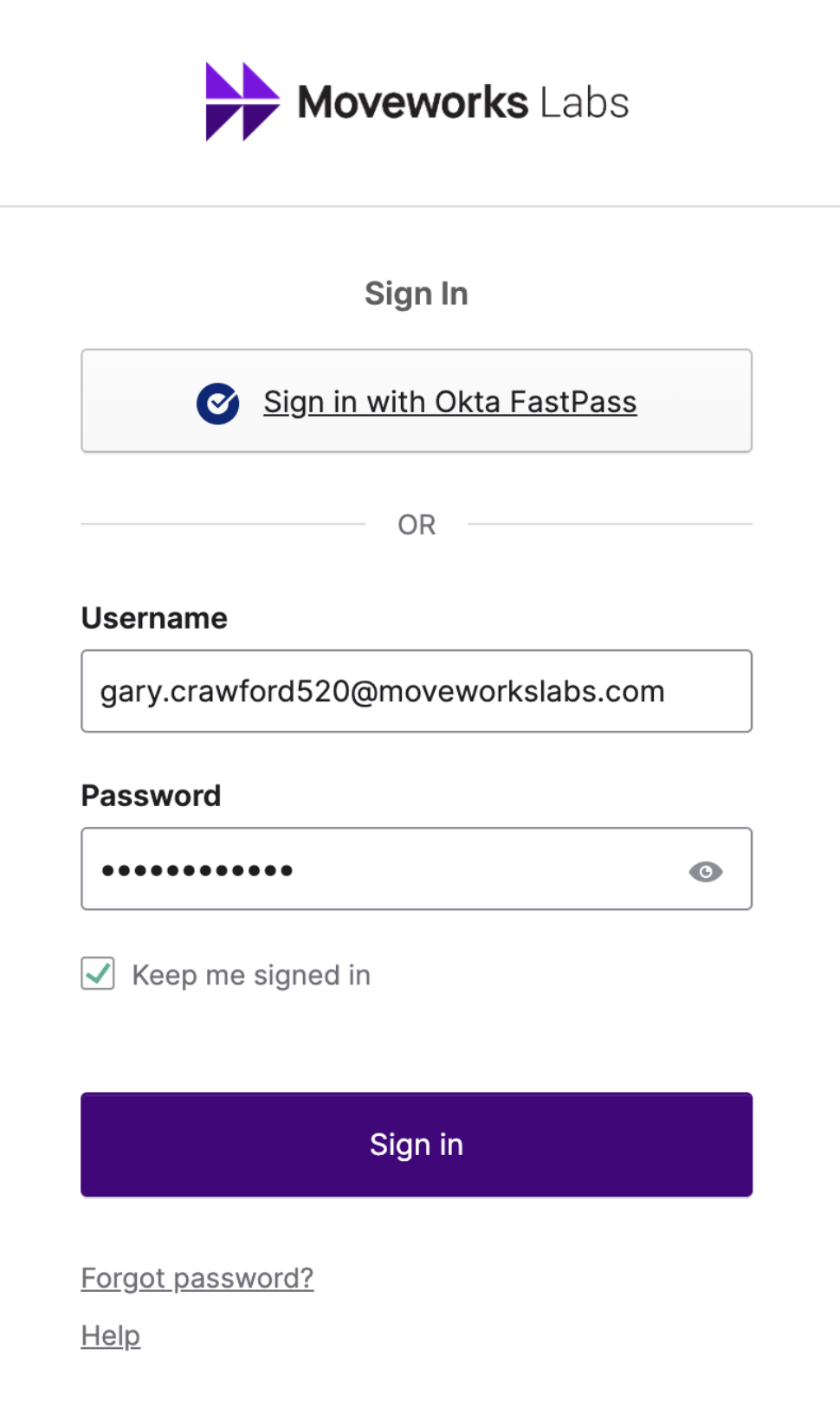
2. Sign in using your assigned credentials\
Example: `first.last123@moveworkslabs.com`
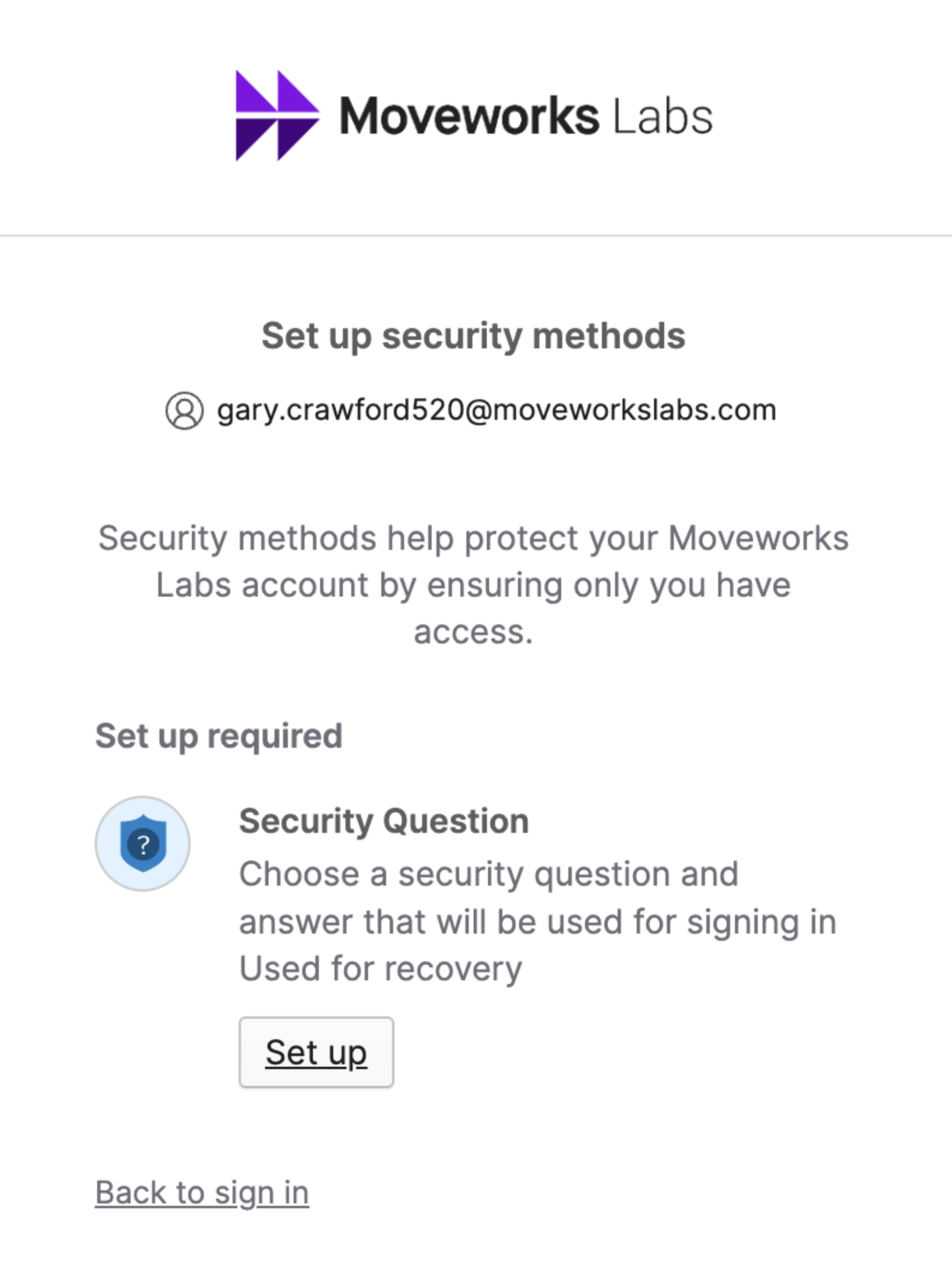
3. Setup a Security Question if you have not yet
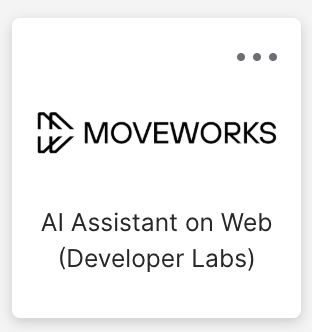
4. Click on the "Moveworks AI Assistant For Web (Developer Labs)" tile
5. On the bottom left, click on "Manage Apps"
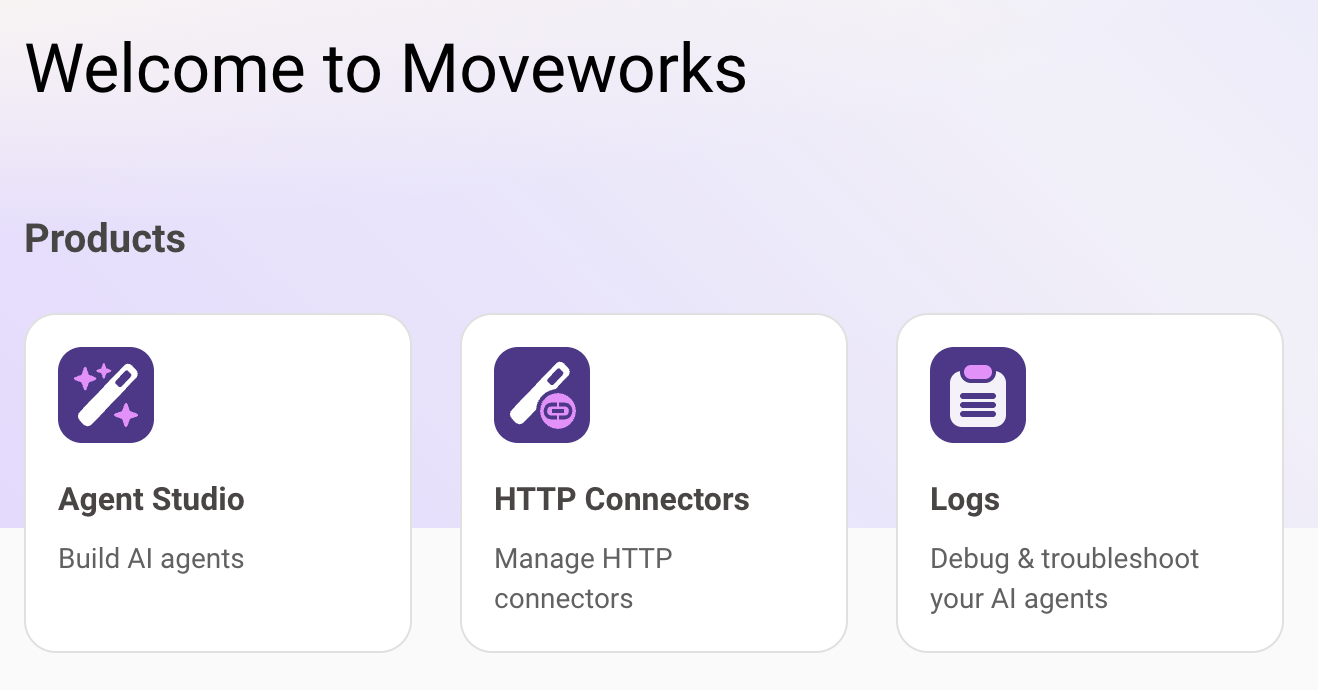
6. You should now be logged into the Developer Console and it should look like this:
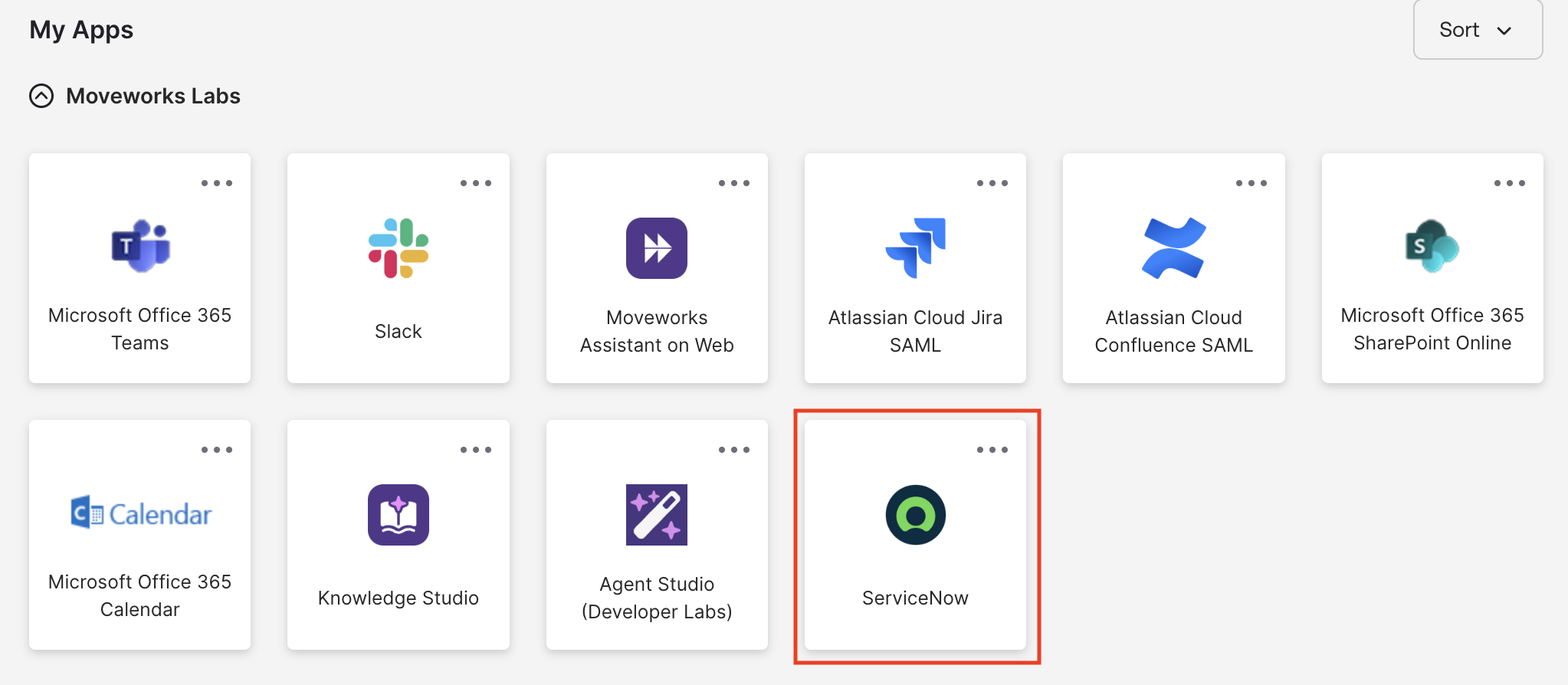
7. In your main Okta page, you should also see a ServiceNow tile. Go ahead and click this to authenticate into ServiceNow.