***
title: API Credentials
description: 'How to create, manage, and rotate API credentials for the Moveworks API'
--------------------------------------------------------------------------------------
## Create an API Credential
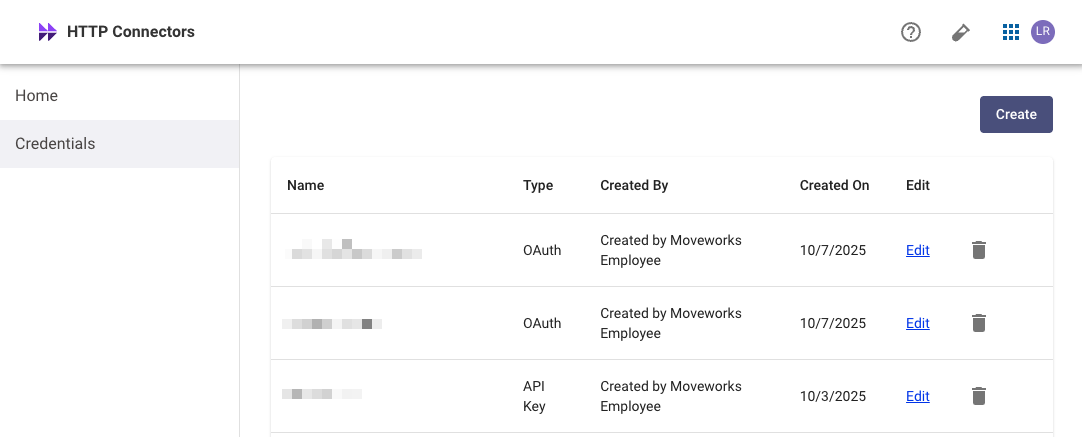
Go to **HTTP Connectors > Credentials**
Click **Create** to start the credential creation process.
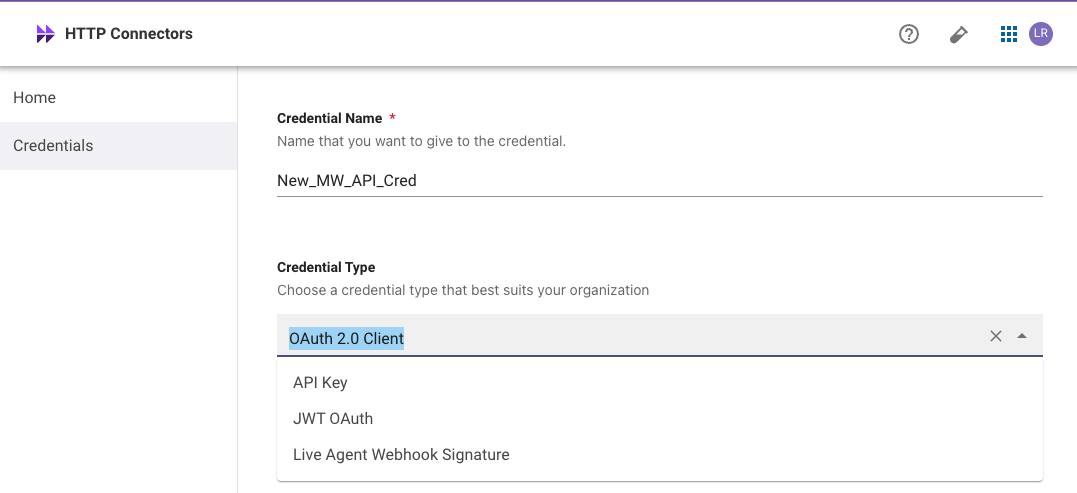
Provide a **Credential Name** and choose a **Credential Type**:
* **OAuth 2.0 w/ Client Credentials** (Recommended) — can be used to generate access tokens via the [OAuth Token endpoint](/api-reference/events-api/authentication/create-oauth-token)
* **API Keys** — can be tested via the [Test Auth endpoint](/api-reference/events-api/authentication/test-auth)
* Credentials are never written to disk or stored in any way. They can only be viewed in plain text **once** on the Credentials screen. Only the hash of the credential is stored.
* When an account is deactivated or deleted, any associated API keys will stop working.
* Moveworks recommends **generating API keys using a dedicated service account** rather than an individual employee's user account. Using a service account enhances security by creating a stable, auditable identity for the integration that is not tied to a person's employment status.
## Token Expiry Details
| Token Type | Expiry |
| -------------------------------------- | ---------------- |
| Client IDs, Client Secrets, & API Keys | Never expire |
| Access Tokens | Every 60 seconds |
## Rotation & Revocation
In the event that your credential is exposed or leaked, follow this process for token rotation:
Create a new API key following the steps outlined above.
Update your code or integrations to use the new API key.
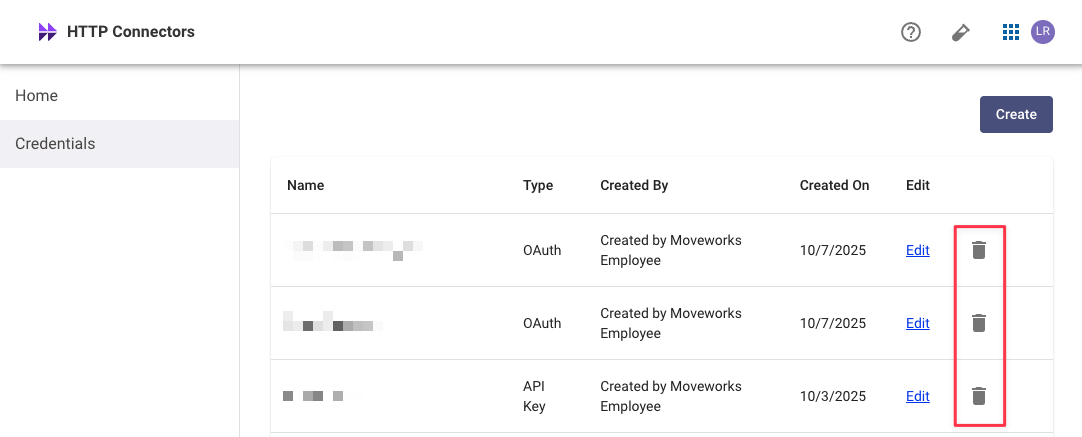
Use the **trash icon** to delete the previous API key. Selecting delete will permanently invalidate the key.