---
title: ServiceNow Update Sets
excerpt: ''
deprecated: false
hidden: false
metadata:
title: ''
description: ''
robots: index
next:
description: ''
---
To further enhance your Moveworks experience, Moveworks provides plugins that are installed through Update Sets for advanced ServiceNow functionality. To learn more see our [ServiceNow Access Requirements](/docs/servicenow-access-requirements). For more information about the update sets, see [Update Set Modules](/docs/update-set-modules).
Install the following update sets to your instance in the following order:
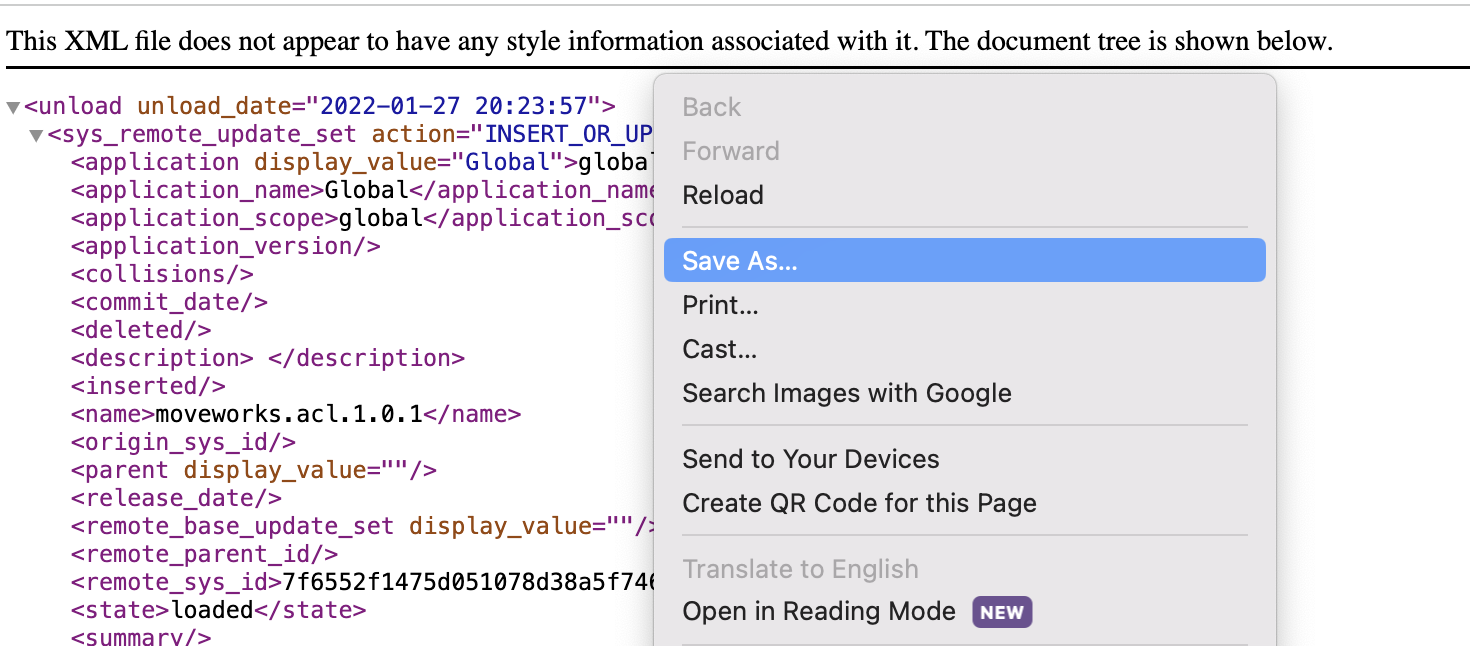
### To download the update sets, right click on the file and click "Save As...".
### `moveworks.base.1.0.0.xml `
#### What this is used for
This is the base update set that must be installed prior to all of the below subsequent update sets. Make sure to grant the `moveworks_user` role to our service account after you install this update set.
* [View Base](https://developer.moveworks.com/file-hosting/servicenow/base.1.0.0.xml)
### `moveworks.acl.1.0.1.xml `
#### What this is used for
This update set allows [Moveworks Access Control](/docs/access-control-platform-permissions) to fetch user criteria for ServiceNow kb_knowledge articles and catalog_item forms. Learn more [here](/docs/acl-platform-permissions-update-set-module)
* [View ACL](https://developer.moveworks.com/file-hosting/servicenow/moveworks.acl.1.0.1.xml)
### `moveworks.acl.hr.patch.1.0.0.xml`
#### What this is used for
This is an addendum to the Moveworks ACL update set, that is required for kb_knowledge articles that are authored via the ServiceNow HR Core module.
* [View ACL HR Patch](https://developer.moveworks.com/file-hosting/servicenow/moveworks.acl.hr.patch.1.0.0.xml)
### `moveworks.events.1.0.0.xml`
#### What this is used for
This is an **OPTIONAL** update set that enables you to send notifications to your bot via Creator Studio Events using either Business Rules or via Flow Designer. This is for Classic Agent Studio only.
* [View Events](https://developer.moveworks.com/file-hosting/servicenow/moveworks.events.1.0.0.xml)
### `moveworks.webchat.0.0.4.xml`
#### What this is used for
This update set enables you to deploy the Embedded AI Assistant on ServiceNow. **NOTE**: It is recommended to use SSO-based approach, in which case this update set is **not** required.
* [View Moveworks for Web](https://developer.moveworks.com/file-hosting/servicenow/moveworks.webchat.0.0.4.xml)
### `moveworks.live.agent.awa.1.2.0.xml`
#### What this is used for
This update set enables the Moveworks bot to integrating with ServiceNow AWA Live Chat (via URL handoff). This is **not** required when implementing Live Agent Message Brokering.
* [View Live Chat](https://developer.moveworks.com/file-hosting/servicenow/moveworks.live.agent.awa.1.2.0.xml)
# Update Set Installation
1. Navigate again to the `Retrieved Update Sets` table and click `Import Update Set from XML` under Related Links.
2. Upload the update set you downloaded, preview the changes, and commit them.
These modules are very self-contained. If you encounter any errors while committing the files, this is usually self-referential and not something to be concerned about. You can usually ignore the warnings and commit the changes.
### MANAGING UPDATES
If you ever need to update a Moveworks module, back out the old update set before importing the new one.
# Add the Moveworks Events API token to your ServiceNow instance:
This process only applies to the Events update set.
1. Navigate to the Admin portal of your ServiceNow instance.
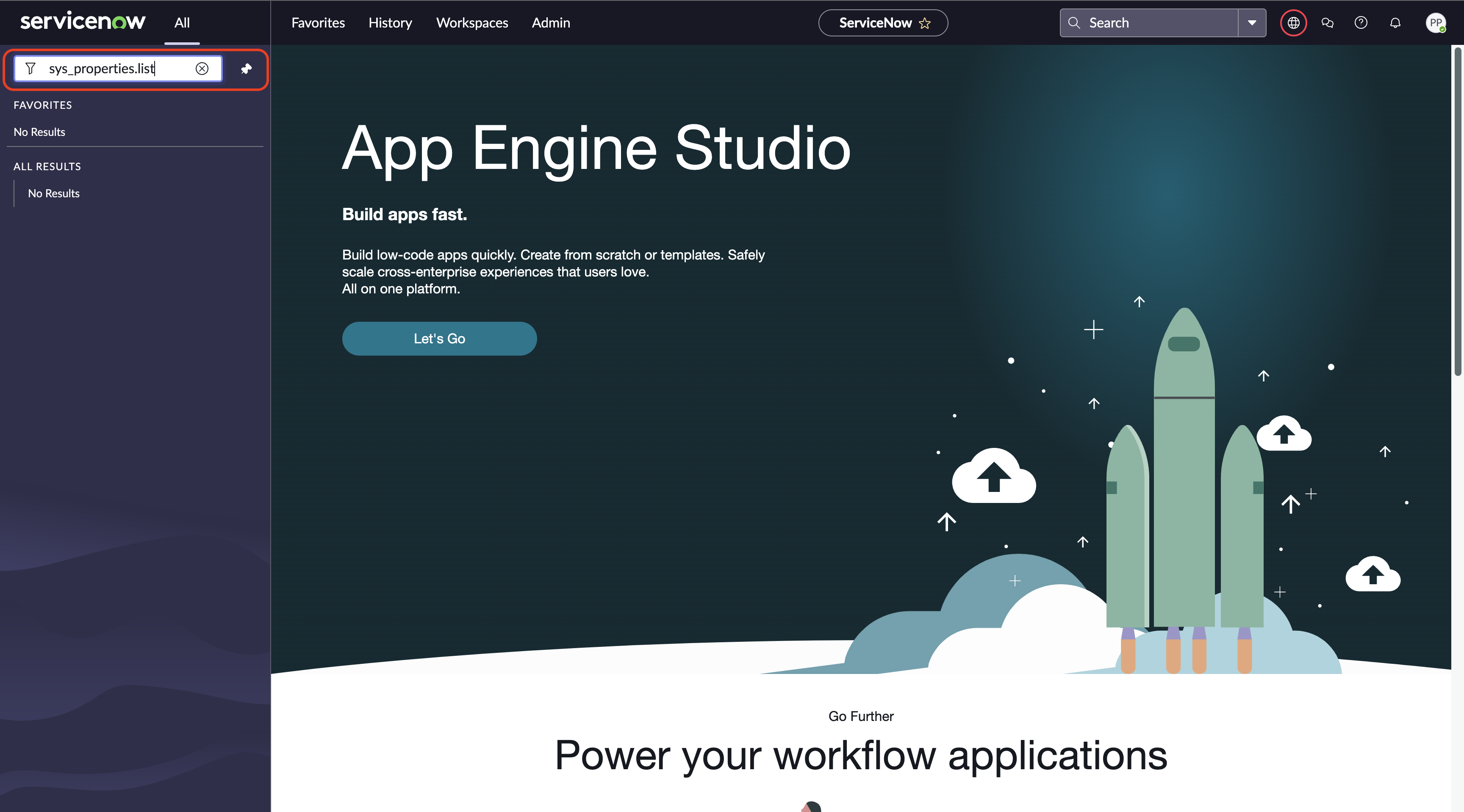
2. In the left-hand menu bar, enter `sys_properties.list` and press enter.
1. Note: there will likely not be a result that populates until you press enter.
3. In the System Properties table, search by name for the Moveworks custom system property `moveworks.api.bearer_auth_token`
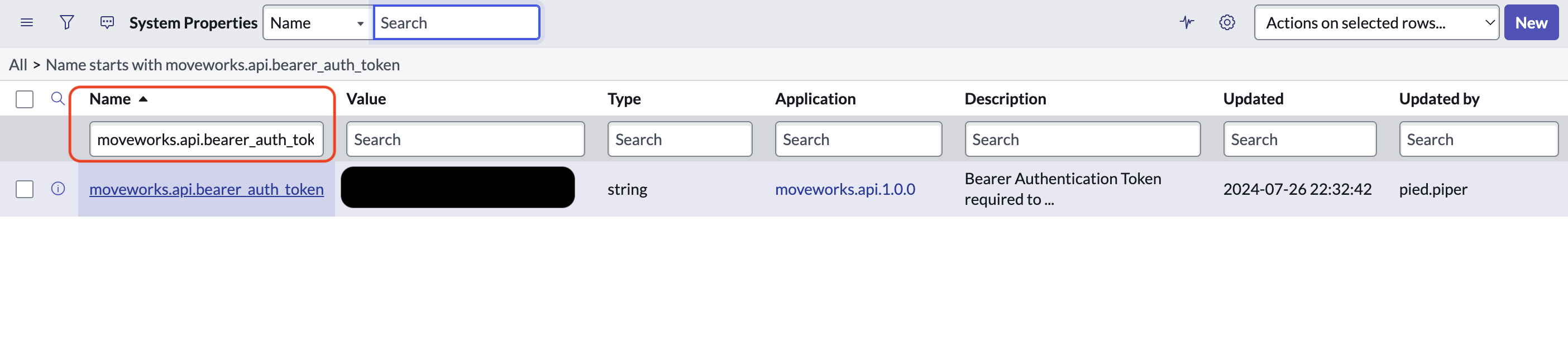
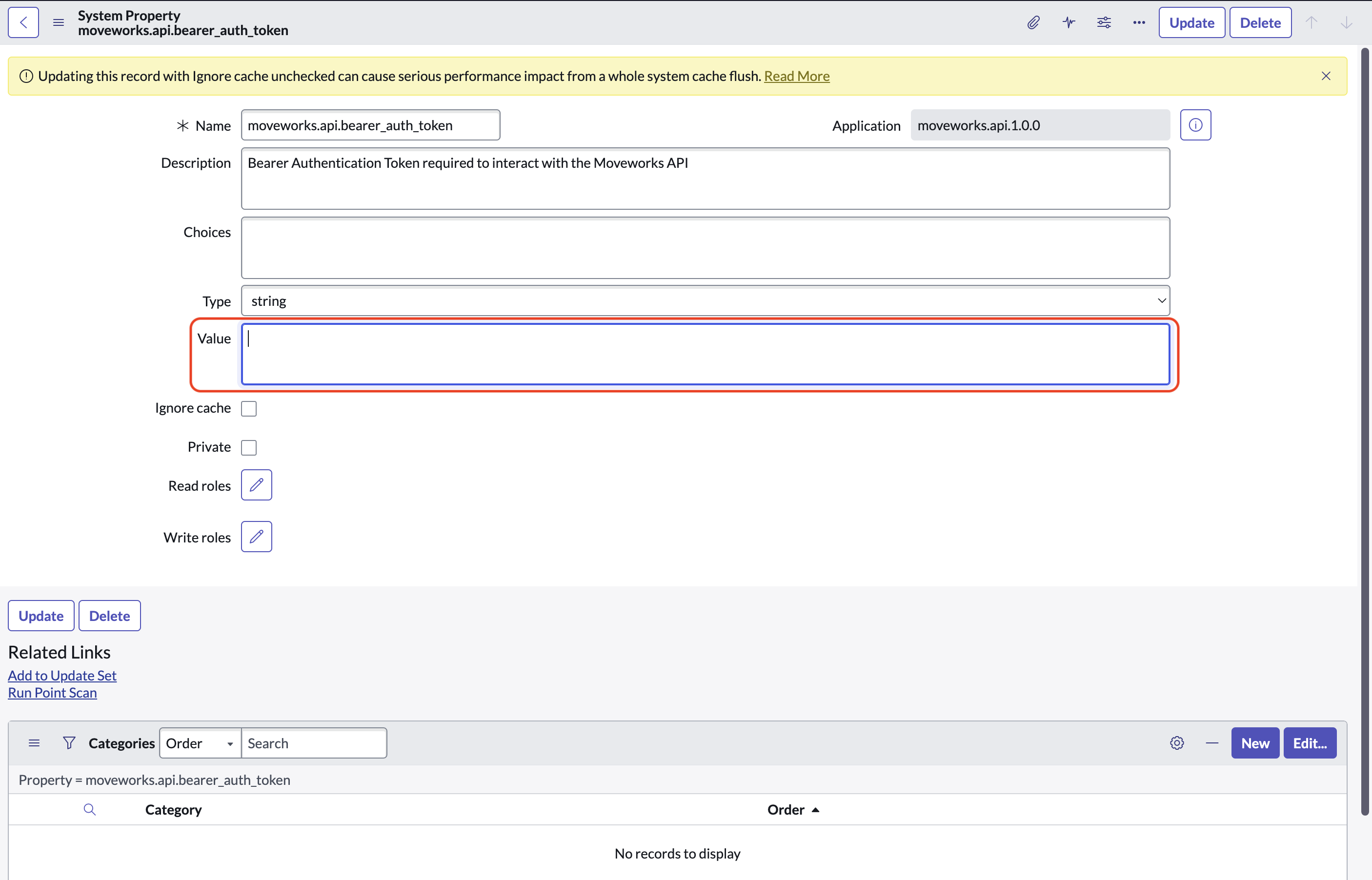
4. Open the system property and fill the API token into the box labeled `Value`