
Moveworks Agent AWS Secrets Manager Setup Guide
🚧
This guide is only required for those who want to access secrets from a pre-existing secrets manager. Otherwise please follow the Moveworks Agent Installation Guide.
These instructions will guide you to configure permissions for a vm in AWS to pull secrets from secrets manager.
You have several option for how to do this.
- [Recommended] Assign the [movework_agent_secrets_access] policy to the existing role used by the vm.
- Create a new role with the [movework_agent_secrets_access] policy and assign this role to the vm.
- Create an inline policy and assign it to the existing role used by the vm.
[Recommended] Assign the [movework_agent_secrets_access] policy to the existing role used by the vm
Use AWS cloud formation to create Moveworks Agent IAM managed policy allowing Secrets Manager access
-
Create new stack by clicking on Create stack.
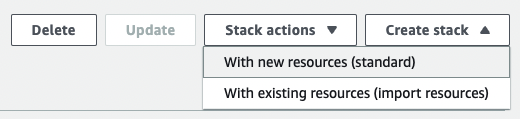
-
Use the Moveworks cloud formation template.
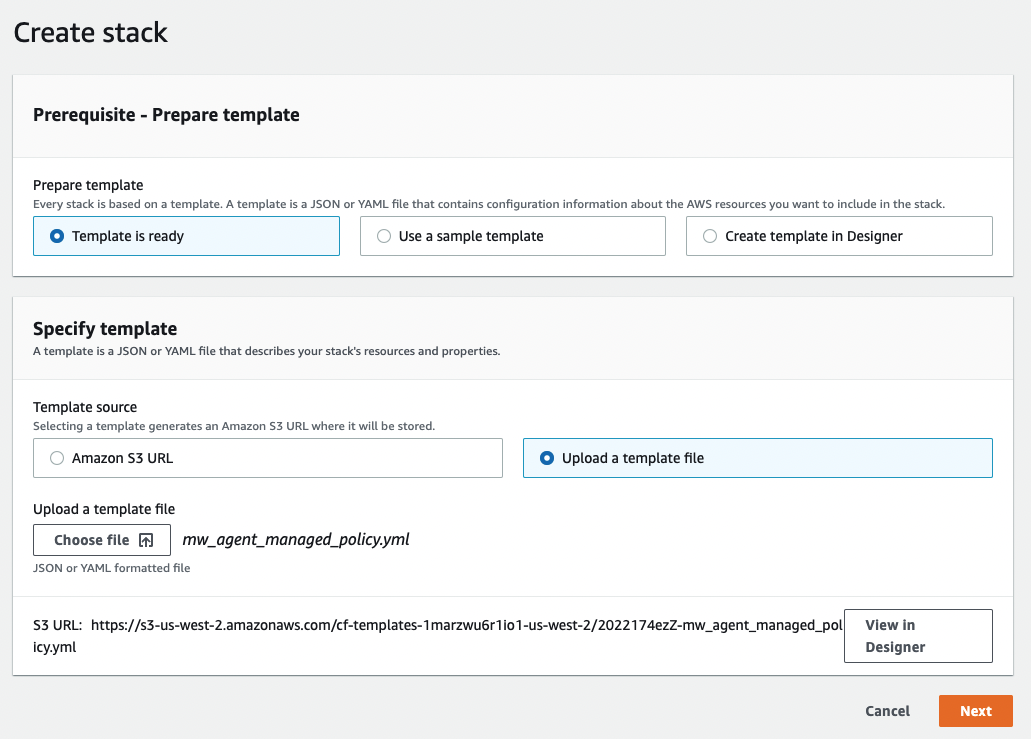
-
Name the stack.
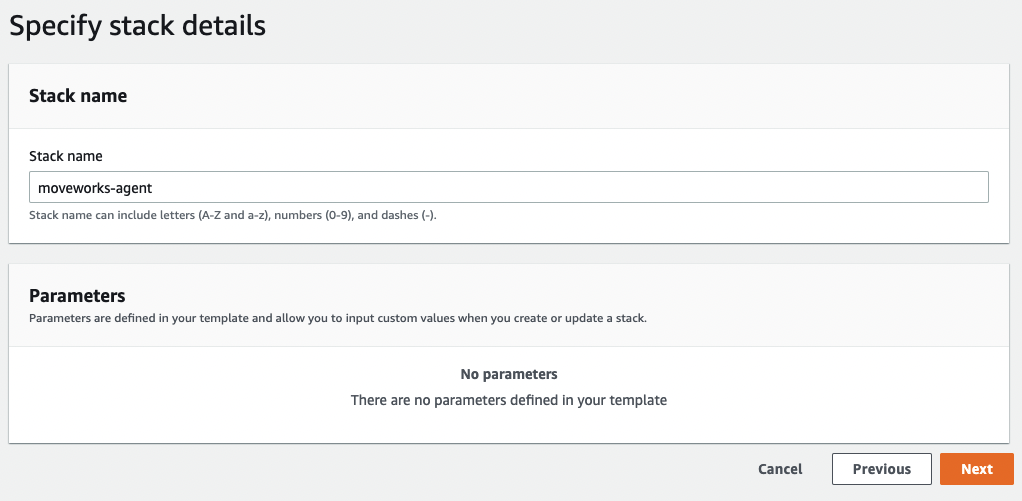
-
Configure stack options and create stack.
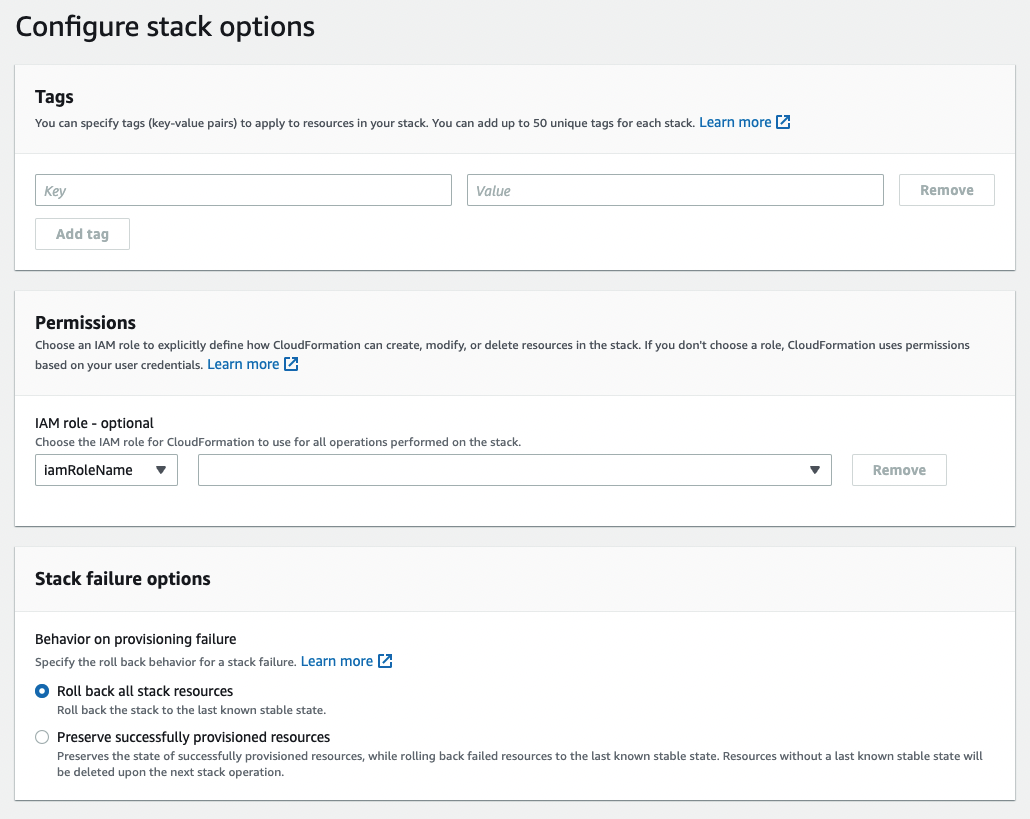
-
The secrets manager policy should be created.

Assign Policy to existing role
- Navigate to IAM → Roles → role.
- Attach policies.
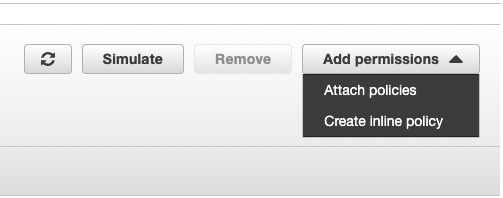
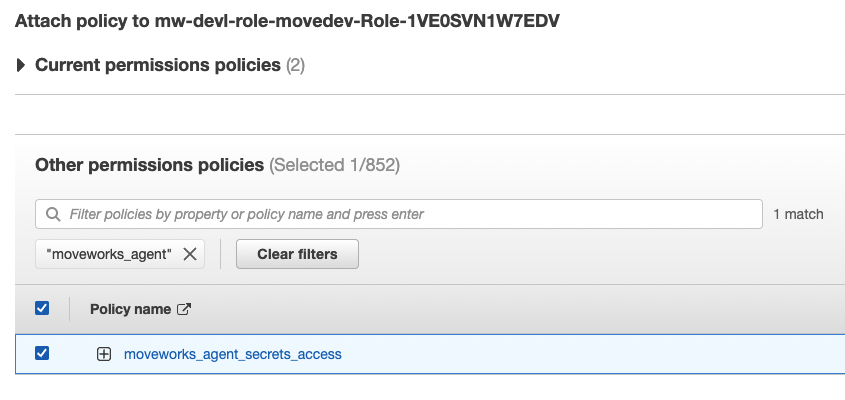
Create new role
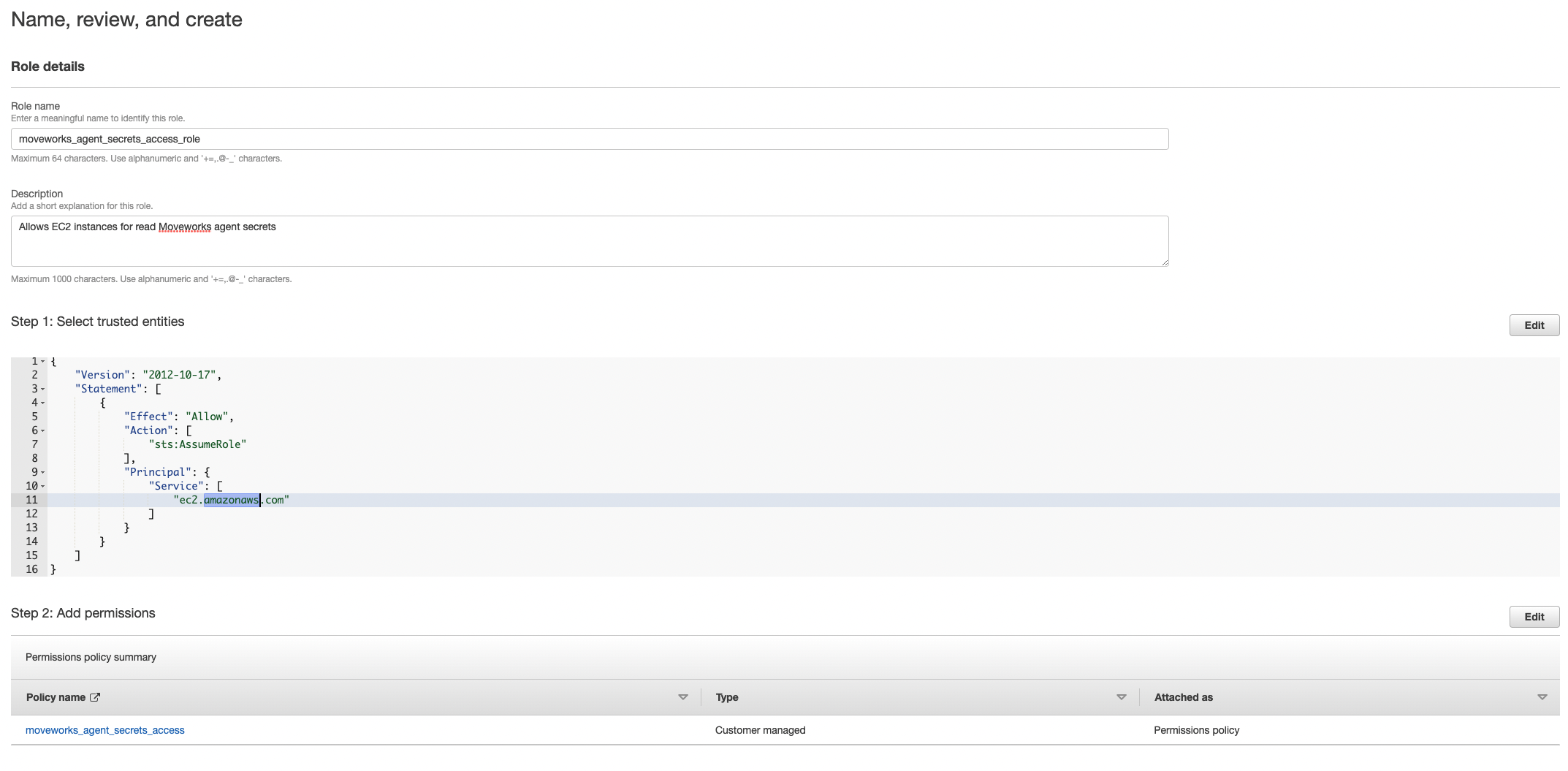
- Navigate to IAM → Roles → Create Role.
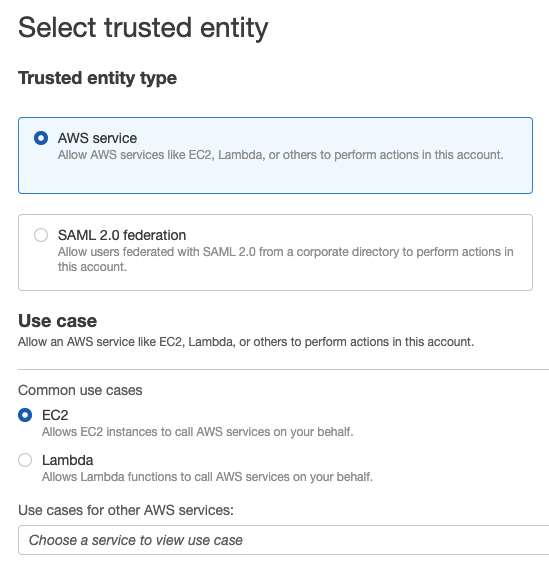
- Add the policy you just created. If you used cloud formation it should be named
moveworks_agent_secrets_access.
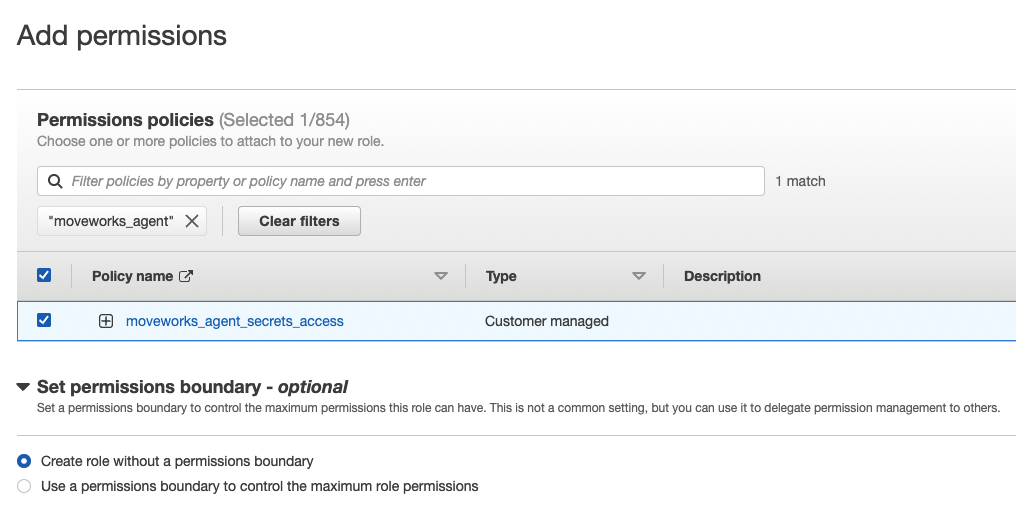
- Name, review, and create.
Create Inline policy for existing role
- Click on Create inline policy.
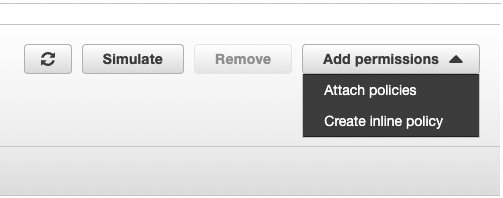
- Create policy.
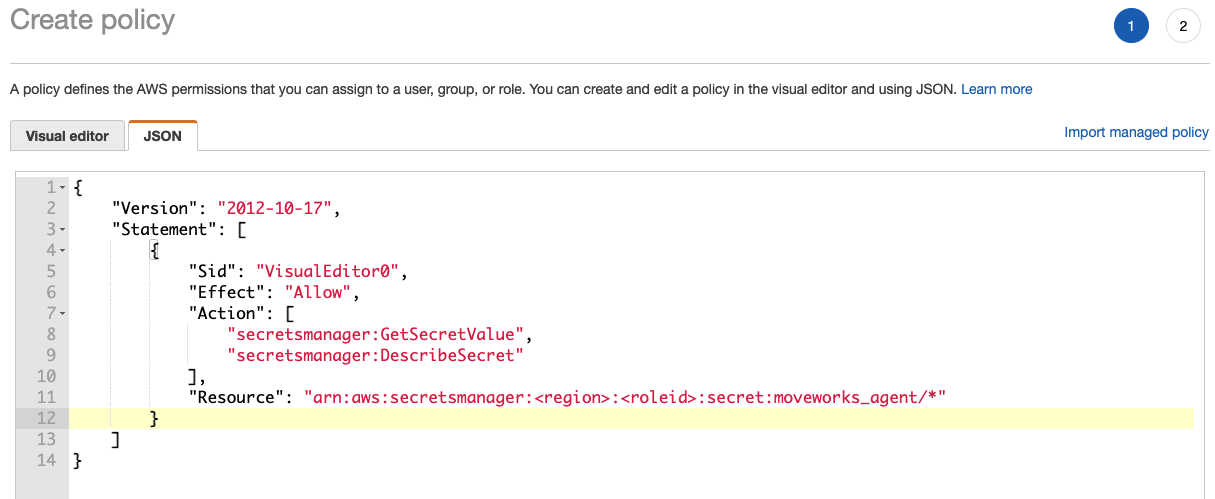
Sample inline policy
Add Secrets
- Navigate to AWS Secrets Manager → Secrets → Store a new secret.
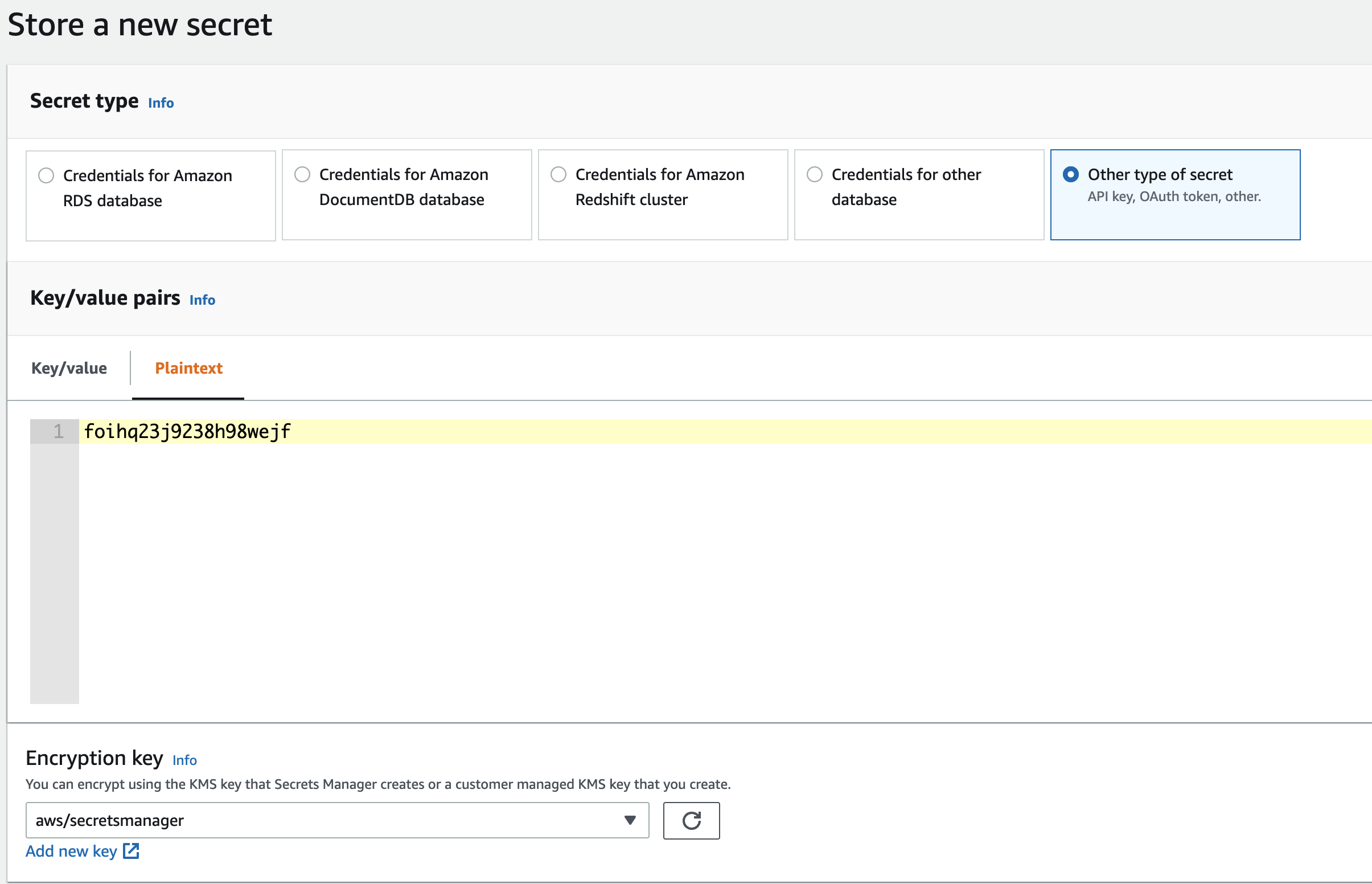
- Name your secrets consistently with the access policy. If the access policy grants resources to
moveworks_agent/*make sure the secrets are namedmoveworks_agent/<secret_name>. [The policy created by the provided cloud formation template grants access to secrets under pathmoveworks_agent/*]
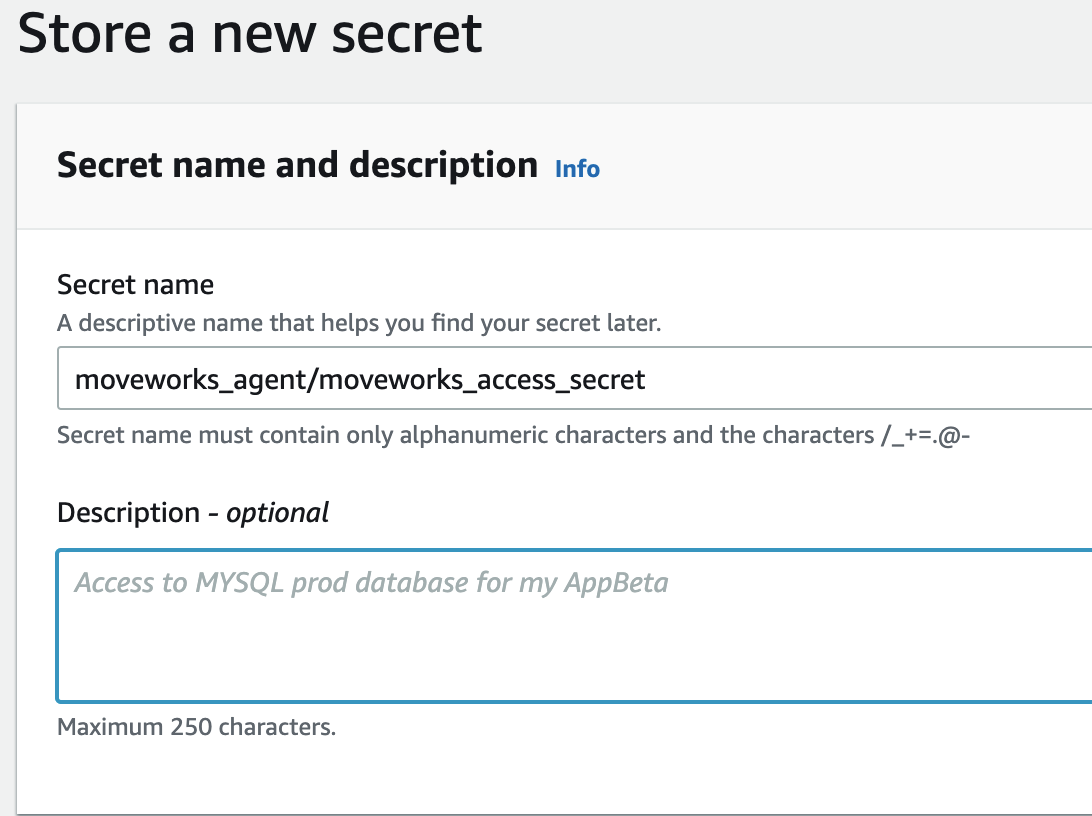
- Configure your desired rotation schedules and create the secret.
- Save the secret ARN for every secret you create.
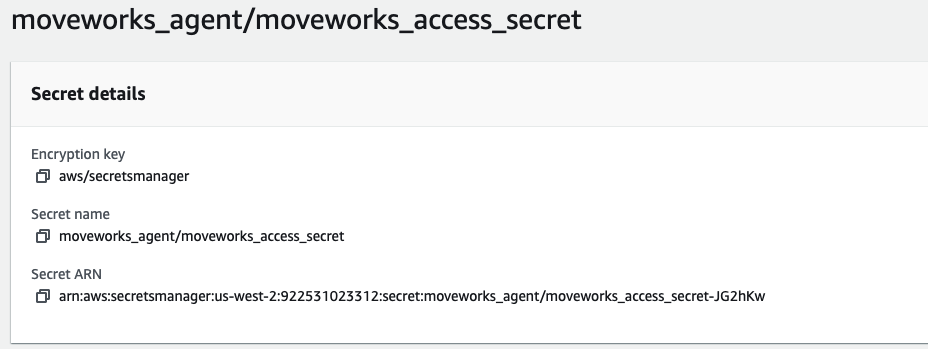
Some common secrets used by the Moveworks Agent. you may need more secrets for multiple LDAP domains or multiple REST integrations.- moveworks_access_secret
- ldap_service_password
- jira_password
Check for access
Check for access to the secrets you created on the agent vm.