Access and Login Guide
Moveworks Labs Okta
-
Open your preferred browser to https://labs.moveworks.com
-
Sign in using your assigned credentials
Example:first.last123@moveworkslabs.com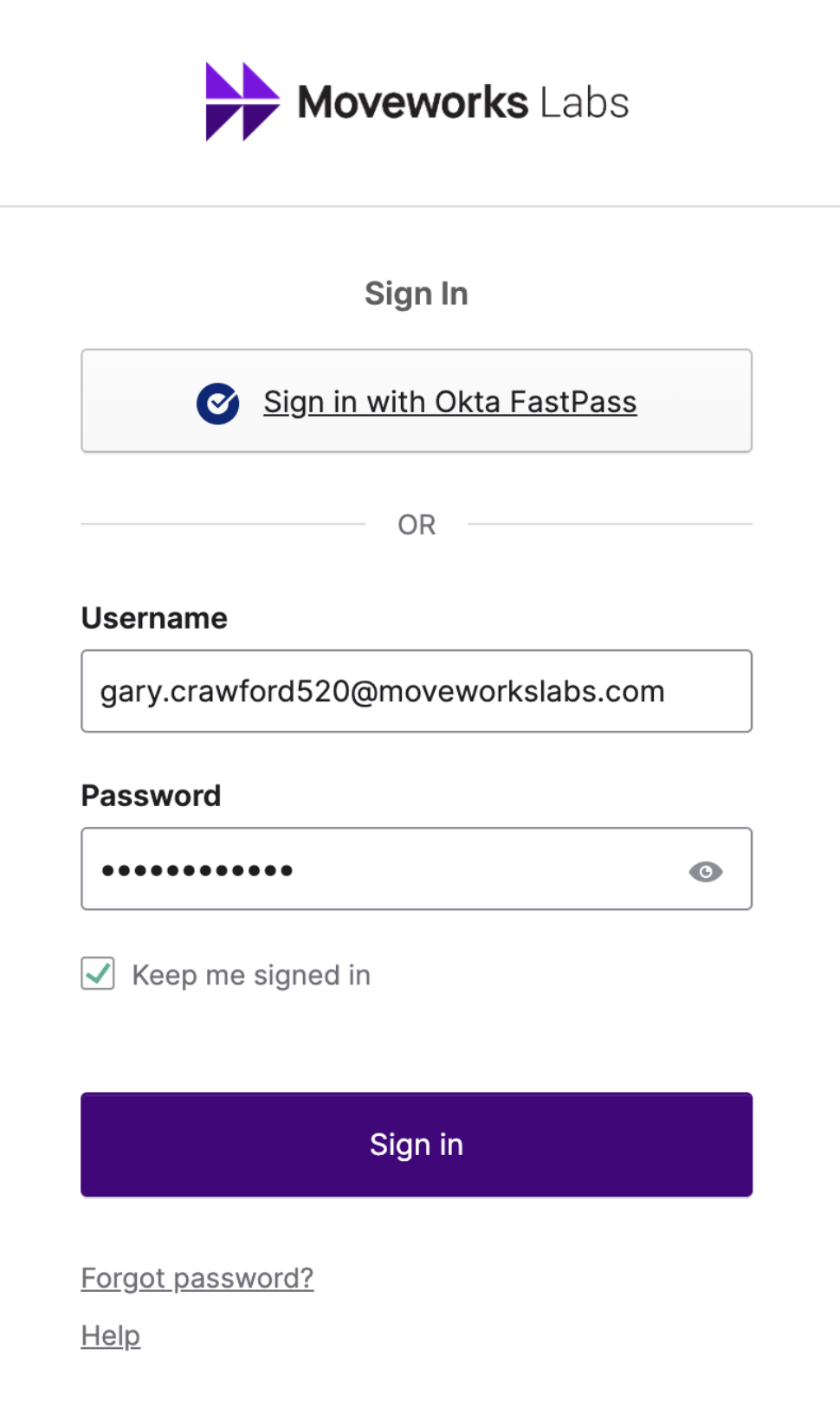
-
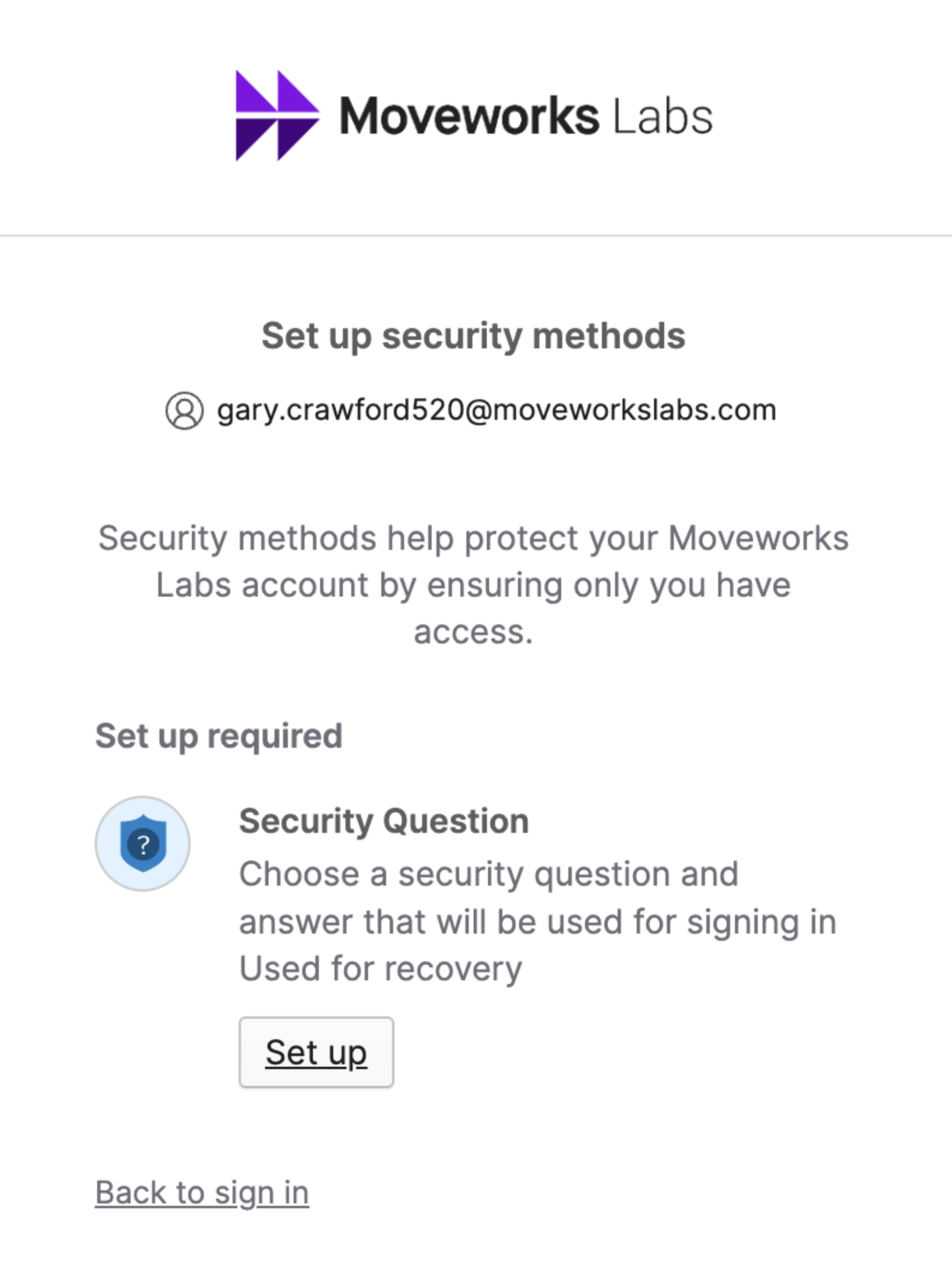
Setup a Security Question if you have not yet
-
Select Your Collaboration Platform of Microsoft Teams or Slack
-
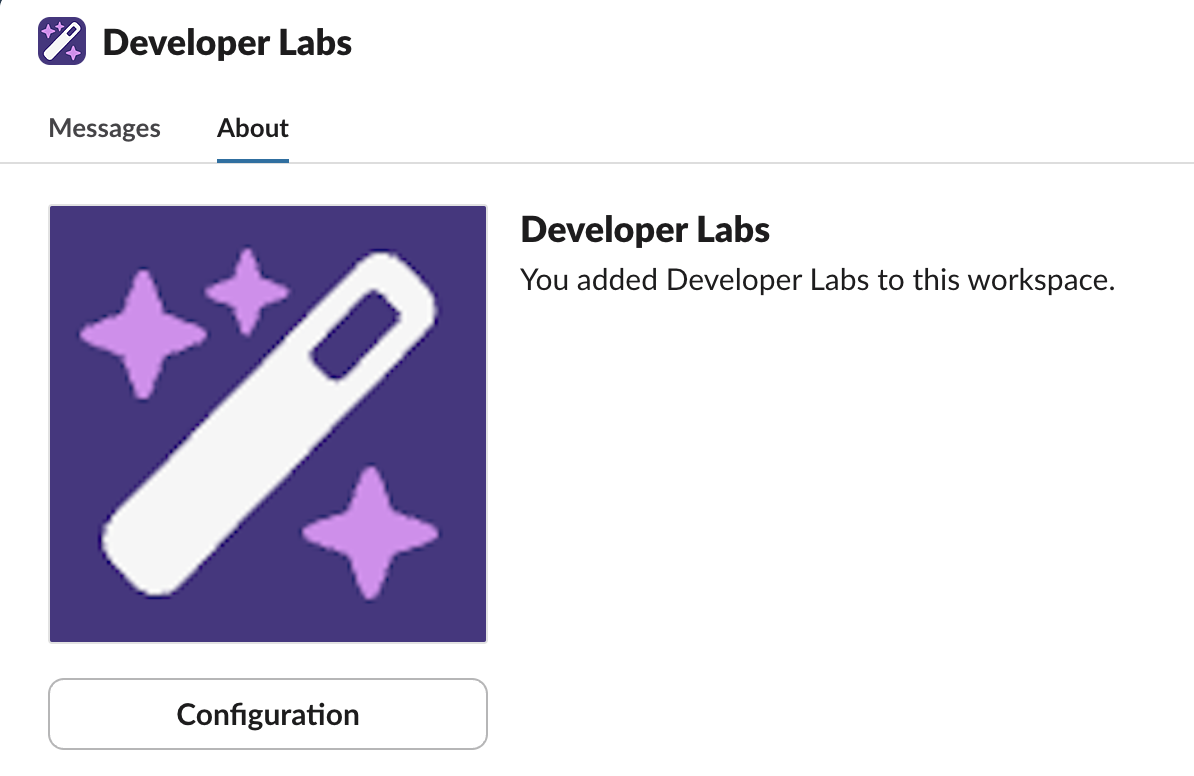
Add and/or Message the Developer Labs App

-
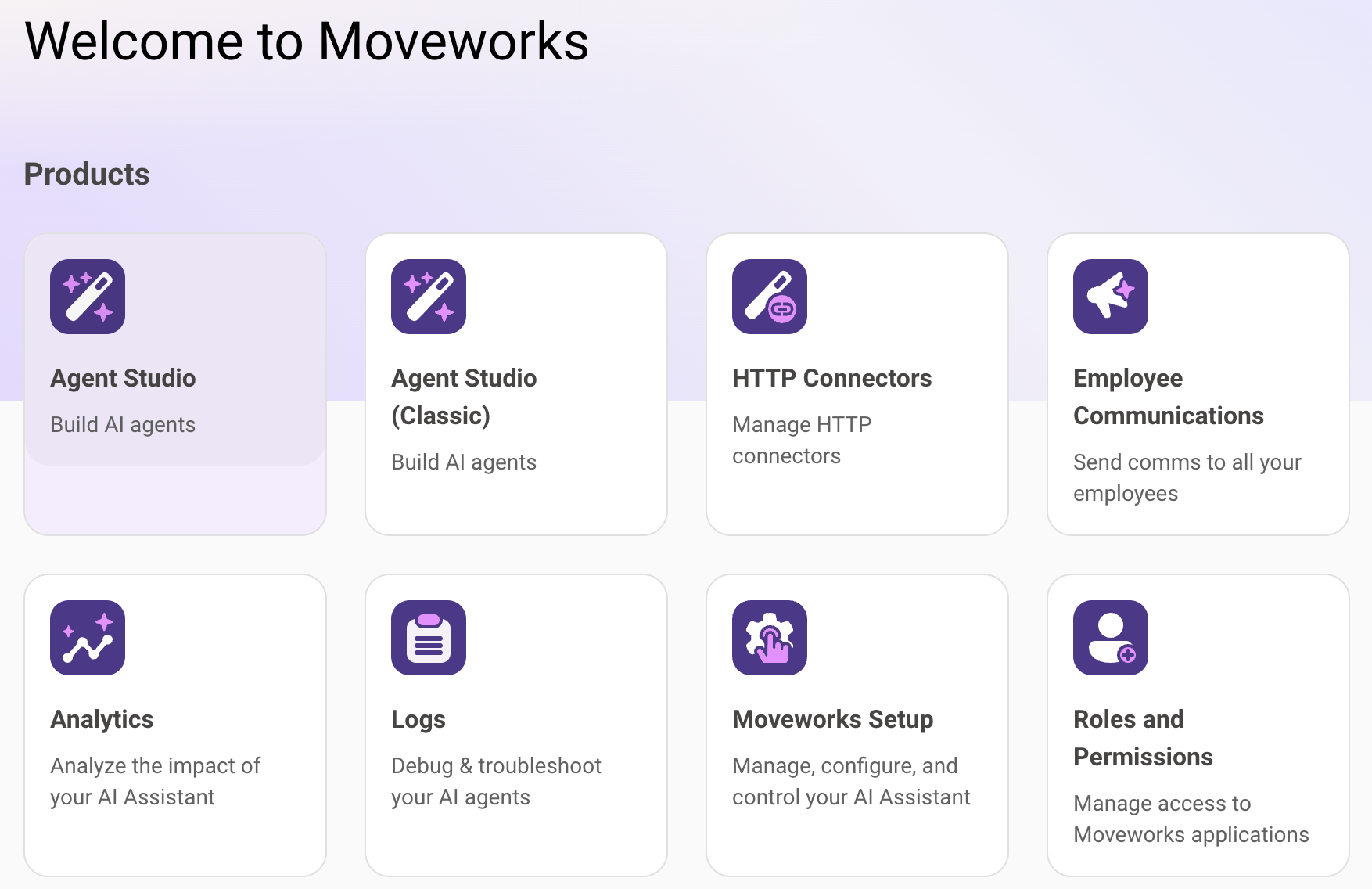
From labs.moveworks.com, click on the the tile called “Agent Studio (Developer Labs)”
-
You should now be logged into the Developer Console and it should look like this: