
MyMoveworks
MyMoveworks is your one-stop portal for accessing all your Moveworks products (including AI Assistant on Web), documentation, community, academy, and support.
Access MyMoveworks
📘 Prerequisite
Make sure your administrator has set up SSO for your organization.
You can log into MyMoveworks from any of the following sources:
- [Recommended] Your single-sign on (SSO) application homepage
- Your org’s login page (https://<org name>.moveworks.com)
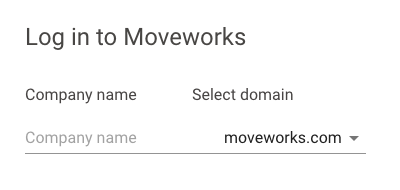
- https://my.moveworks.com/ - and typing in your company name OR entering your email.
🚧 Before using this method…
If you log in this way, make sure to check with your admin for your company login URL & data center.
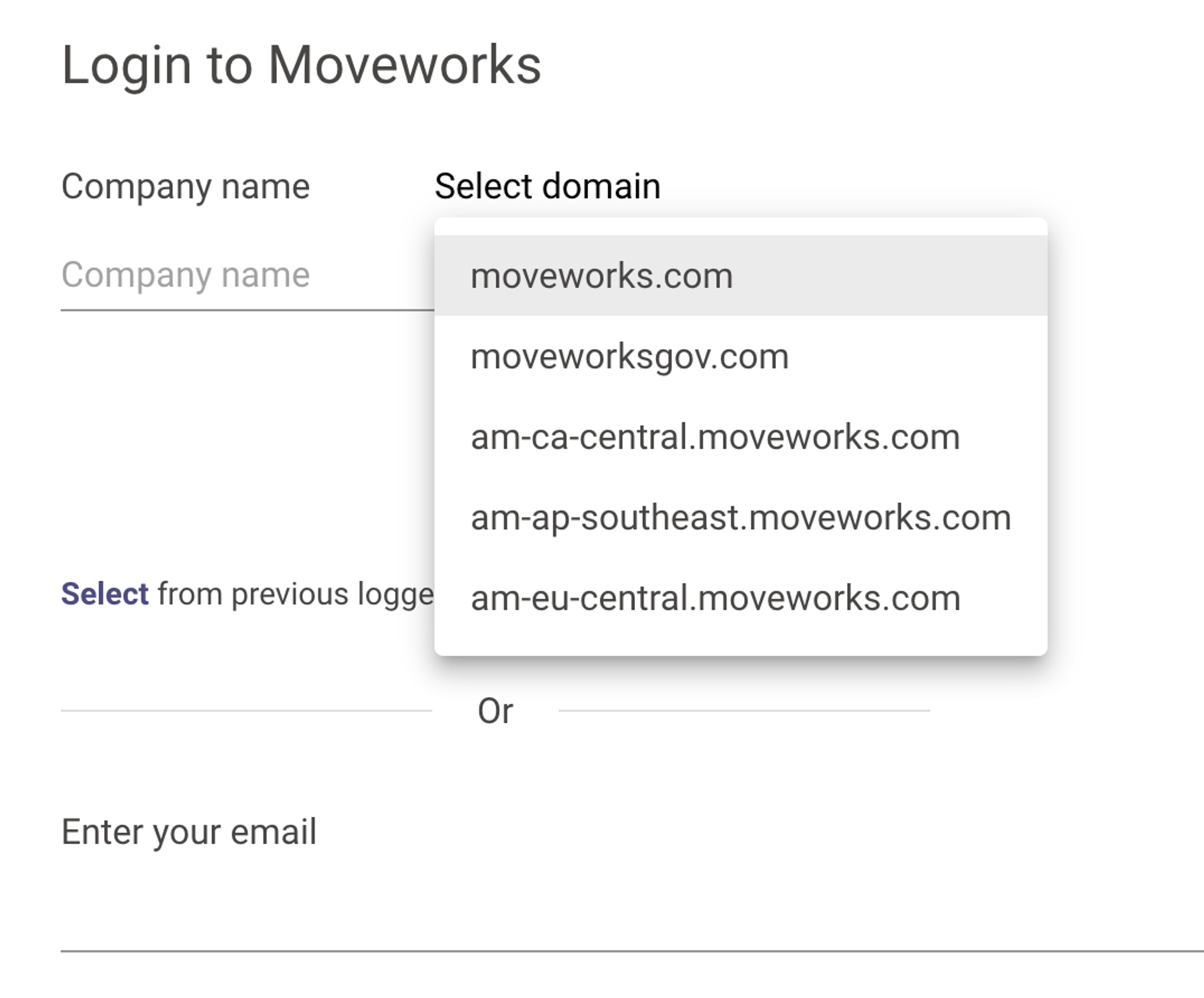
Even when you log in with email, you must select the right data center by using the **Select domain **dropdown.
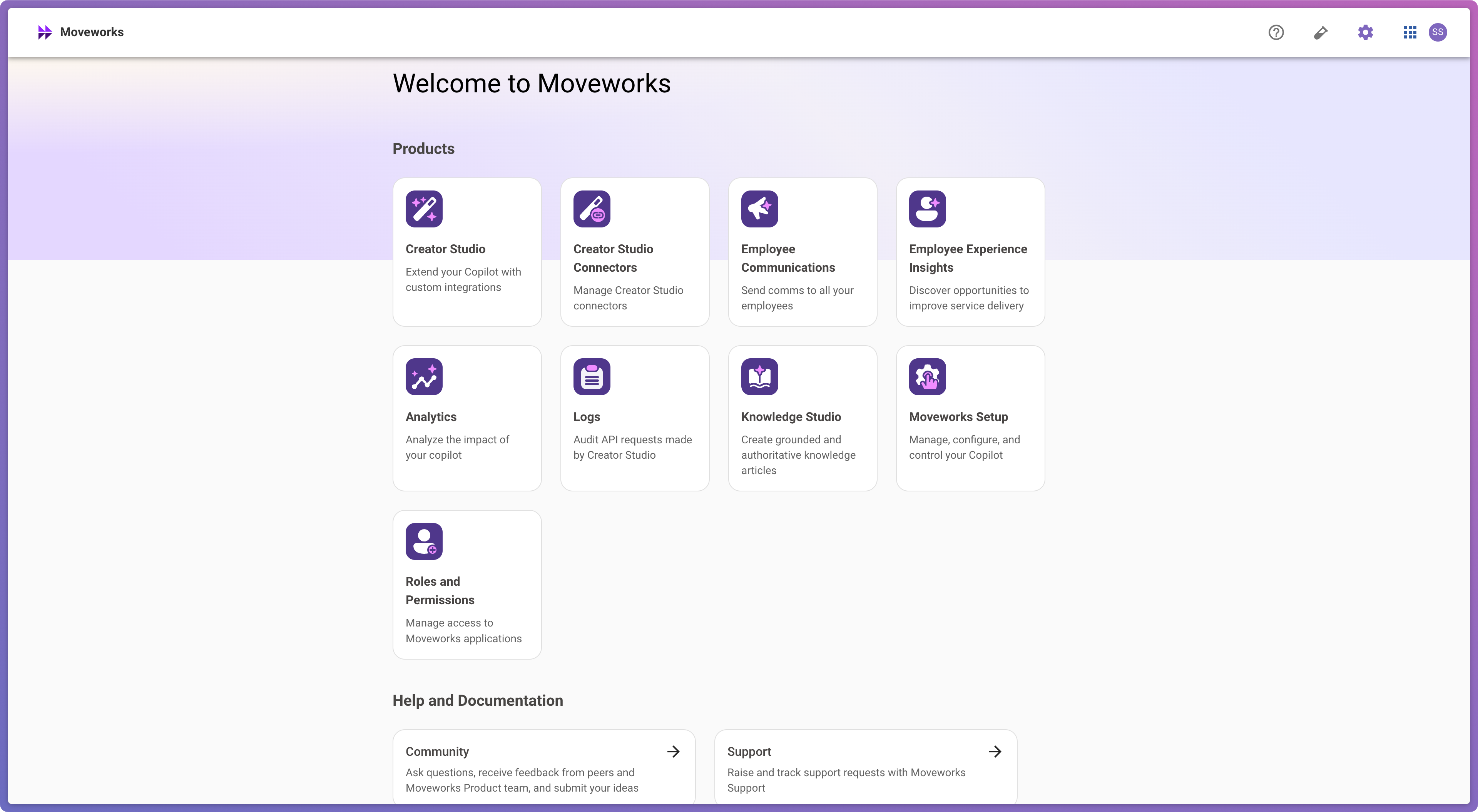
Once successfully logged in, you should see a homepage with all your licensed Moveworks applications. ✅
Troubleshooting
- Don’t see Moveworks in your list of SSO applications? Check that your SSO admin has enabled the application for you.
- Can’t log intohttps://my.moveworks.com with your email? Ensure your SSO admin has granted access to your desired email address.
- Can’t log intohttps://my.moveworks.com with your SSO admin? Ask your SSO admin to contact support to validate your SSO configuration with Moveworks.
FAQ
How long will I stay logged in?
By default, My Moveworks stays logged in for a period of 2 weeks. You can configure this “session lifetime” in both Okta and Microsoft Entra (Azure AD) to match your organization’s security policy.
Can I log out?
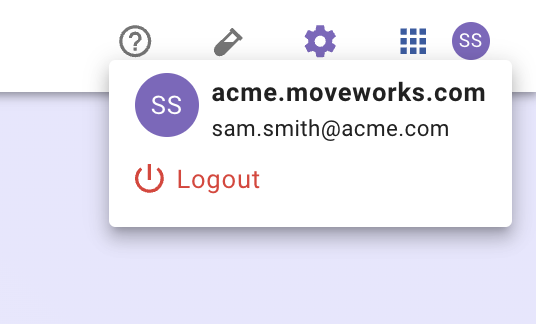
Yes – click on your user avatar > and click “Logout”
Can I share a login URL that only targets specific data centers?
Yes. Our default (https://my.moveworks.com) lets the user pick the data center they want to use. You can also access pages which are only for specific data centers.