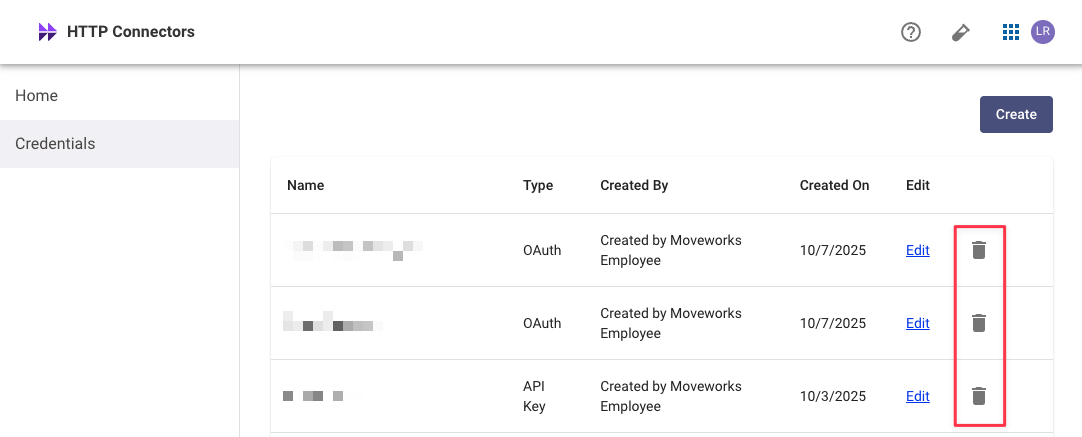
API Credentials
Create an API Credential
Configure your credential
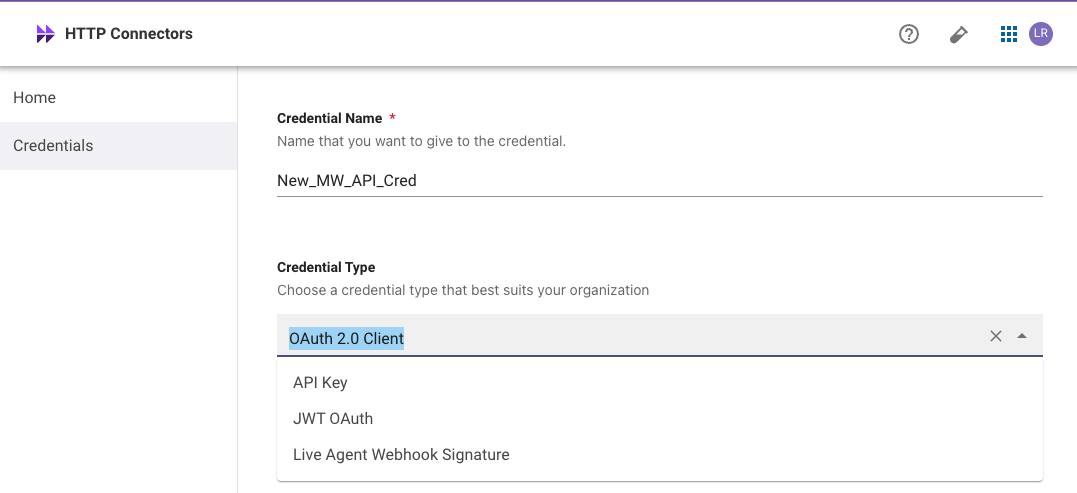
Provide a Credential Name and choose a Credential Type:
- OAuth 2.0 w/ Client Credentials (Recommended) — can be used to generate access tokens via the OAuth Token endpoint
- API Keys — can be tested via the Test Auth endpoint
Credentials Best Practices
- Credentials are never written to disk or stored in any way. They can only be viewed in plain text once on the Credentials screen. Only the hash of the credential is stored.
- When an account is deactivated or deleted, any associated API keys will stop working.
- Moveworks recommends generating API keys using a dedicated service account rather than an individual employee’s user account. Using a service account enhances security by creating a stable, auditable identity for the integration that is not tied to a person’s employment status.
Token Expiry Details
Rotation & Revocation
In the event that your credential is exposed or leaked, follow this process for token rotation: