
AI Agent Hackathon & Access Guide
1. Welcome & Submission
Build an AI Agent today, end-to-end. Follow the steps below, then submit your agent before the deadline. See submission link below.
- Submission deadline: 5:30 PM (local time)
- Where to get help: Ask any Moveworks staffer on the floor or post in #ai-agent-hackathon-support-sf.
2. Moveworks Access
- If you’re a customer, use your production or sandbox org. The Tool Studio features you need are already turned on for hackathon orgs.
- If you’re a prospect, use the Moveworks Labs org provided at check-in. See Moveworks Labs Details for Prospects below on the sign-in process
Moveworks Labs Details for Prospects
-
Open your preferred browser to https://labs.moveworks.com
-
Sign in using your assigned credentials Example:
first.last123@moveworkslabs.com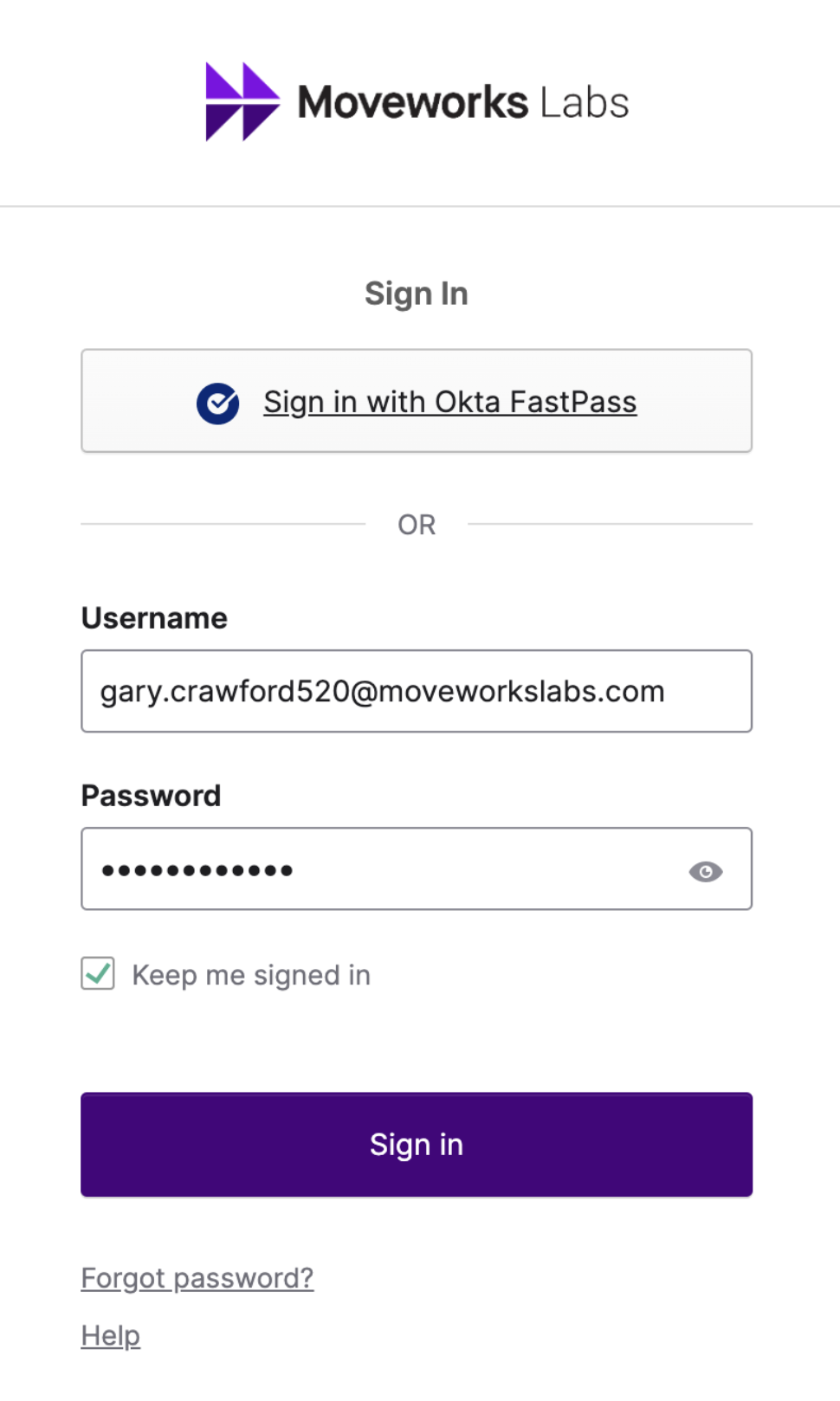
-
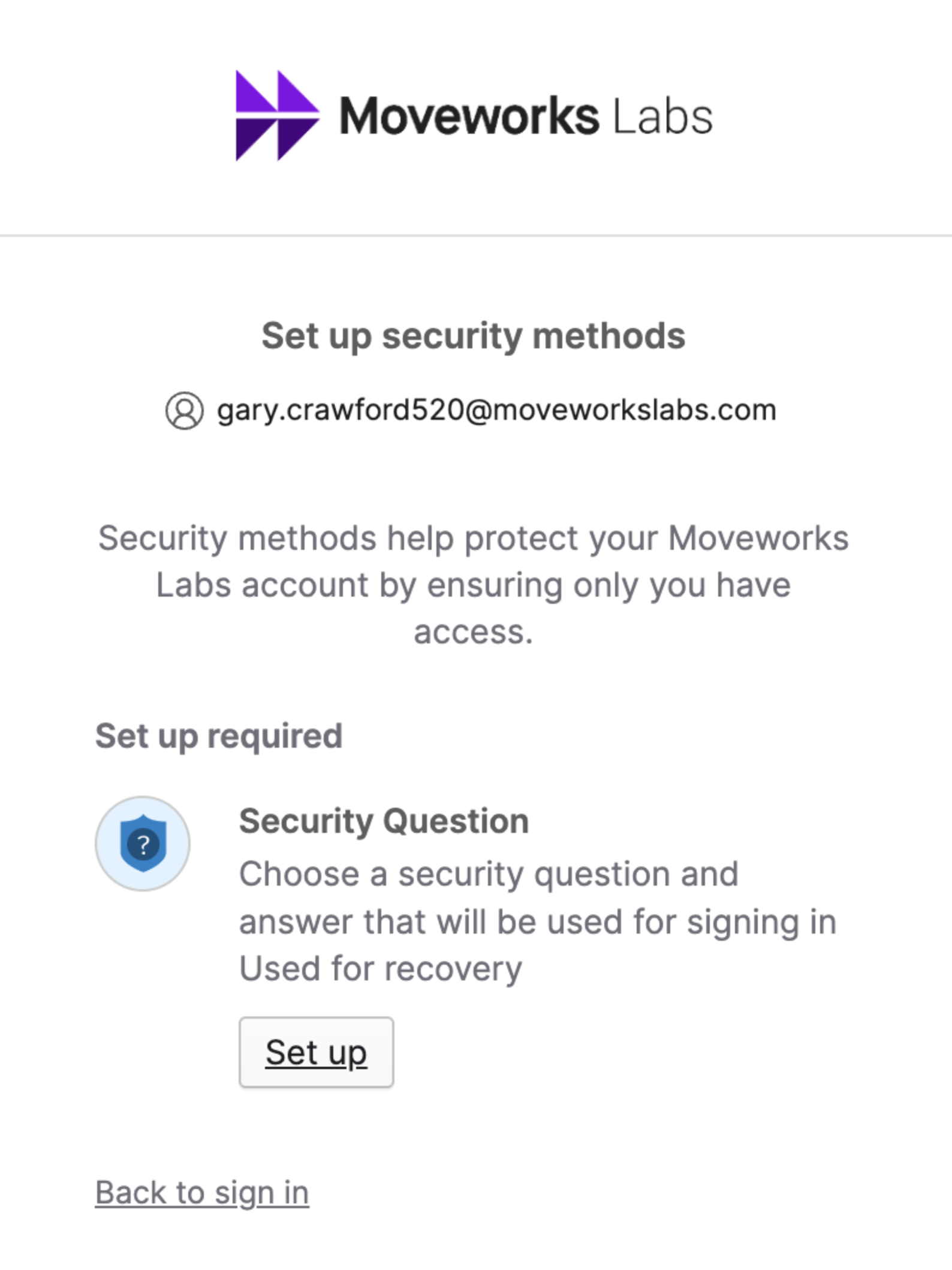
Setup a Security Question if you have not yet
-
Select Your Collaboration Platform of Microsoft Teams or Slack
-
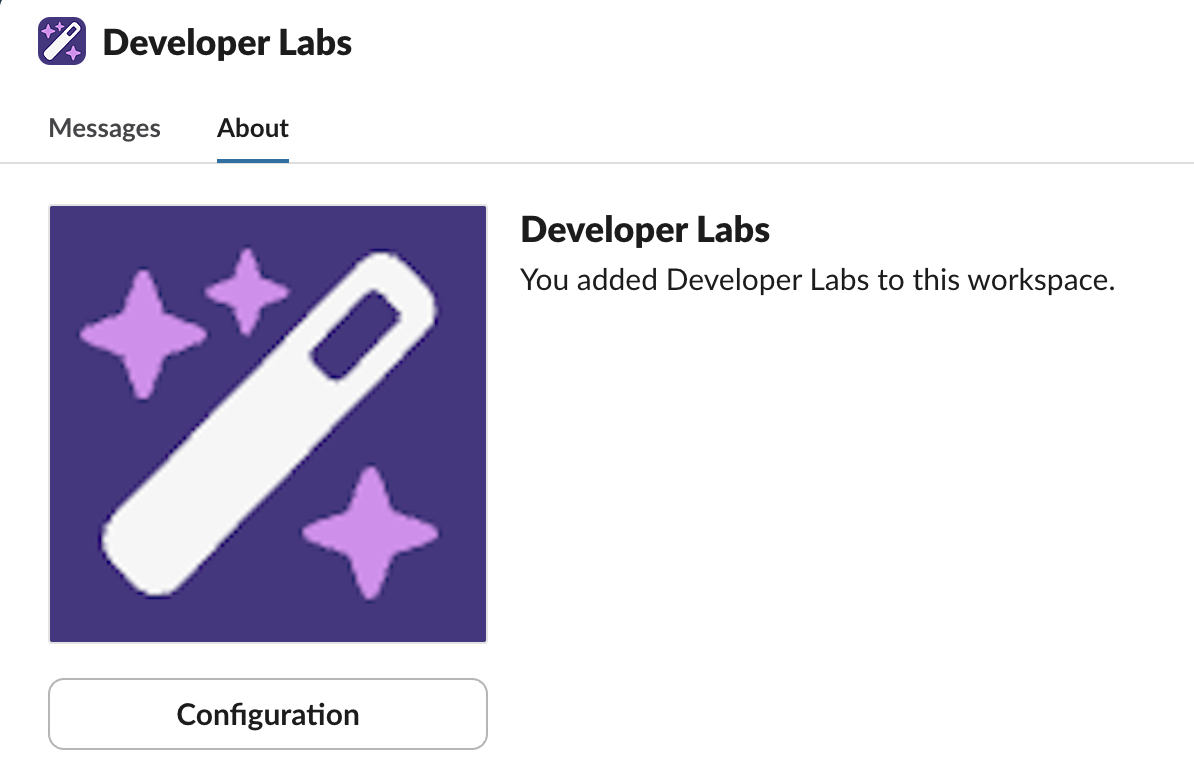
Add and/or Message the Developer Labs App

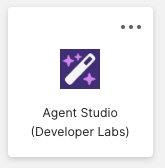
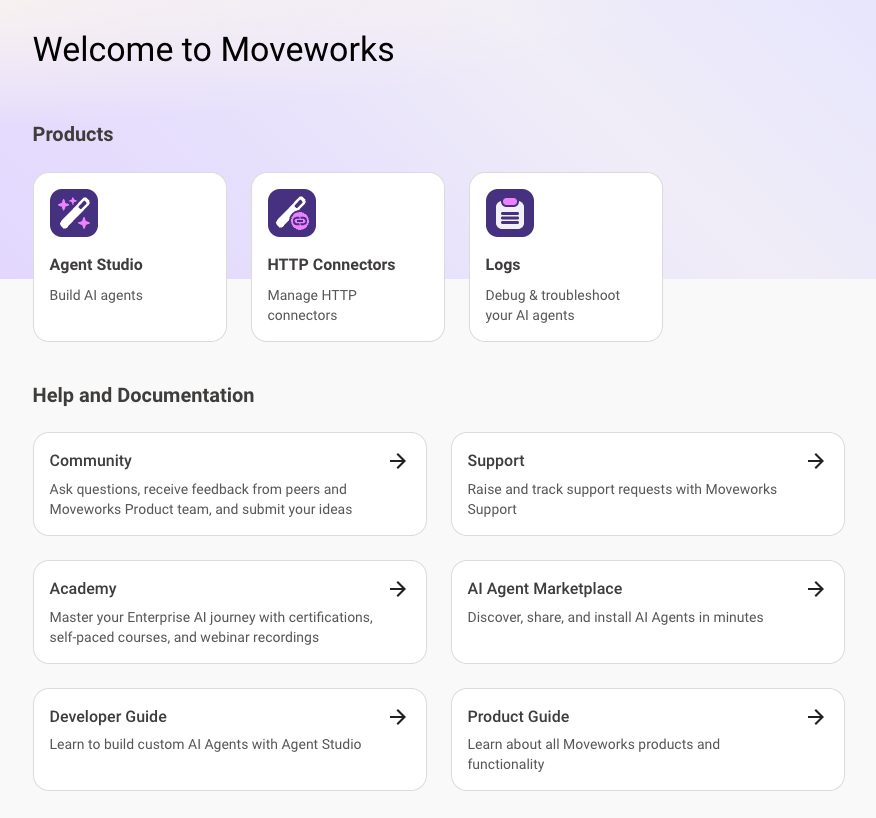
- From labs.moveworks.com, click on the tile called “Agent Studio (Developer Labs)” (now Tool Studio)
- You should now be logged into the Developer Console and it should look like this:
3. Your Build Path
- Quickstart #5: Notification Ambient Agent
- Build a simple webhook → notify flow with one actionable button.
- Optionally, you can continue with the quickstart guides to build your knowledge:
- Quickstart #6: Expense Approval Ambient Agent
- Add buttons, capture input, and complete an approval loop.
- Quickstart #7: Scheduled Trigger Ambient Agent
- Build simple and powerful analysis notifications
- Quickstart #6: Expense Approval Ambient Agent
- Build your own Ambient Agent use case. Examples to consider:
- IT: auto-triage high-priority tickets; notify owners with “Approve / Assign / Snooze”
- Finance: expense policy check + flag high-risk line items for review
- HR: open-enrollment reminders with “Enroll / Ask a question”
Chat with our ✨ new ToolSmith ✨ to help design, build and debug your agent use cases in Tool Studio.
Resources
- Use Purple API to simulate real webhook payloads fast: /agent-studio/quickstart-guides/purple-api-tool#/
- Use LLM Actions to classify, extract, or summarize: /tool-studio/actions/llm-actions#/
Helpful Links
- Ambient Agents overview: /agent-studio/core-concepts/ambient-agents/overview#/
- Notify expression:/tool-studio/actions/compound-actions/notify#/
- LLM Actions: /tool-studio/actions/llm-actions#/
- Logs & Troubleshooting: /tool-studio/system-triggers/webhook-logs-troubleshooting-guide#/
4. Submit Your Agent for Judging
- Submit here: Typeform link
- Due: 5:30 PM (local time)
- Some things you’ll need to include:
- Agent name
- Team members (names + emails)
- What your agent does (problem, systems, value)
- Why you built it
- Demo video link (2-5 minutes; Loom/YouTube). Or upload.
- Judging
- Criteria: Innovation, Impact, Execution (+ bonus for Ambient Agent alignment)
- Awards: 1 grand prize, 2 honorable mentions announced at the reception
- You may submit multiple agents, but a team can only win once.
Troubleshooting FAQ
I don’t see the Tool Studio App
Reach out to someone with a white lanyard. They will help you enable the app.
I clicked on the Tool Studio App but the page is blank
Try turning off all VPNs on your device & refreshing the page. If this continues to not work, reach out to someone with a white lanyard (sitting on the sides of the room & table 17)