Control Flow
Overview
Control Flow blocks in the Conversation Process enable developers to define the logic and decision-making processes for conversational plugins. These blocks work alongside Activities to create workflows that mirror business processes.
Conversation Process Decision Policy
What is a Decision Policy?
A Conversation Process Decision Policy executes a set of process blocks based on whether a condition, defined using a DSL expression, evaluates to true. It emulates human decision-making by directing the AI agent’s workflow according to predefined rules.
Use Case Example
For a flight booking plugin, your organization may require:
- If the flight is booked ≥ 7 days in advance: The Assistant books the flight directly.
- If booked < 7 days in advance: The Assistant collects approval from a manager before booking.
- If booked < 3 days in advance: The Assistant instructs the user to book with a personal card and submit a reimbursement request.
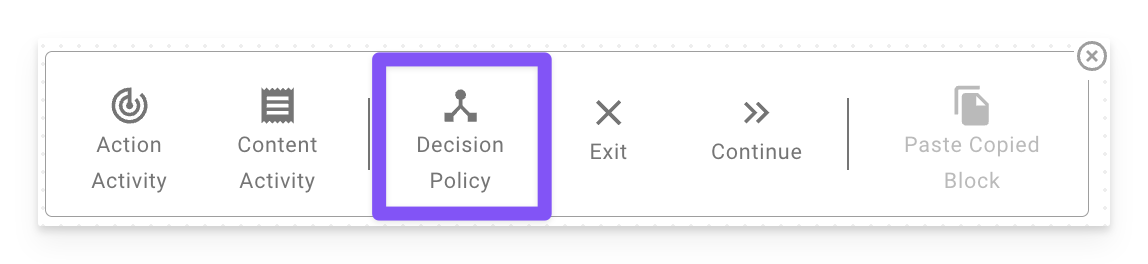
Pattern: Action → Decision Policy → Branch
The most common workflow in a conversation process is call an API, branch on its result. The pieces exist (Action Activities, Decision Policies, the data bank) but they compose in a specific order that isn’t always obvious:
- An Action Activity calls an API and stores the result in the data bank via its Output Mapping.
- The Decision Policy evaluates DSL against that stored data.
- Each case branches the process into the right path.
Put differently — the API call runs first, as its own activity. The Decision Policy only reads data that’s already in the data bank. You cannot put an API call inside a Decision Policy condition.
Worked example: room booking
Given an HTTP action check_room_availability that returns {"available": true, "alternatives": [...]}, the conversation process is wired up as:
Step 1 — Action Activity
Step 2 — Decision Policy
Step 3 — Branch steps
- Case 1 path: Action Activity that books the room.
- Case 2 path: Content Activity that surfaces
data.availability_check.alternativesto the user.
Decision Policy DSL reads from the data bank key you set in Output Mapping — for example data.availability_check.available — not the HTTP response’s raw JSON path. If your condition references the wrong key, it silently evaluates to null and no case matches.
Anatomy of a Decision Policy
Required Slots
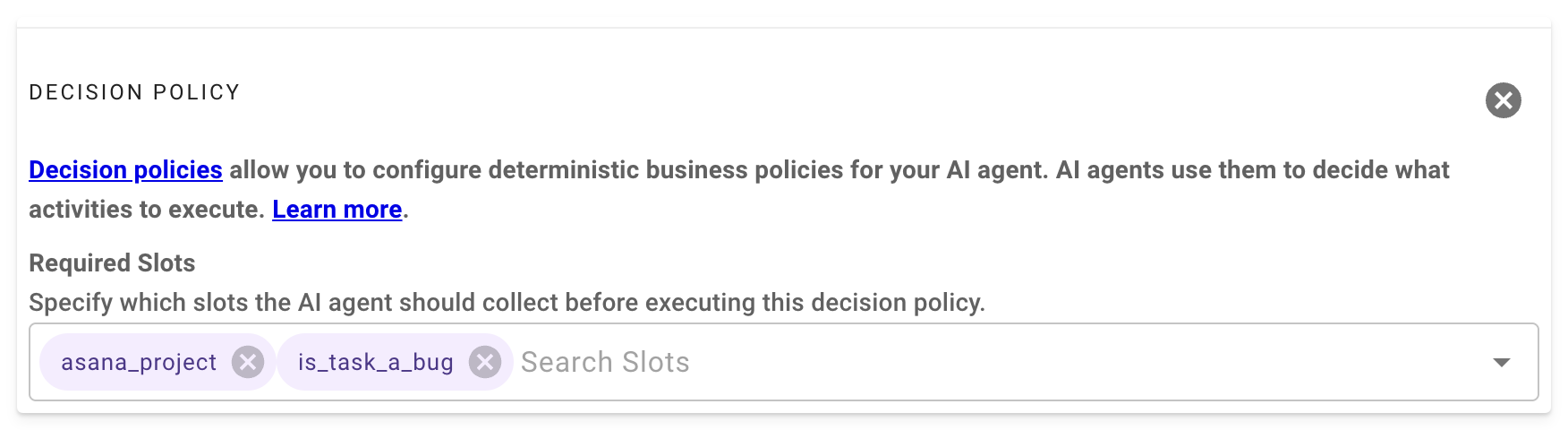
Specify the slots that must be collected before evaluating the decision policy. These ensure the AI has the necessary data to make informed decisions.
Cases
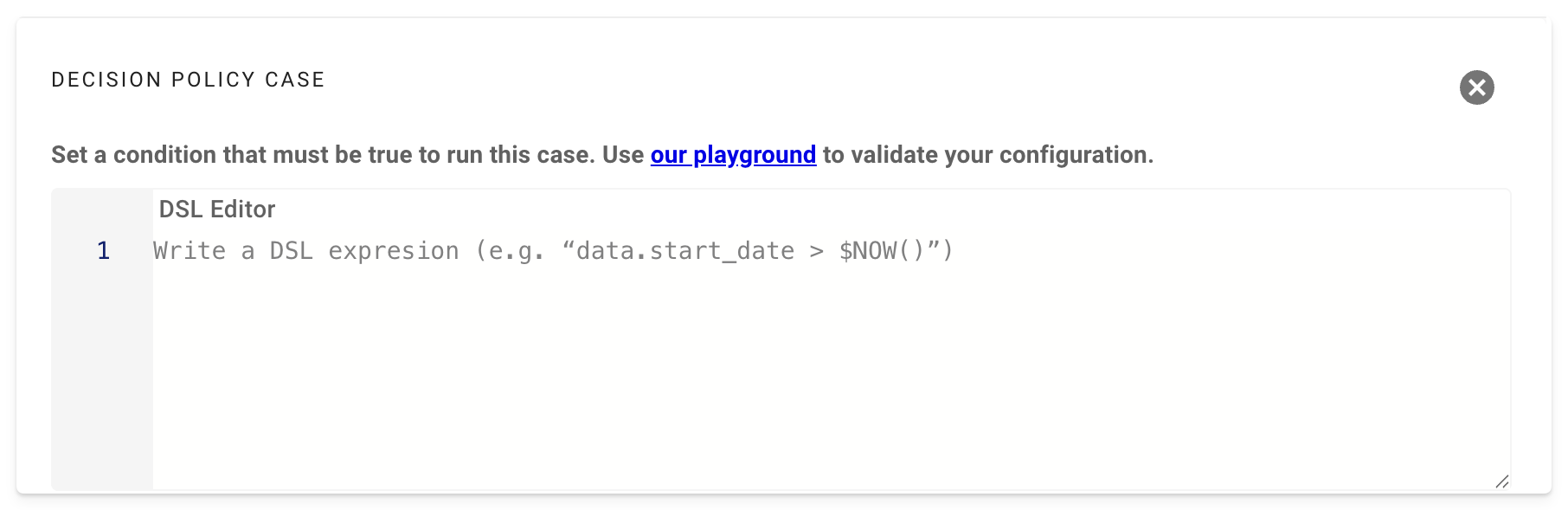
Each case defines a condition using a DSL expression. If the condition evaluates to true, the associated process blocks are executed.
Example: Referencing Slot Values
To evaluate a slot named asana_project, use the following DSL syntax:
This checks if the asana_project slot equals “ProjectX” and directs the workflow accordingly.
Example: Flight Booking Policy
Default
The Default branch defines the process blocks to execute if none of the case conditions evaluate to true. This ensures the process always has a fallback path.
Example: Default Branch
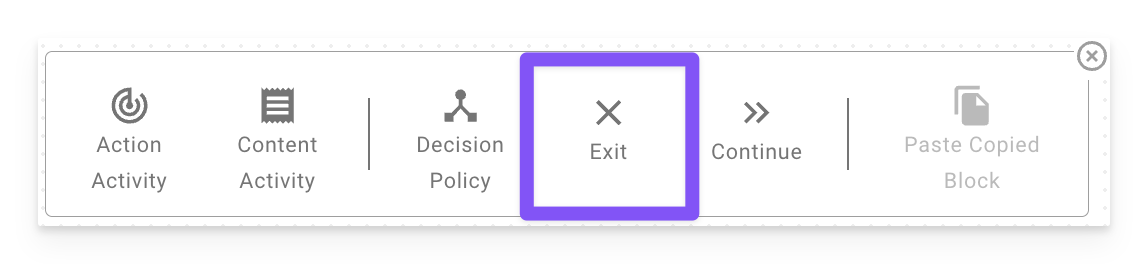
Exit Block
The Exit Block terminates the entire plugin execution immediately. It is used to stop the workflow when a specific condition is met, preventing further processing.
Use Case: Use an Exit Block in a decision policy branch to halt the plugin, such as when an invalid input is detected or a process cannot proceed.
Continue Block
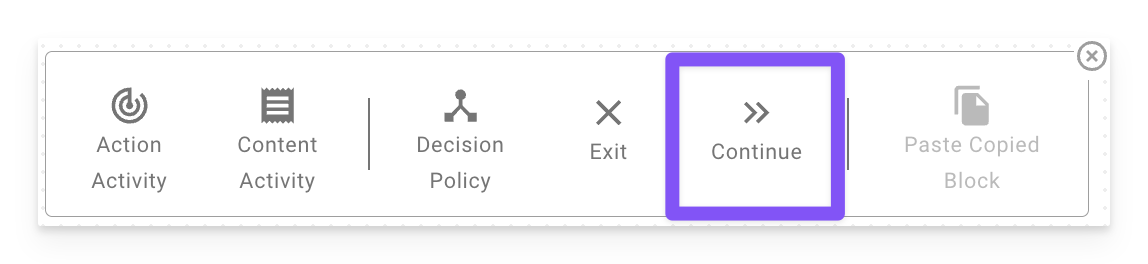
The Continue Block allows the plugin to proceed to the next process block in the conversation process, continuing execution without interruption. It is useful in decision policy branches where you want the plugin to move forward with subsequent actions rather than stopping.
Use Case: Use a Continue Block in a decision policy branch to ensure the plugin continues processing after handling a specific condition, such as logging an event before proceeding.