For AI agents: a documentation index is available at the root level at /llms.txt and /llms-full.txt. Append /llms.txt to any URL for a page-level index, or .md for the markdown version of any page.
Logo
DeveloperAcademyCommunityStatus
ReferenceGuides
ReferenceGuides
  • Agent Studio
    • Overview
    • Quickstart Guides
    • Core Concepts
    • Conversation Process
      • Slots
      • Resolver Strategies
      • Activities
      • Control Flow
      • Conversation Process Data Bank
      • Conversation Timeouts
    • Actions
    • Connectors
    • System Triggers
    • Agent Architect
    • Cookbooks
    • Development and Testing
    • AI Agent Marketplace
    • Developer Tools
  • Agentic AI
    • LLM Fundamentals
    • The Agentic Reasoning Engine
    • Memory Constructs
    • Conversational Context
    • Guardrails
    • Grounding and Hallucinations
    • Continuous Learning
    • LLMs & SLMs
    • Steerability Tools
    • Multilingual Support
  • Core Platform
    • User Identity
    • Moveworks Agent (On-Prem)
    • Approvals Engine
    • Entity Catalog
    • Moveworks Data Objects
    • Security Information and Event Management (SIEM) Logs Overview
DeveloperAcademyCommunityStatus
On this page
  • data.<slot_name>
  • data.<output_key>
  • response
  • meta_info.user
  • value
Agent StudioConversation Process

Conversation Process Data Bank

How you can reference slots & outputs of activities.

||View as Markdown|
Was this page helpful?
Edit this page
Previous

Conversation Timeouts

Next
Built with

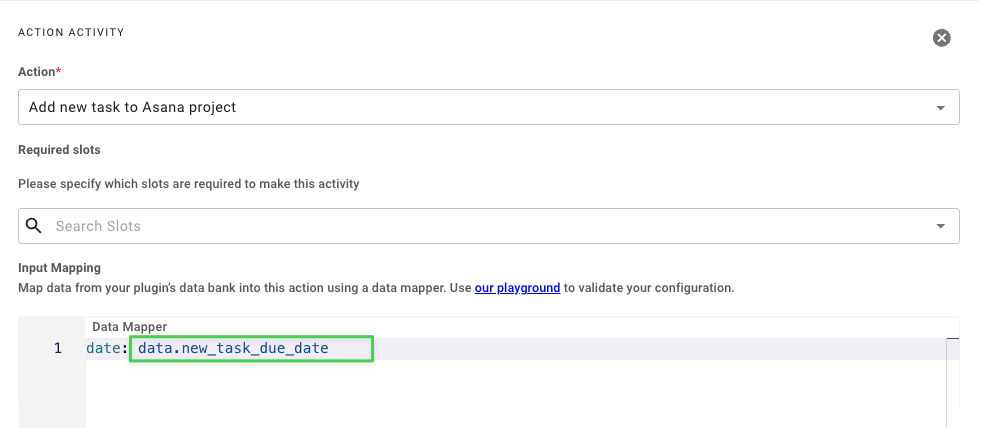
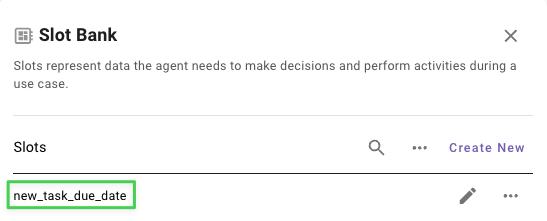
data.<slot_name>

You can reference slots in your Activities with the notation data.<slot_name>

Example:
data.<output_key>

You can reference the outputs of Activities with the notation data.<output_key>

Example:

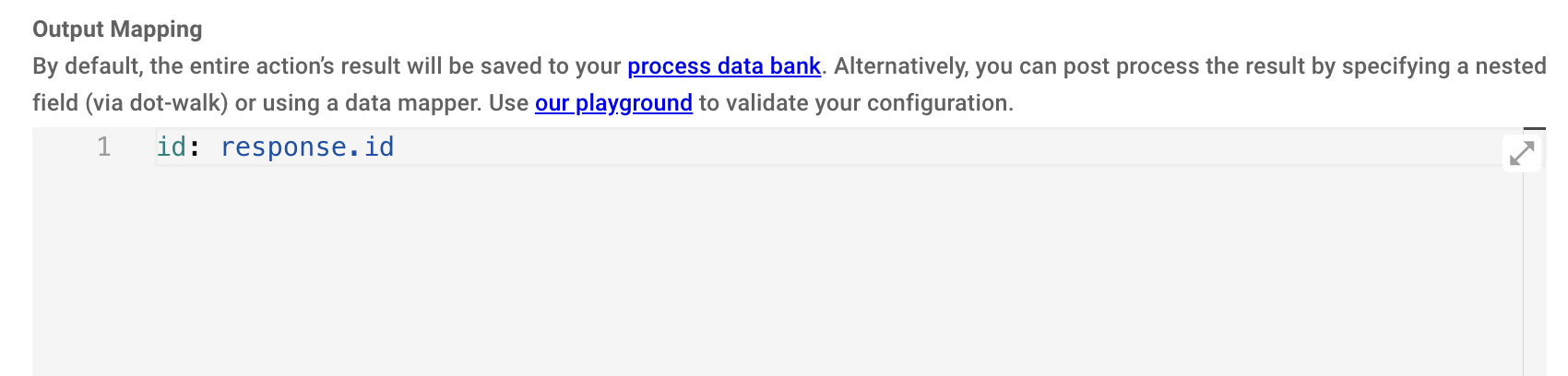
response

You can reference the output of an action in the output mapper with the response key.
meta_info.user

You can reference user attributes about the current user (ie. the user that triggered the plugin) with the notation meta_info.user

See User Attributes Reference for examples.


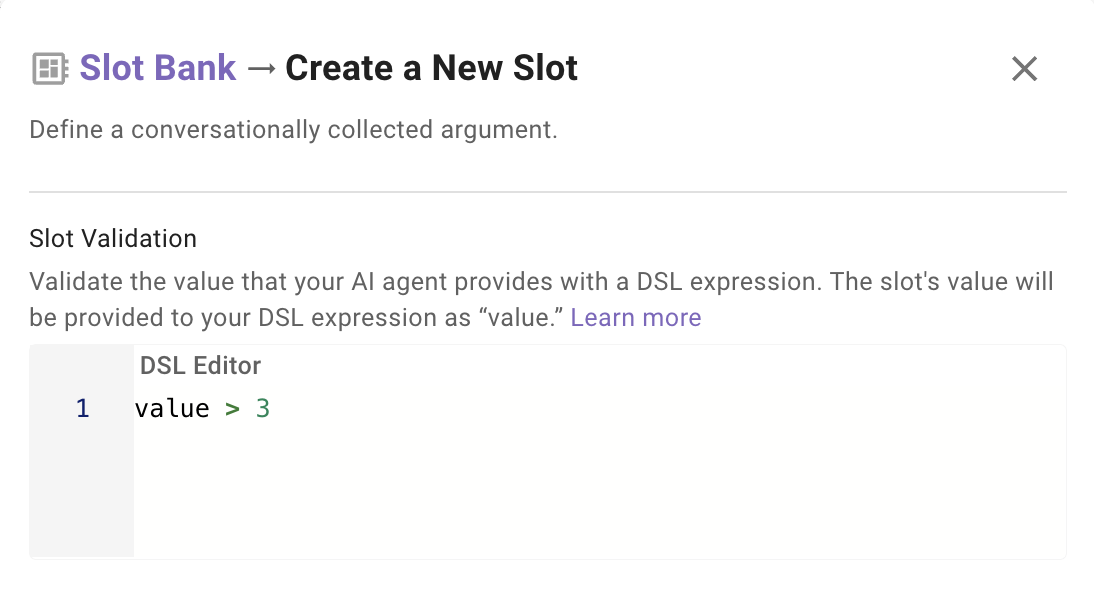
value

Only applicable to the Slot Validation Policy on the Slot config.

You can reference the current slot value when create a validation policy using the keyword value