For AI agents: a documentation index is available at the root level at /llms.txt and /llms-full.txt. Append /llms.txt to any URL for a page-level index, or .md for the markdown version of any page.
Logo
DeveloperAcademyCommunityStatus
ReferenceGuides
ReferenceGuides
  • Agent Studio
    • Overview
    • Quickstart Guides
    • Core Concepts
    • Conversation Process
    • Actions
      • LLM Actions
      • Built-in Actions
      • HTTP Actions
      • Script Actions
      • Compound Actions
        • Action
        • Switch
        • For Loop
        • Parallel
        • Return
        • Try Catch and Raise Error
        • Notify
        • Input Arguments
        • Progress Updates
        • Compound Action Patterns
        • Compound Action Data Bank
        • Compound Action Examples
        • Troubleshooting Compound Actions
    • Connectors
    • System Triggers
    • Agent Architect
    • Cookbooks
    • Development and Testing
    • AI Agent Marketplace
    • Developer Tools
  • Agentic AI
    • LLM Fundamentals
    • The Agentic Reasoning Engine
    • Memory Constructs
    • Conversational Context
    • Guardrails
    • Grounding and Hallucinations
    • Continuous Learning
    • LLMs & SLMs
    • Steerability Tools
    • Multilingual Support
  • Core Platform
    • User Identity
    • Moveworks Agent (On-Prem)
    • Approvals Engine
    • Entity Catalog
    • Moveworks Data Objects
    • Security Information and Event Management (SIEM) Logs Overview
DeveloperAcademyCommunityStatus
On this page
  • Multi-line inputs
  • DSL Escaping
  • Missing fields from an HTTP Action
Agent StudioActionsCompound Actions

Troubleshooting Compound Actions

||View as Markdown|
Was this page helpful?
Edit this page
Previous

Connectors

Next
Built with

When saving your compound action, you might get a compilation error. This guide covers common mistakes

Multi-line inputs

When writing script actions, you may want to use multiple lines. The full compound action gets parsed as YAML, so make sure you add a vertical bar and then write your code normally.

script:
code: |
a = 1
b = 2
a + b

DSL Escaping

In our Data Mapper language, every input gets parsed as a DSL string. So numeric and boolean constants need to be quoted as follows

integer_value: '2'
decimal_value: '12.34'
boolean_value: 'true'

Additionally, because we use YAML as the authoring language we have to write constants to circumvent built-in yaml syntax. This means you need an extra set of quotes surrounding string/list/object constants

string_value: '"abc"'
list_value: '[1, 2, 3, "abc"}'
object_value: '{"a": "b", "c": 123}'

If you don’t like managing those quotes yaml also makes it pretty easy to do this outer wrapping using the block quote syntax

string_value: >
"abc"
list_value: >
[1, 2, 3, "abc"]
object_value: >
{"a": "b", "c": 123}

Missing fields from an HTTP Action

If you have fields from an HTTP Action response that are missing in when the action is referenced in the compound action or from the bot’s response.

This may occur due to the action filtering values based on it’s action schema. To resolve this, ensure that all of the fields from the actions response are referenced in the output schema. To do this:

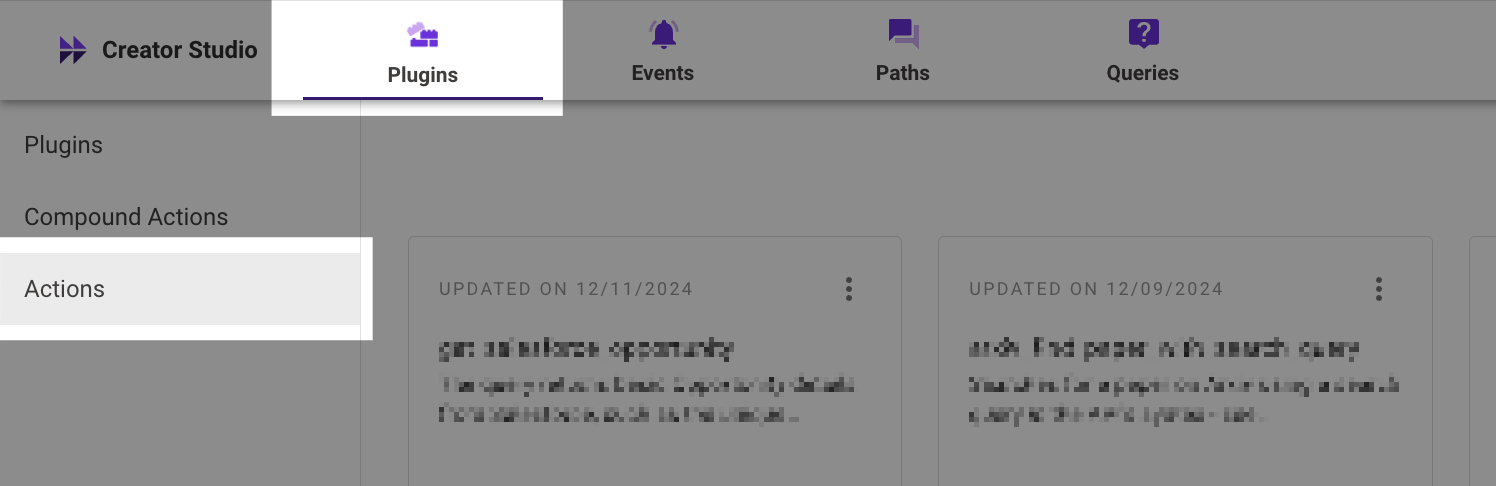
  1. Go to Agent Studio, select Plugins in the top bar, and then select actions.
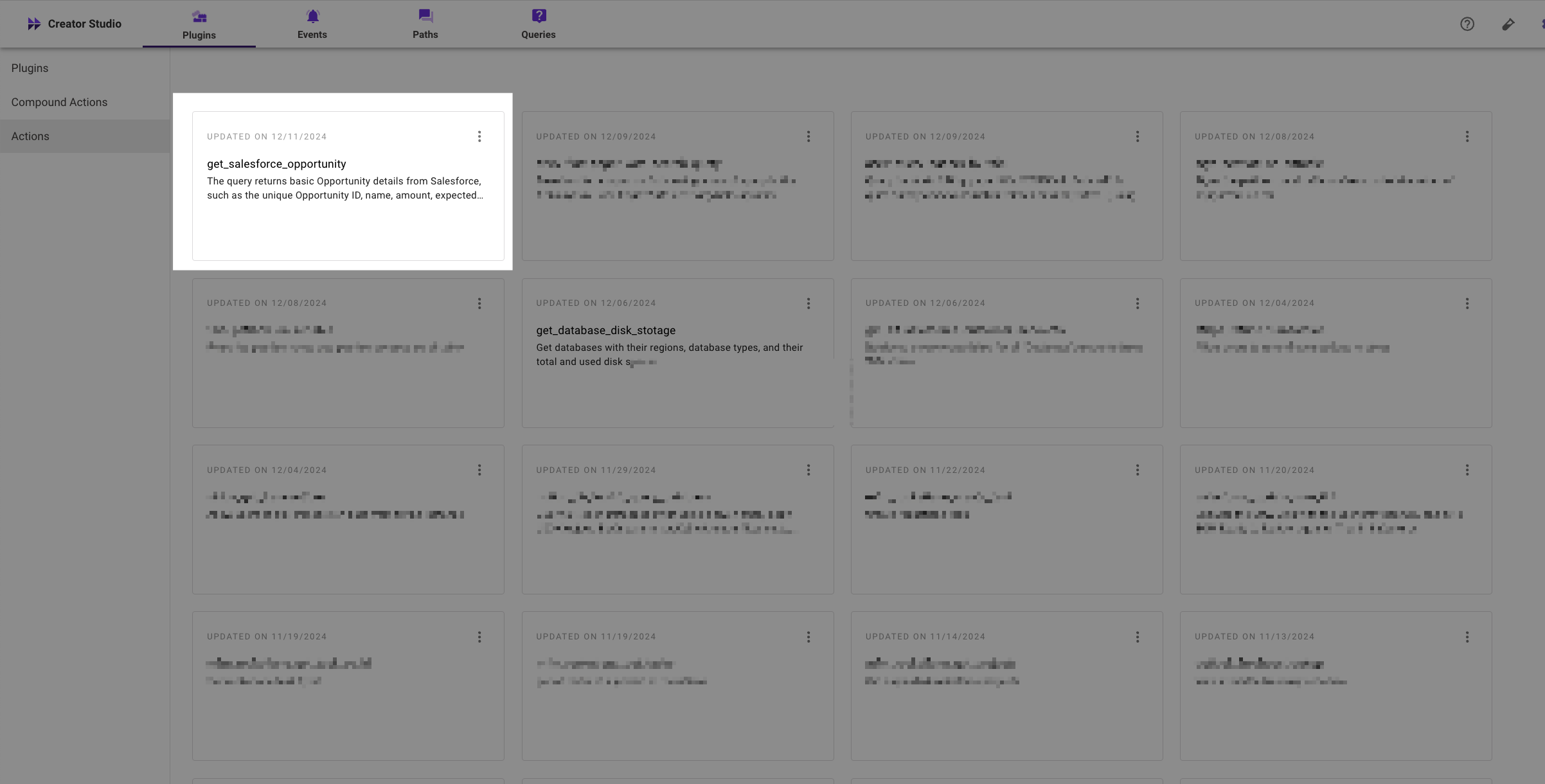
  2. Select the action that is causing the missing fields.
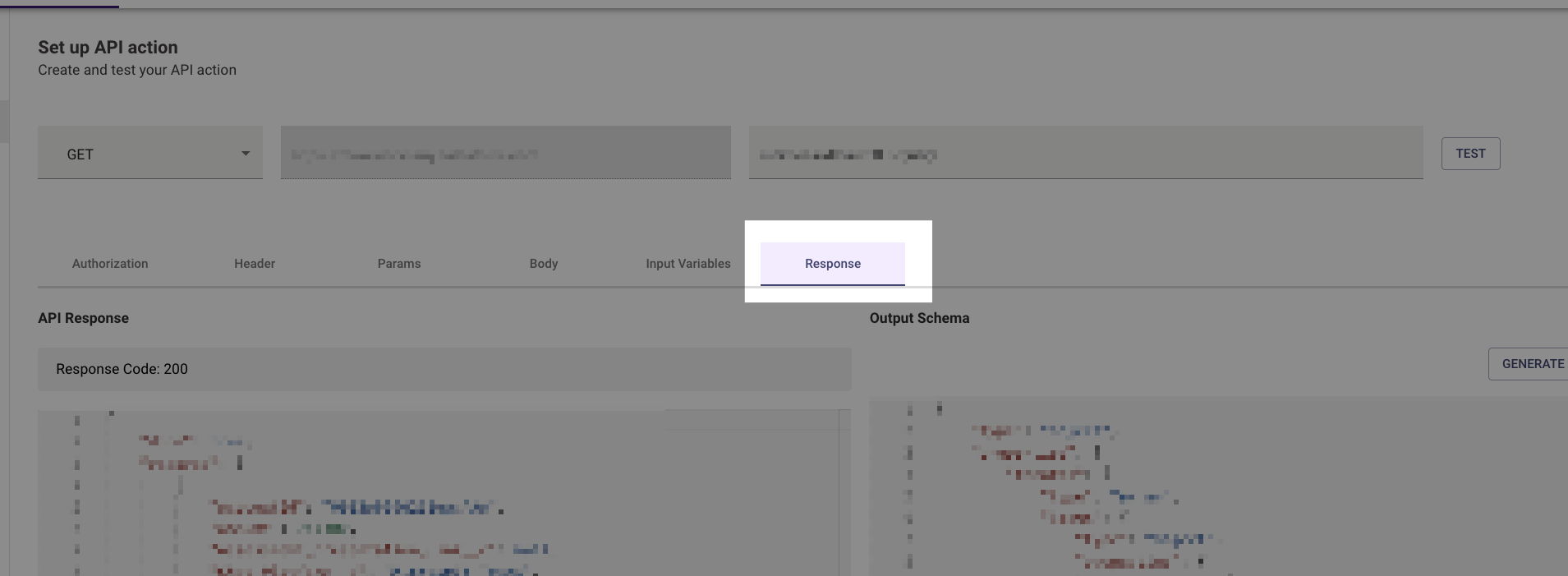
  3. Select the “Response” tab

  4. Ensure that each response field from the API Response (left-hand side) is mentioned in the Output Schema (right-hand side). If you are unsure if all the fields are covered, you can select “Generate from response” and we will generate a schema that includes every field from the API response.

  5. FYI: If you see the following text at the bottom of the response page, it means that Moveworks has detected a difference between fields in the API Response and in the Output Schema.