
For AI agents: a documentation index is available at the root level at /llms.txt and /llms-full.txt. Append /llms.txt to any URL for a page-level index, or .md for the markdown version of any page.
Logo
DeveloperAcademyCommunityStatus
  • Service Management
    • Overview
    • Concierge & Ticketing Capabilities Overview
    • Forms
    • Forms - Integration Specific Guides
      • Forms Integration - ServiceNow
      • Forms Integration - Jira Service Desk
      • Forms Integration - Freshservice
      • Forms Integration - Wolken
      • Forms Integration - ManageEngine
    • Live Agent Chat / Handoff
    • Triage
    • Approval Mirroring
    • Ticket Interception
    • Generic Ticketing Integration: Ticket Gateway
  • Administration
    • MyMoveworks
    • Organization Information
    • Roles and Permissions
    • MyMoveworks SSO
  • Moveworks Setup
    • Accessing Moveworks Setup
    • First-Time Login via Magic Link
    • Moveworks Setup Modules
    • Moveworks Setup: Module How To Guides
    • Plugin Management
    • Monitor Alerts
    • Audit Logs
    • DSL Fields Defaults
    • Data Crawling View
    • API Playground
    • Setup Homepage
    • Troubleshooting Hub
    • Security and Privacy Settings
    • Configuration Delete
    • Advanced Config Editor
    • Identity configuration
    • Onboarding Stage
  • Security
    • Security
    • Hyperlink & Button Expiry
    • Attachment Handling
    • Moveworks Subprocessors
  • Provision Management
    • Overview
    • Access Software
    • Access Groups
    • Access Account
  • Access Requirements
    • Overview
    • Update Set Modules
    • Ticketing Systems & ITSMs Access
    • Identity and Access Management Systems Access
    • Multi-Factor Authentication (MFA) Systems Access
    • Knowledge Access Requirements
    • Email Distribution List Systems Access
    • Facilities Management Access
    • Live Agent Chat Access
    • HR Information System Access
    • Expense Management Access
    • Calendar Management Access
  • Core Platform
    • User Identity
    • Moveworks On-Prem Agent
    • Approvals Engine
    • Entity Catalog
    • Configuration Languages
    • Moveworks Data Objects
    • SIEM
  • Employee Experience Insights
    • Overview
    • Breaking Down the Dashboard
    • Understanding Industry Benchmarks
    • Apps & Services
    • Impact Module
    • EXI Common Use Cases
    • Configure EXI
    • Ticket Backpolling
  • Knowledge Studio
    • Overview
    • Knowledge Studio Configuration
    • AI Powered Recommendations
    • Inspecting & Verifying Sources
    • Publishing Articles
    • Creating Knowledge Articles
    • Resolving IT Tickets Guidance
DeveloperAcademyCommunityStatus
On this page
  • Overview
  • Permissions Required
  • Form Ingestion
  • Unsupported Extensions
  • Supported fields
Service ManagementForms - Integration Specific Guides

Forms Integration - Jira Service Desk

||View as Markdown|
Was this page helpful?
Edit this page
Previous

Forms Integration - Freshservice

Next
Built with

Overview

You use Moveworks Form Integration with Jira Service Desk to:

  • Enable powerful automations, leveraging Automation for Jira (example).
  • Trigger custom approval workflows in Jira Service Management.
  • Structure inputs from your employees. Moveworks uses this internally to run our Covid Attestations!

To get started, follow this guide on Creating Jira Request Types.

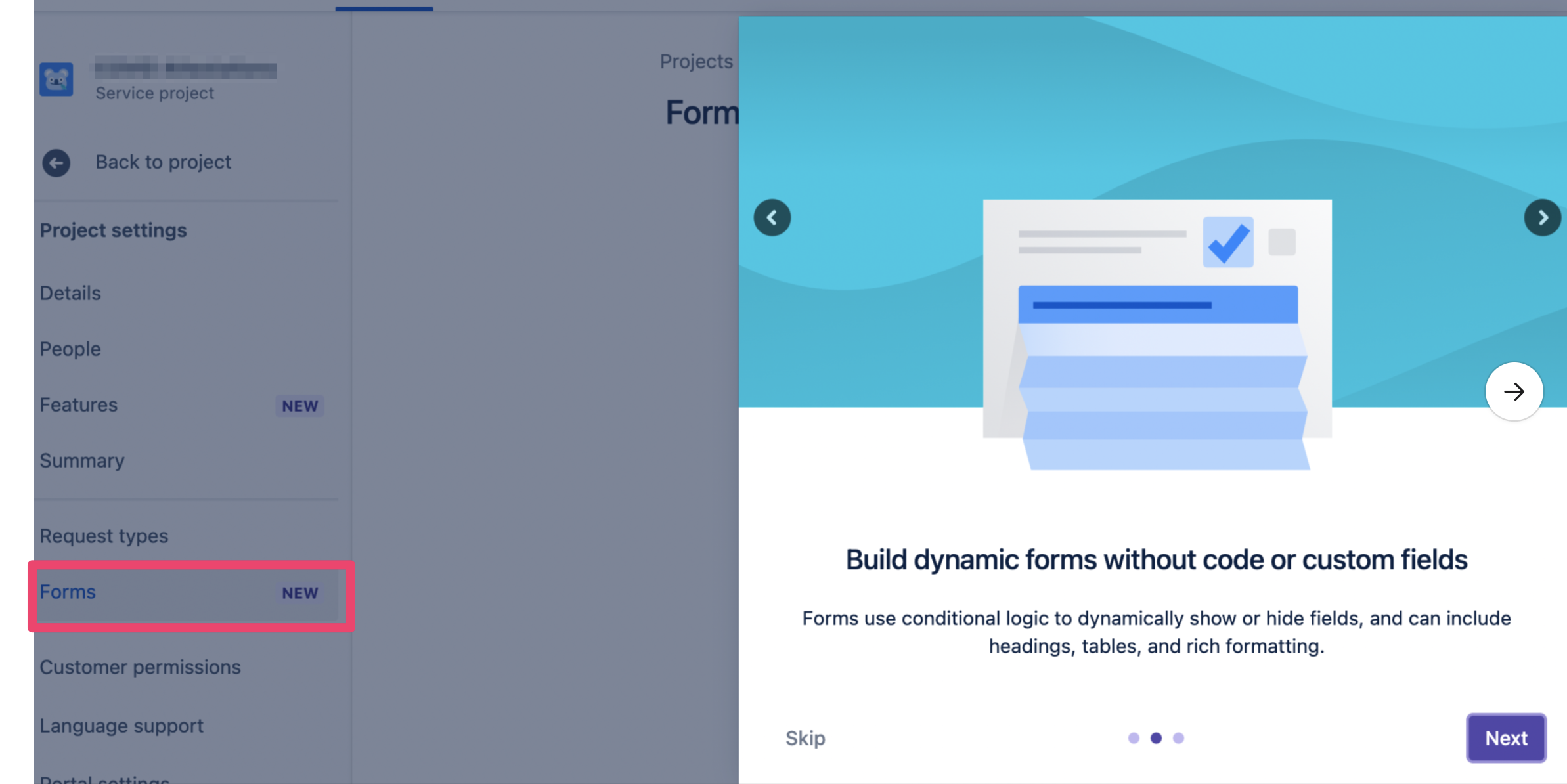
Jira Service Management now offers two distinct ways to create intake forms for users: “Request Types” (the legacy feature) and “Forms” (the new feature released in late 2021, incorporated from Atlassian’s acquisition of the creator of the Proforma plugin). Request Types are currently supported by Moveworks for In-Bot Form Filling, while Forms currently are not.
See Form Filling for examples of how Request Types are rendered within Moveworks bot conversation.

Permissions Required

Moveworks needs the ability to hit the following {instance_url}/rest/servicedeskapi APIs in Jira for the service_desk_id that corresponds to your ServiceDesk project.

  • /servicedesk
  • /servicedesk/{service_desk_id}/requesttype
  • /servicedesk/{service_desk_id}/requesttype/{requesttype_id}/field
  • /servicedesk/{service_desk_id}/requesttypegroup

These endpoints require that your instance support setting the X-ExperimentalApi header to opt-in.

Form Ingestion

Moveworks will ingest all forms that are available within a ServiceDesk. If a form does not have any associated categories, Moveworks will mark that form as unavailable for ingestion.

Once the forms are ingested, Moveworks will link your employees to them by redirecting them to {jira_url}/servicedesk/customer/portal/{service_desk_id}/create/{request_type_id}. This URL can not be configured today.

Unsupported Extensions

In December 2021, Jira Service Management acquired Proforma, a popular Marketplace plugin, and integrated Proforma’s functionality into their native product - presented as the Forms feature. These forms are currently not supported for in-bot filling.

Jira Request Types that utilize Forms cannot be automatically detected through the API. Thus, if your organization leverages Forms in some of your Request Types, you should notify your Moveworks Implementation team so that these Request Types can be blocked from in-bot filling. They will still be redirected to the Jira Portal to be filled out.
Supported fields

Moveworks converts your Jira fields into internal supported types where possible.

Form Field Type Conversion

SystemExternal Field TypeMoveworks Type
Jira Service DeskdescriptionText: Single line
Jira Service Deskcom.atlassian.jira.plugin.system.customfieldtypes:multicheckboxesDropdown: Multiple
Jira Service Deskcom.atlassian.jira.plugin.system.customfieldtypes:cascadingselectUnsupported
Jira Service DeskdescriptionText: Multi-line
Jira Service Deskcom.atlassian.jira.plugin.system.customfieldtypes:textfieldText: Single line
Jira Service DesksummaryText: Single line
Jira Service Deskcom.atlassian.jira.plugin.system.customfieldtypes:multiuserpickerDropdown: Multiple
Jira Service Deskcom.atlassian.jira.plugin.system.customfieldtypes:floatText: Single line
Jira Service Deskcom.atlassian.jira.plugin.system.customfieldtypes:textareaText: Multi-line
Jira Service Deskcom.atlassian.jira.plugin.system.customfieldtypes:multiselectDropdown: Multiple
Jira Service Deskcom.atlassian.jira.plugin.system.customfieldtypes:labelsUnsupported
Jira Service Deskcom.atlassian.servicedesk:sd-request-participantsDropdown: Multiple
Jira Service DeskpriorityDropdown: Single
Jira Service Deskcom.atlassian.jira.plugin.system.customfieldtypes:datetimeDatetime
Jira Service DeskAny custom plugin field typeUnsupported
Jira Service DeskcomponentsDropdown: Multiple
Jira Service Deskcom.atlassian.jira.plugin.system.customfieldtypes:userpickerDropdown: Single
Jira Service DesklabelsUnsupported
Jira Service Deskcom.atlassian.jira.plugin.system.customfieldtypes:selectDropdown: Single
Jira Service Deskcom.atlassian.jira.plugin.system.customfieldtypes:radiobuttonsDropdown: Single
Jira Service DeskduedateDate
Jira Service Deskcom.atlassian.jira.plugin.system.customfieldtypes:urlText: Single line