
GitHub Knowledge Access Requirements
GitHub Enterprise Server is not supported. This integration only works with GitHub Enterprise Cloud (or github.com). If your GitHub instance is self-hosted, see Content Gateway for an alternative approach.
General Setup
This section covers basic access needs that are required for Moveworks to establish a stable connection to your instance. You will need to provide the following to Moveworks.
- Confirm that the Moveworks GitHub connector has been installed to your repository.
Install the GitHub connector
Using a GitHub account that has access to the repository you wish us to interact with, install the following app connector: Moveworks GitHub.

Once installed, you can associate it with the select repositories.
Permissions requested by the Moveworks GitHub app
The Moveworks GitHub app requests read-only access. On the installation approval page, GitHub shows this as Read access to code and metadata.
The app does not request write access, and it cannot create, modify, or delete content in your repositories. Its access is limited to the repositories you select when you install the app. You can change the selected repositories or uninstall the app from your GitHub organization or account settings at any time.
Configure Ingestion
Before we list the names of the Repositories which need to be ingested, we need to create the Github Connector.
- Go to the Connectors module in Moveworks Setup, by clicking on Manage Connectors under Core Platform, and then click on System Connectors.
- Click on Create New in the top right corner.
- Search for the GitHub System here
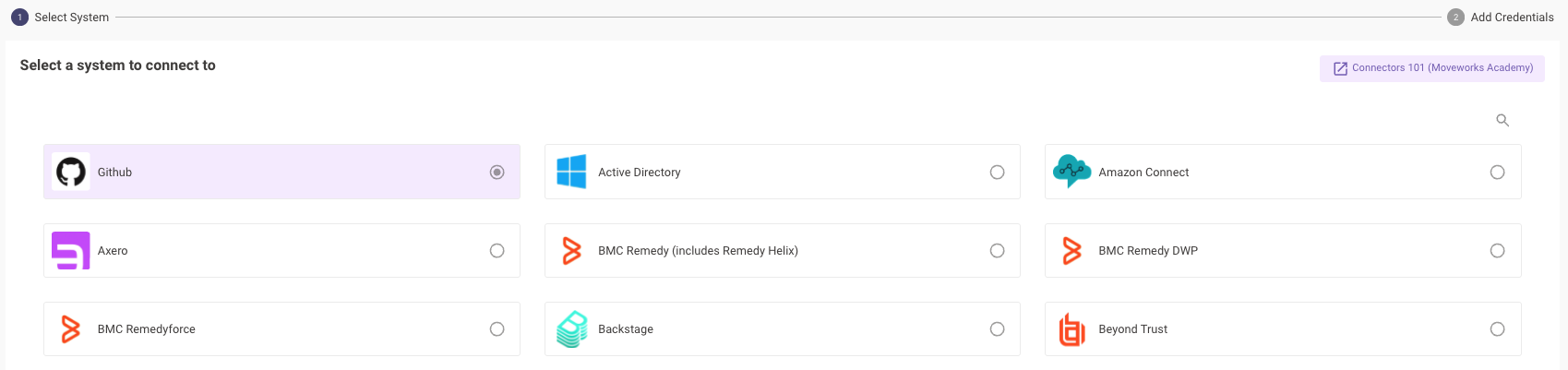
- Provide the Installation ID of the Github App here to establish the connection.
- Save the config to successfully create your connector.
