
Security and Privacy Settings
Use this page in Moveworks Setup → Organization Details → Security and Privacy Settings to configure powerful, org-wide controls for Agent Studio. These settings are intended for Super Admins.
Changes take effect immediately. Because these settings can block plugins or expose systems if misconfigured, each section below explains the behavior and risk tradeoffs.
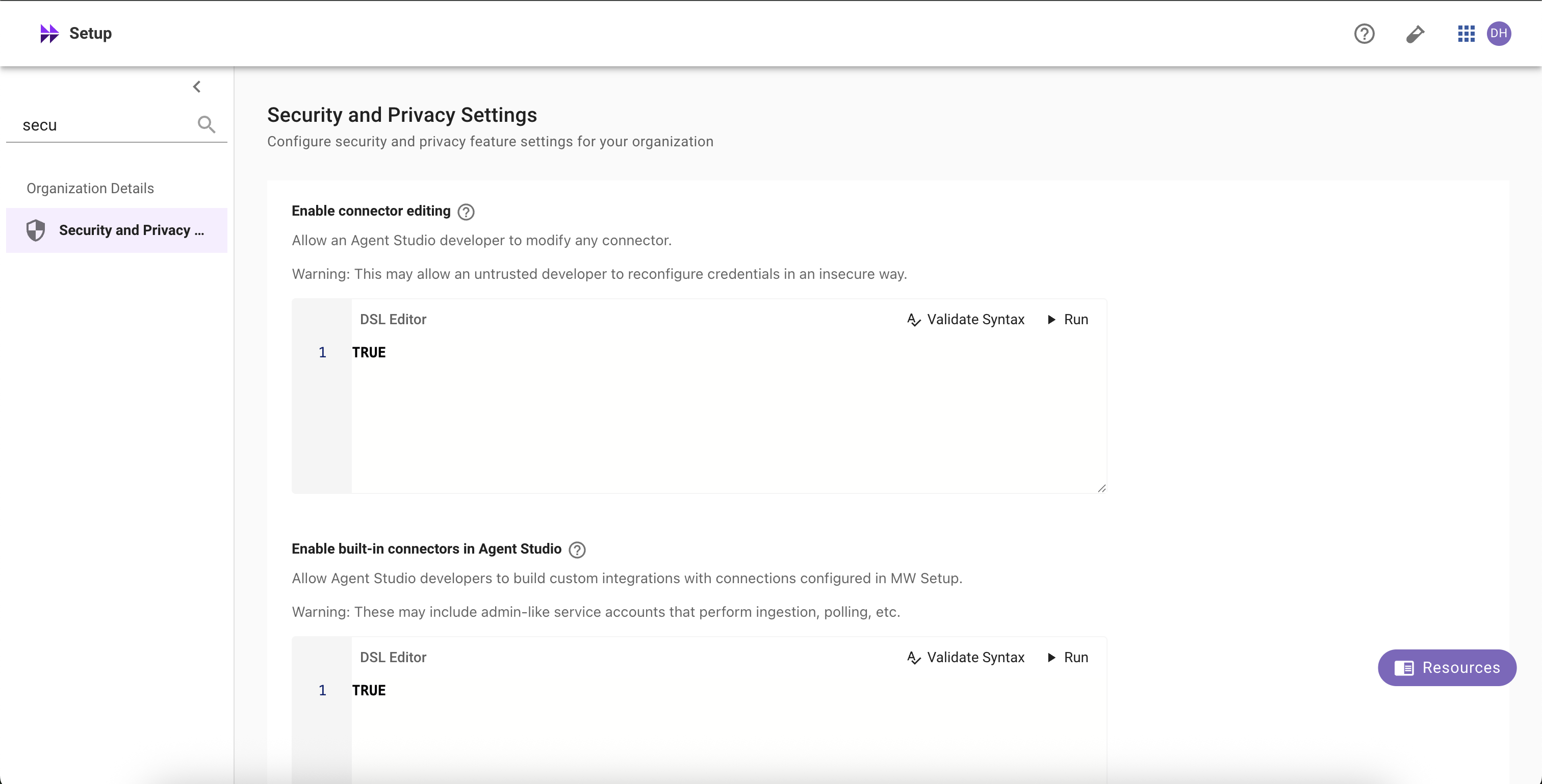
Enable connector editing
Allow selected Agent Studio developers (per DSL rule) to edit HTTP connectors (e.g., URLs, headers, auth config).
What it does
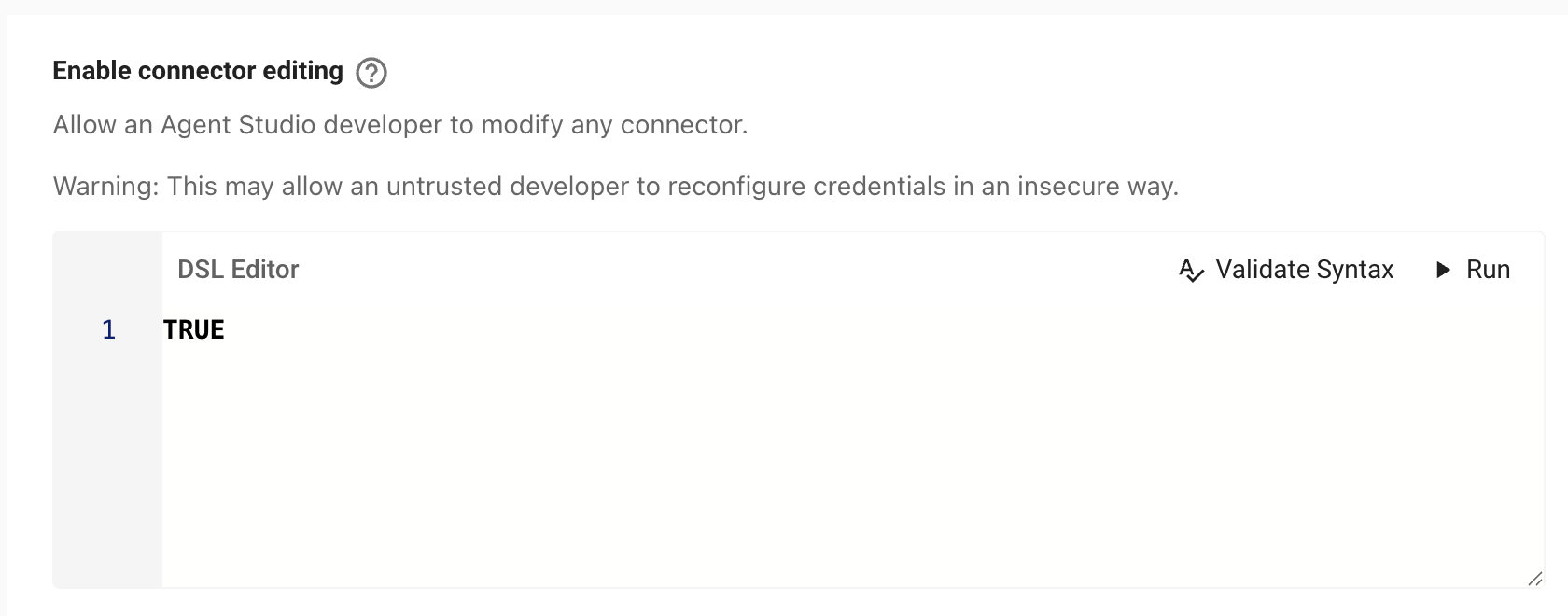
- When the DSL rule evaluates to TRUE for a user, they can edit any HTTP connector referenced by their work in Agent Studio.
- When FALSE, connectors are read-only in Agent Studio.
Risks
- Outage risk: editing a connector used by production plugins can break workflows instantly.
- Security risk: misconfiguration can leak or weaken credentials, redirect traffic, or expand data access.
Recommendations
- Keep the DSL rule narrow (specific teams or roles).
- Prefer enabling in sandbox tenants; require change control before enabling in prod.
How to configure
- Go to Moveworks Setup → Organization Details → Security and Privacy Settings → Enable connector editing.
- Define the DSL rule (who is allowed). Click Validate Syntax and Submit.
- Changes apply immediately and are logged.
Tip
Set the rule to FALSE to disable editing for everyone, or to TRUE to allow for all developers. See the DSL and User Attribute references for available fields.
Enable built-in connectors in Agent Studio
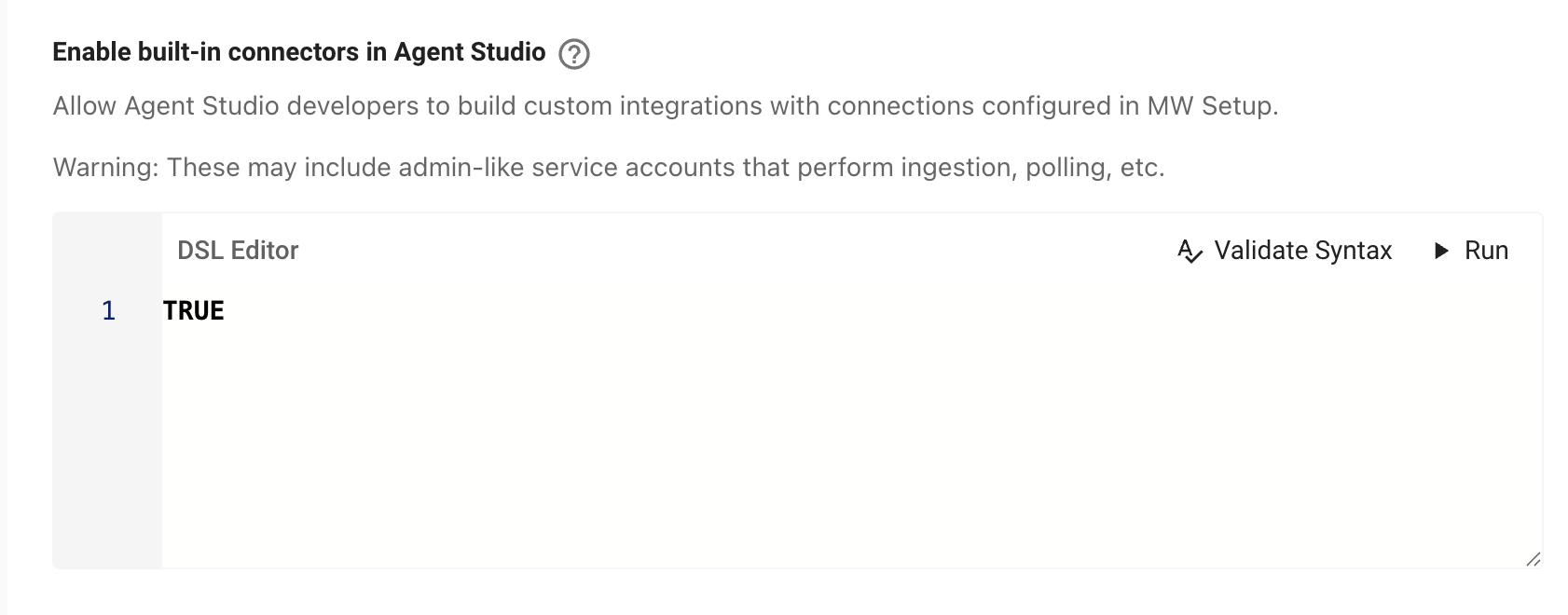
Allow selected Agent Studio developers (per DSL rule) to use Moveworks built-in connectors (ticketing, search, identity, etc.) inside Agent Studio.
What it does
- When the DSL rule is TRUE for a user, built-in connectors become selectable in Agent Studio.
- Editing those connectors still requires the connector editing rule to be TRUE and appropriate Setup access.
- When FALSE, built-in connectors are hidden/unavailable in Agent Studio for that user.
Risks
- Built-ins often use service accounts with broad privileges (ingestion, polling, write actions).
- May expose sensitive data (tickets, HR data, knowledge content) to plugins authored by users matching the rule.
- Expands what developers can do—ensure this aligns with your internal data-access policy.
Recommendations
- Keep the DSL rule strict (trusted groups only).
- Start in sandbox; roll out to production gradually.
How to configure
- Go to Moveworks Setup → Organization Details → Security and Privacy Settings → Enable built-in connectors in Agent Studio.
- Define the DSL rule (who can use built-ins). Validate Syntax and Save.
- If users should also edit built-ins, enable Enable connector editing with its own (usually narrower) DSL rule.
These settings are not “any developer.” Access is granted only when the DSL rule evaluates to TRUE for the user. Use your org’s attributes (role, department, location, team, groups).
Strict log redaction
Control whether developers can see raw user content in logs for publicly launched plugins.

What it does When enabled, Moveworks redacts user content (utterances, message text, personal identifiers, and sensitive payload fields) from developer-visible logs. Metadata needed to operate still appears (timestamps, status codes, event IDs, step names, error classes).
When it triggers Strict redaction is automatically applied to any plugin that is:
- Launched to 10+ users, or
- Using Launch to everyone (org-wide), or
- Using an Advanced DSL audience that resolves to 10+ users.
Why enable it? (recommended for production)
- Prevents exposure of private/user data to developers.
- Reduces privacy/compliance risk (e.g., PII appearing in logs).
- Enforces a consistent privacy posture as plugins scale beyond small test groups.
Risks if OFF
- Developers can view all user interactions for broadly launched plugins including responses as well as user utterances and other potentially sensitive attributes.
- Higher likelihood of inadvertent data exposure in logs, screenshots, exports, or shared tickets.
Webhook Listener Security
Choose how to handle unsecured webhook listeners in Agent Studio. Secured listeners ensure only authorized providers can send requests and prevent unauthorized access. Learn more about supported methods to verify incoming requests like Signature Verification (HMAC).
Changes take effect immediately and may block existing unsecured listeners. Blocked listeners stop receiving events until secured or exempted. Learn more about webhook listeners
Options
(Default) Allow only exempt unsecured listeners Only listeners listed in Listener Exemptions may receive events without being secured. All other unsecured listeners will Blocked, and any plugins that reference them will not run.
- Listener Exemptions Add specific listeners that you want to allow. All other unsecured listeners will be Blocked. Field: “Listener ID or name” (searchable).
Allow all unsecured listeners Any listener can receive events without verification or credentials. Not recommended for production. Unsecured listeners are heavily rate-limited and more vulnerable to abuse. Note: You also need to check “Allow all unsecured listeners” to confirm this override.
Behavior & impact
-
When a listener is Blocked:
- The listener stays visible in Agent Studio but stops receiving events until secured or exempted.
- Plugins that reference it won’t run.
- The listener appears with a Blocked badge and an in-product banner linking to “Secure this listener.”
-
Securing a listener (e.g., HMAC or credential verification) immediately restores events.
-
Unsecured listeners (even when allowed) run under strict throttles suitable for testing, not production.
Recommended practices
- Prefer HMAC (signature verification) or credential verification for production.
- Use exemptions sparingly to support sandbox/dev or vendors that can’t sign payloads.
Troubleshooting & FAQs
Q: Who can change these settings? Super Admins (or designated security admins). Changes are audited and apply org-wide.
Q: Some listeners now show as “Blocked.” What now? Secure the listener (HMAC or credentials) or add it to Listener Exemptions. Once secured, events resume immediately.
Q: Some plugins now show as blocked. Why? They reference unsecured listeners while the security requirement is in effect. Secure the listeners, or adjust the setting/exemptions.