
Moveworks for Employee Center: Installation Errata
Moveworks for Employee Center: Installation Errata
This page documents known discrepancies between ServiceNow’s EmployeeWorks installation documentation and actual product behavior. Use it alongside the ServiceNow docs when setting up Moveworks.
Upload Java KeyStore Certificate
Reference page: Upload Java KeyStore certificate
JWT certificate generation is self-service
The ServiceNow documentation instructs you to contact Moveworks Support to receive an encrypted certificate. This step is no longer required. You can generate the self-signed JWT certificate yourself using Moveworks’ self-service instructions:
JWT Certificate Generation Guide (Mac & Windows)
Certificate name contains a typo in the UI
After uploading, the certificate record displayed in ServiceNow is named “Moverworks JKS” (note the extra “r”). This is a typo in the UI.
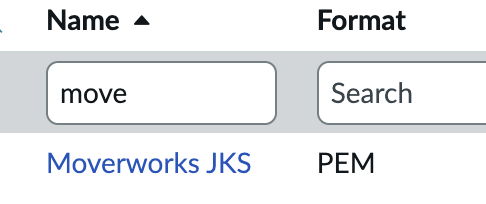
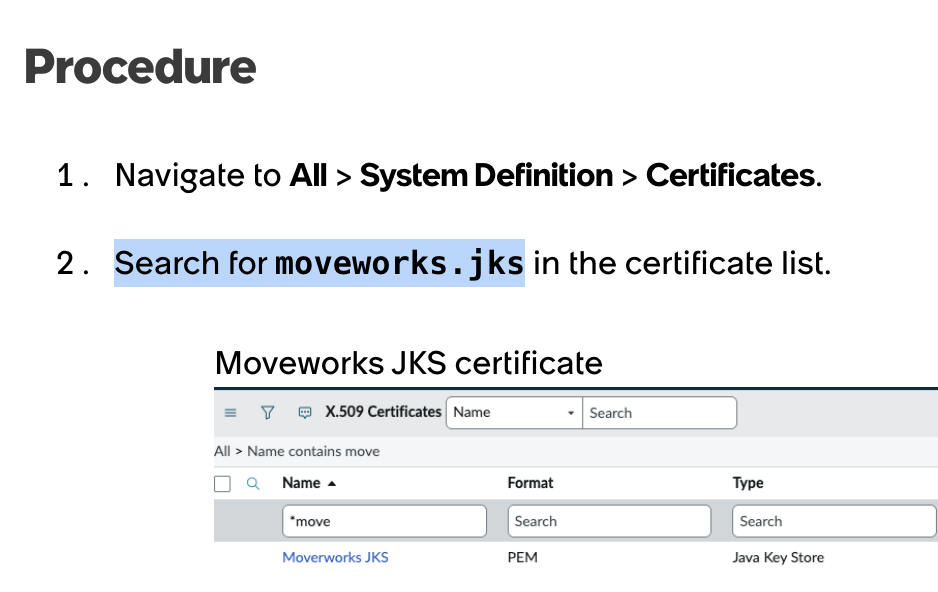
If you search for the certificate using the name shown in the ServiceNow documentation (moveworks.jks), you will get zero results. To locate the record, search for “Moveworks JKS” instead.
Attachment step uses a different UI label
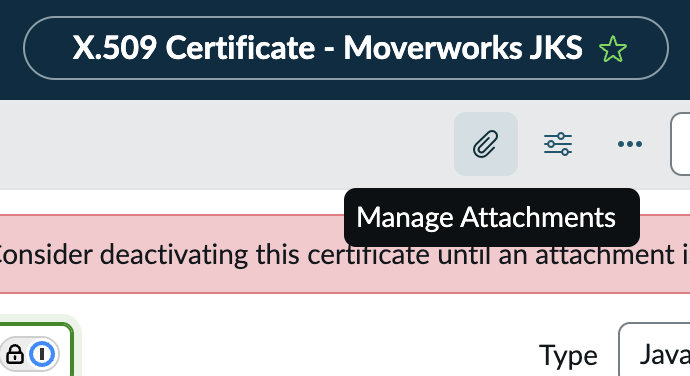
The documentation says to “Select the Attachment option.” The current ServiceNow UI labels this button “Manage Attachments”.
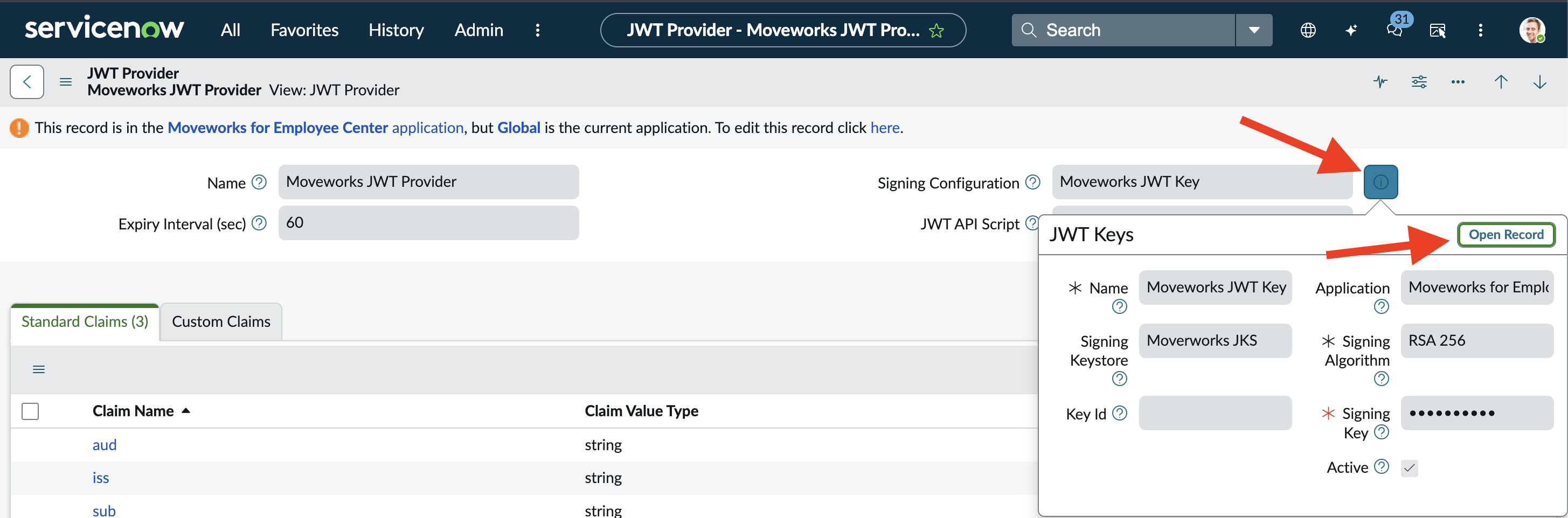
“Key Store Password” field is not on the Upload JKS page
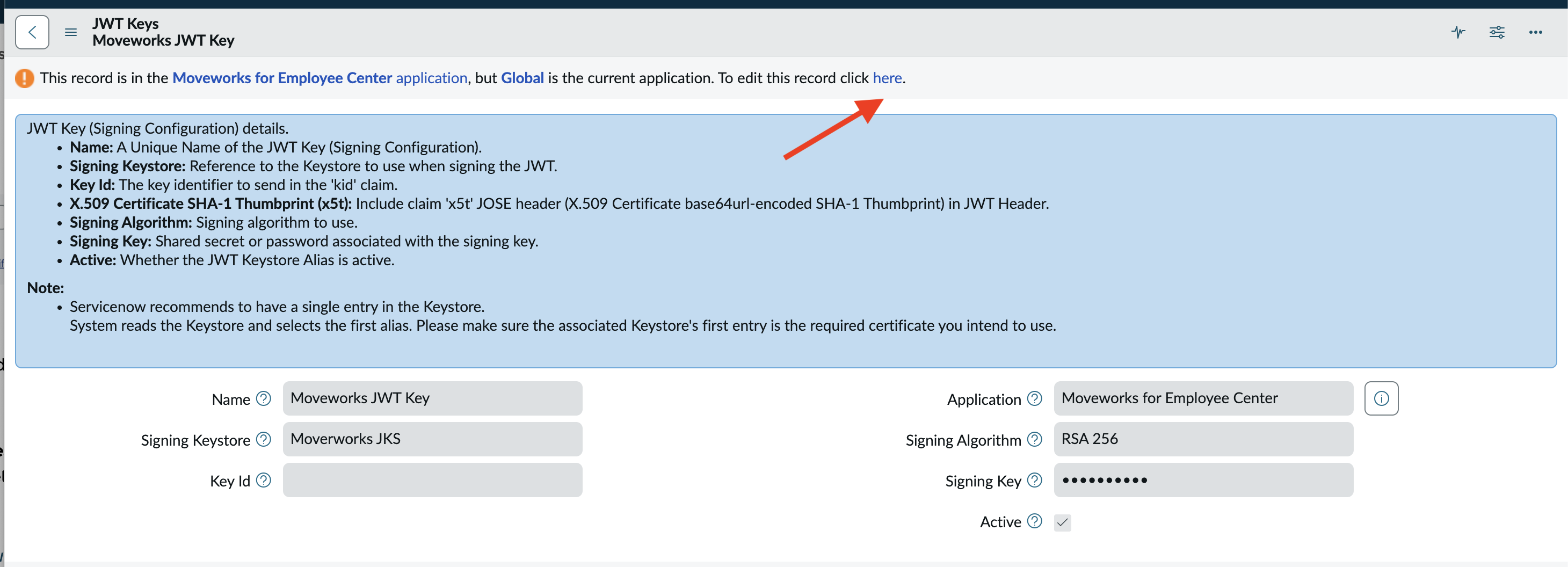
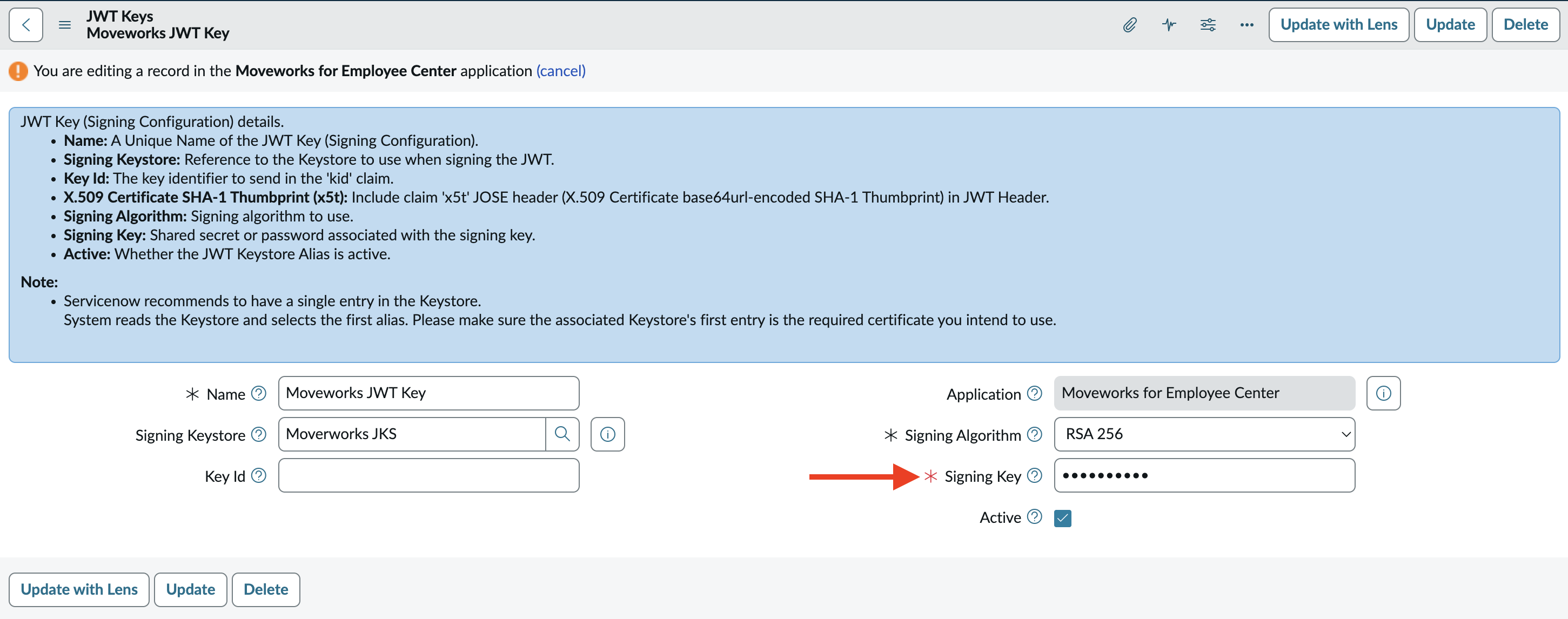
The documentation references a Key Store Password field, but this field does not appear on the Upload Java KeyStore Certificate page. To set it:
- Open the Signing Configuration record.
- Switch to global scope.
- The field is labeled “Signing Key” in this record.

Configure Bot ID and AI Assistant
Reference page: Configure bot ID and AI assistant
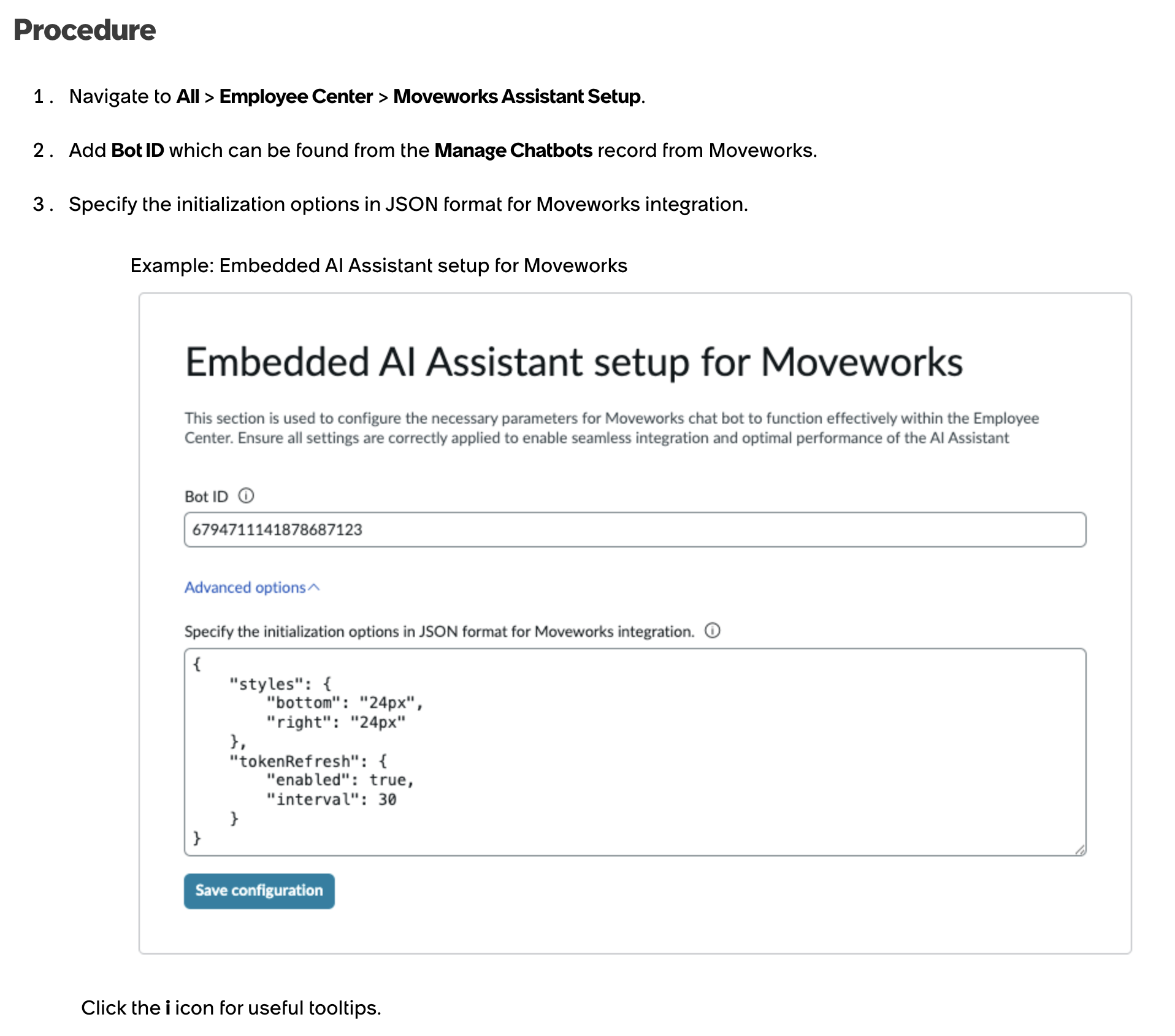
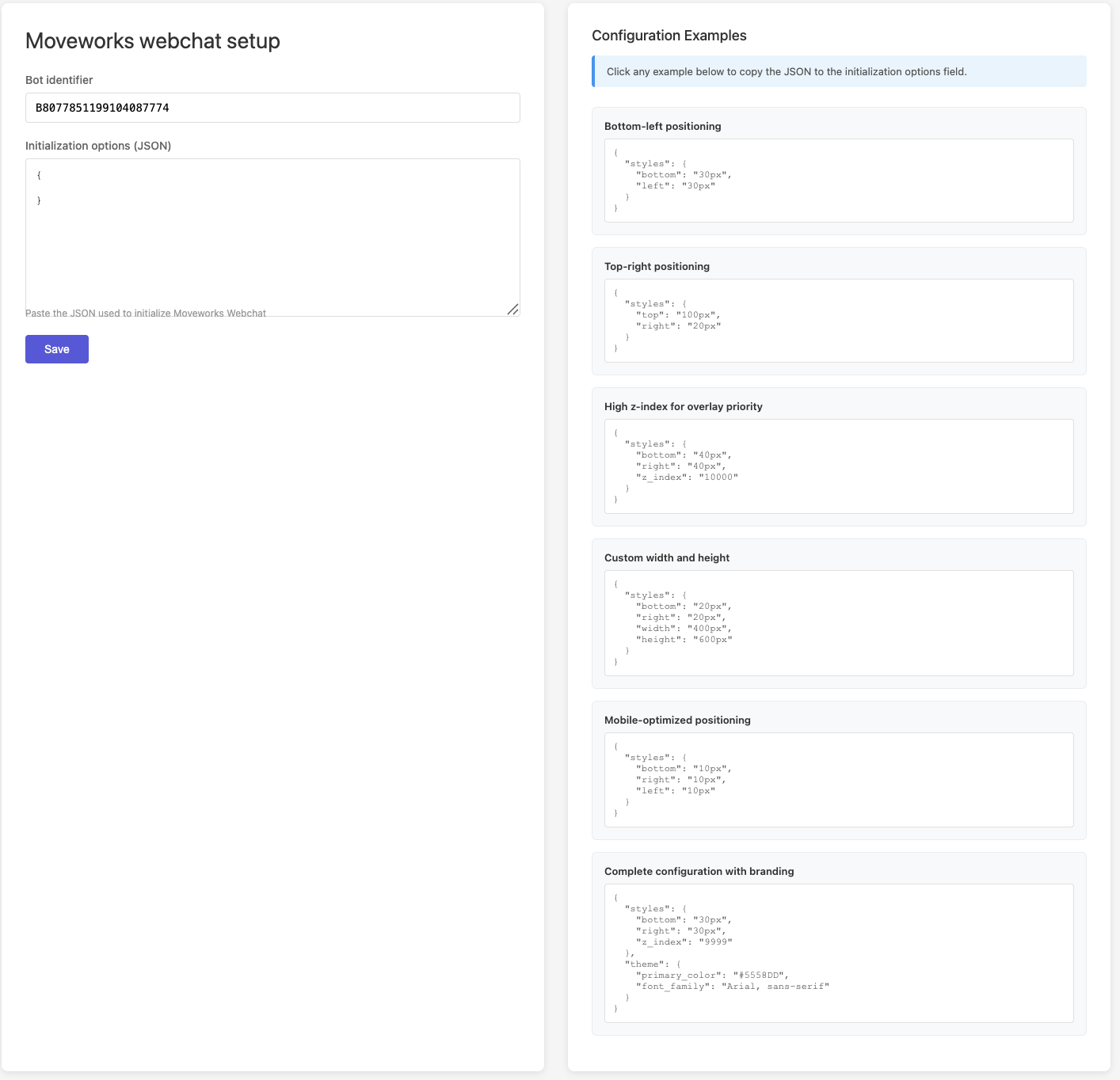
Initialization options JSON field is optional
The documentation describes a field labeled “Specify the initialization options in JSON format for Moveworks integration” without clarifying its purpose or whether it is required. This field is optional. You only need to populate it if you want to customize specific initialization parameters.
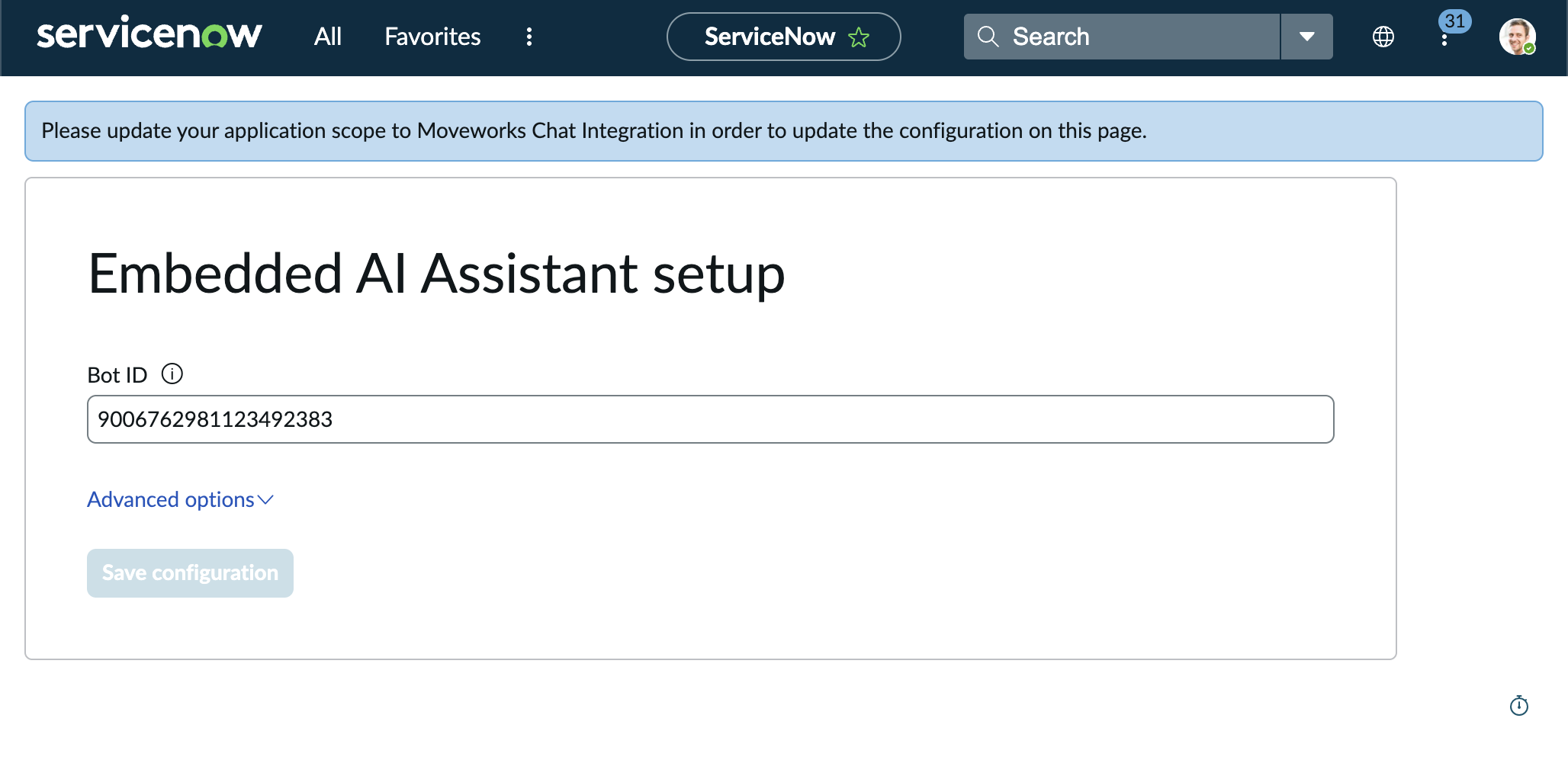
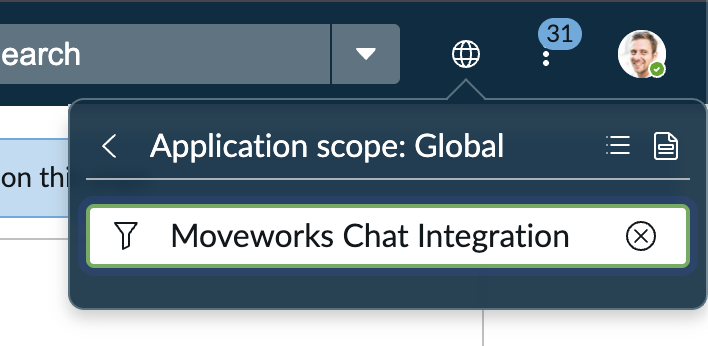
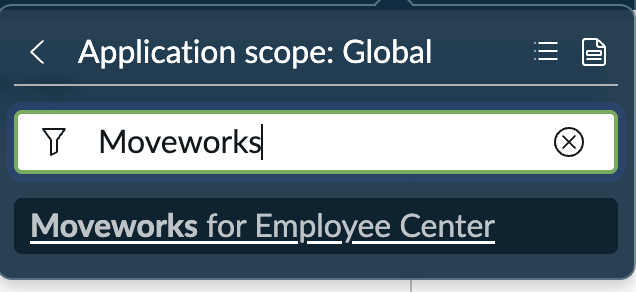
Correct scope name for saving the Bot ID record
The documentation instructs you to switch to the scope “Moveworks Chat Integration” before saving the Bot ID configuration. This scope does not exist. The correct scope name is “Moveworks for Employee Center”.
If you attempt to save while in the wrong scope, the record will not save and no error is displayed.
Partner-Specific ServiceNow Updates
Finally, partner instances are in a different region than production instances. This means partners will need to update their ServiceNow EmployeeCenter instance to point to the appropriate region.
Instructions
-
Navigate to your ServiceNow instance.
-
Open System Properties
-
Search for
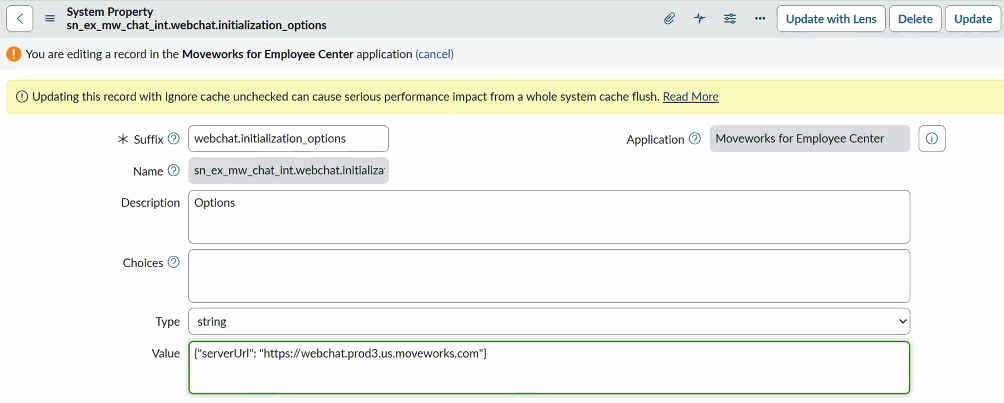
sn_ex_mw_chat_int.webchat.initialization_optionsand open it for editing -
You should see a screen similar to the following:
-
At the bottom of the edit screen, update the Value field to:
{"serverUrl": "https://webchat.prod3.us.moveworks.com"} -
Save the properties changes