
Lab 3 Pre-Requisite: Installing the Moveworks Update Sets into ServiceNow
Lab 3 Pre-Requisite: Installing the Moveworks Update Sets into ServiceNow
Overview
- Learning Objectives: Understand how to install the required Moveworks Update Sets into the ServiceNow instance.
- Estimated Time: 10 minutes
- Prerequisites:
- Access to the ServiceNow PDI instance
- The XML versions of the Moveworks Update Sets
🛠️ 1: Walkthrough
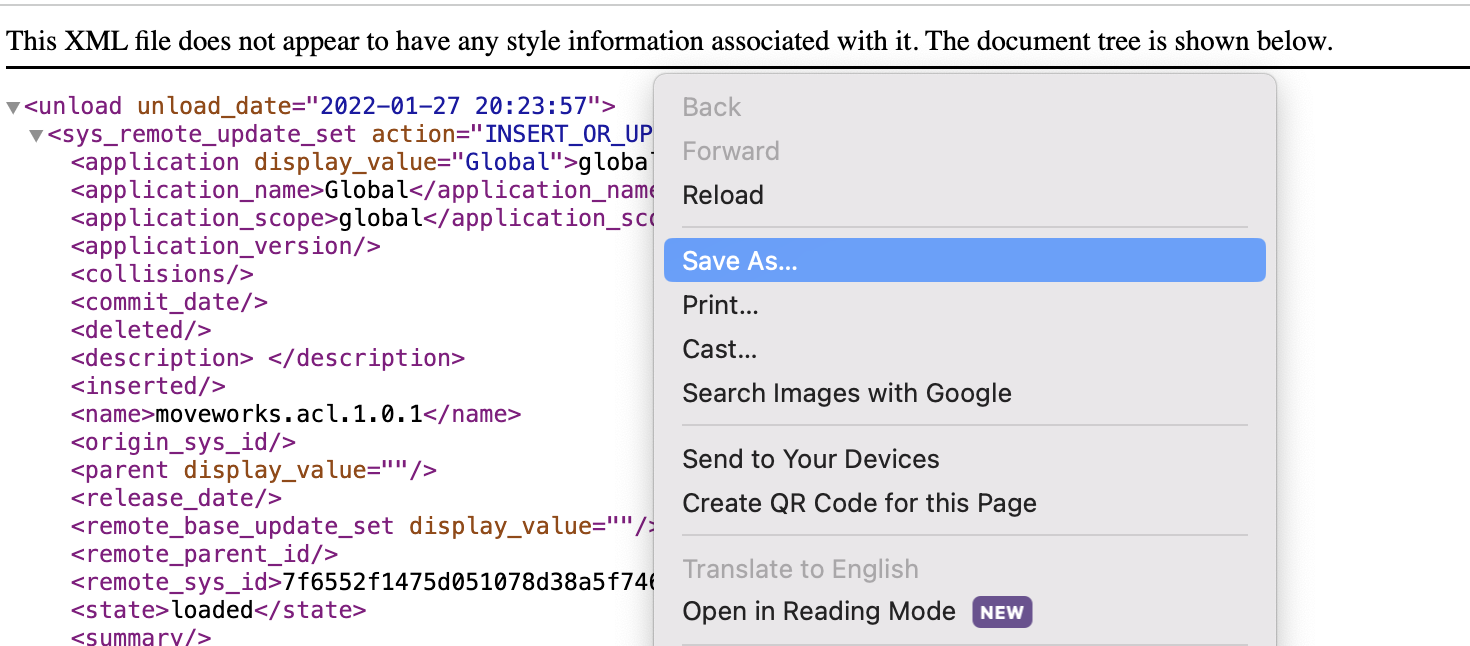
- Download each of the Update Sets from the Moveworks Doc Site

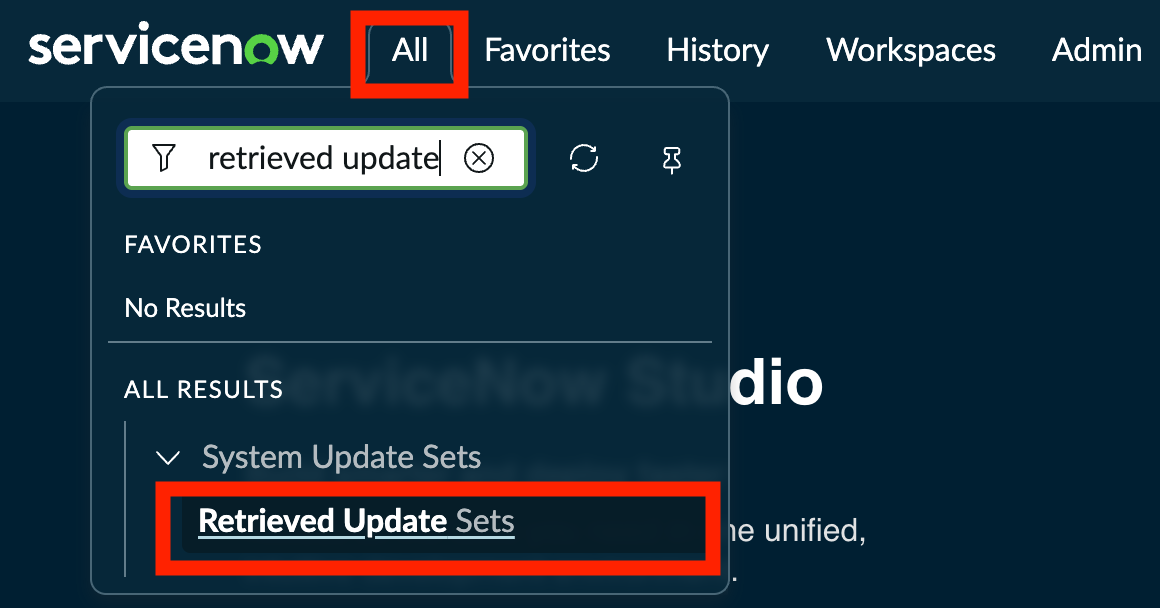
- Navigate to the
Retrieved Update Setspage within ServiceNow
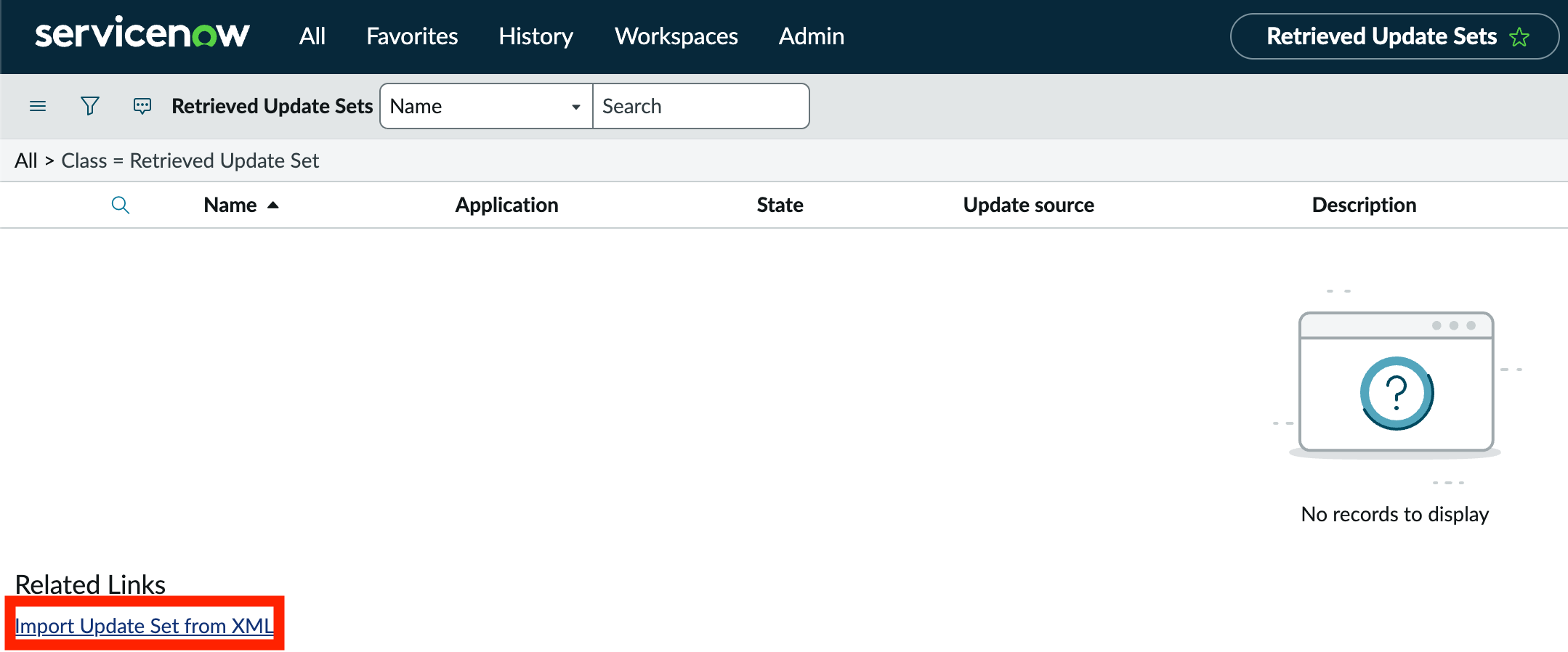
- Click
Import Update Sets from XMLat the bottom of the page
- Upload each Update Set downloaded in Step 1
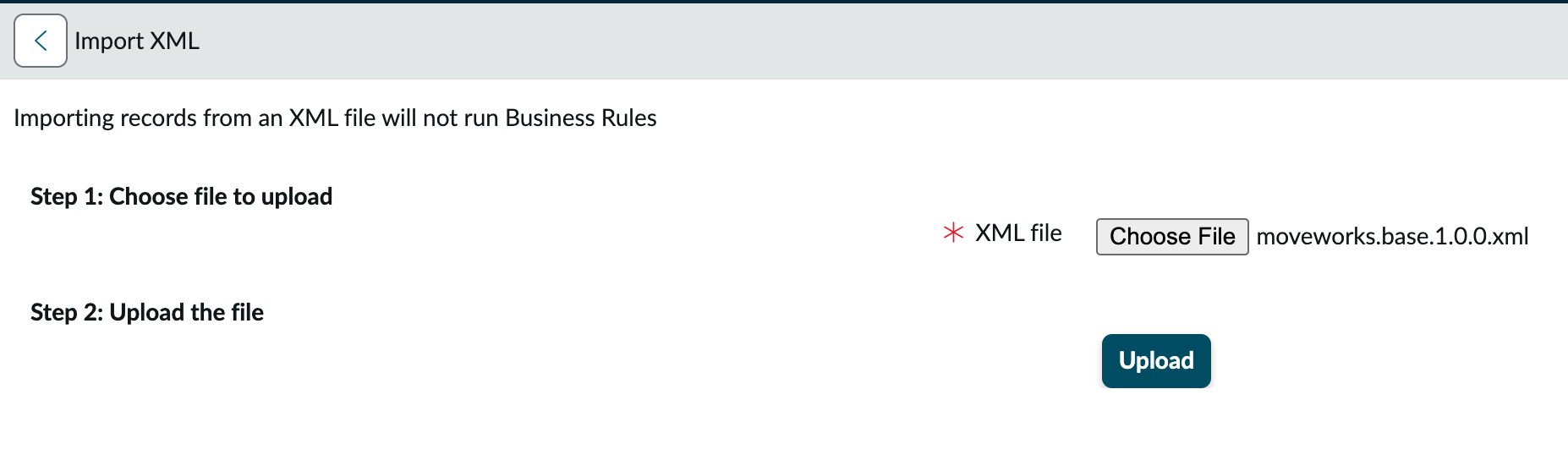
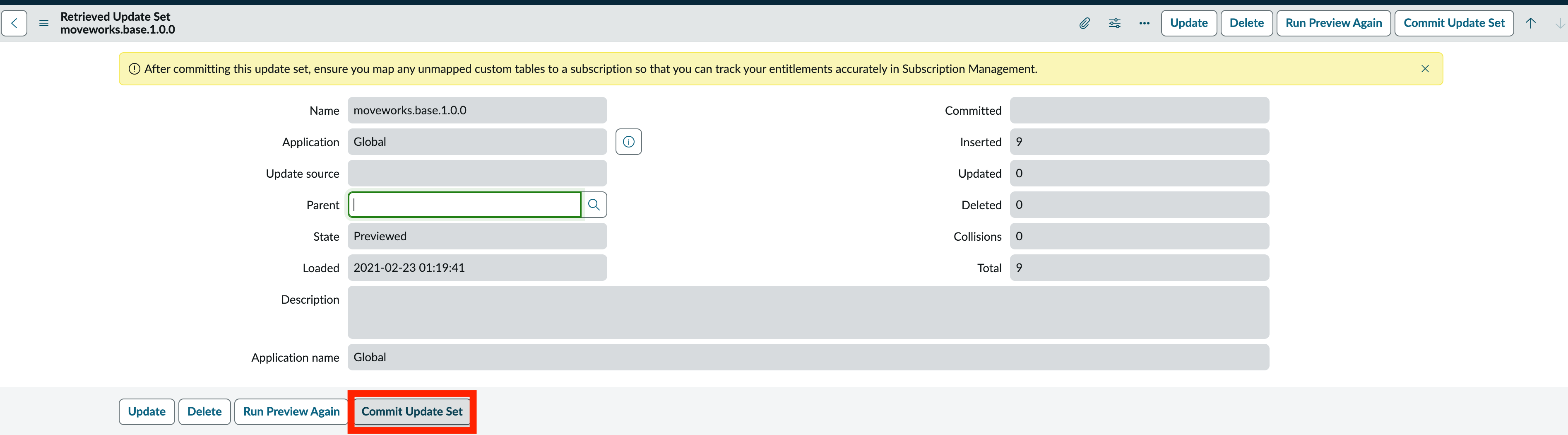
Commit the base Update Set (moveworks.base) before committing any of the others. The remaining Update Sets depend on it — committing them out of order will result in errors.
- After uploading the Update Sets,
PreviewandCommiteach one to activate them in your ServiceNow instance

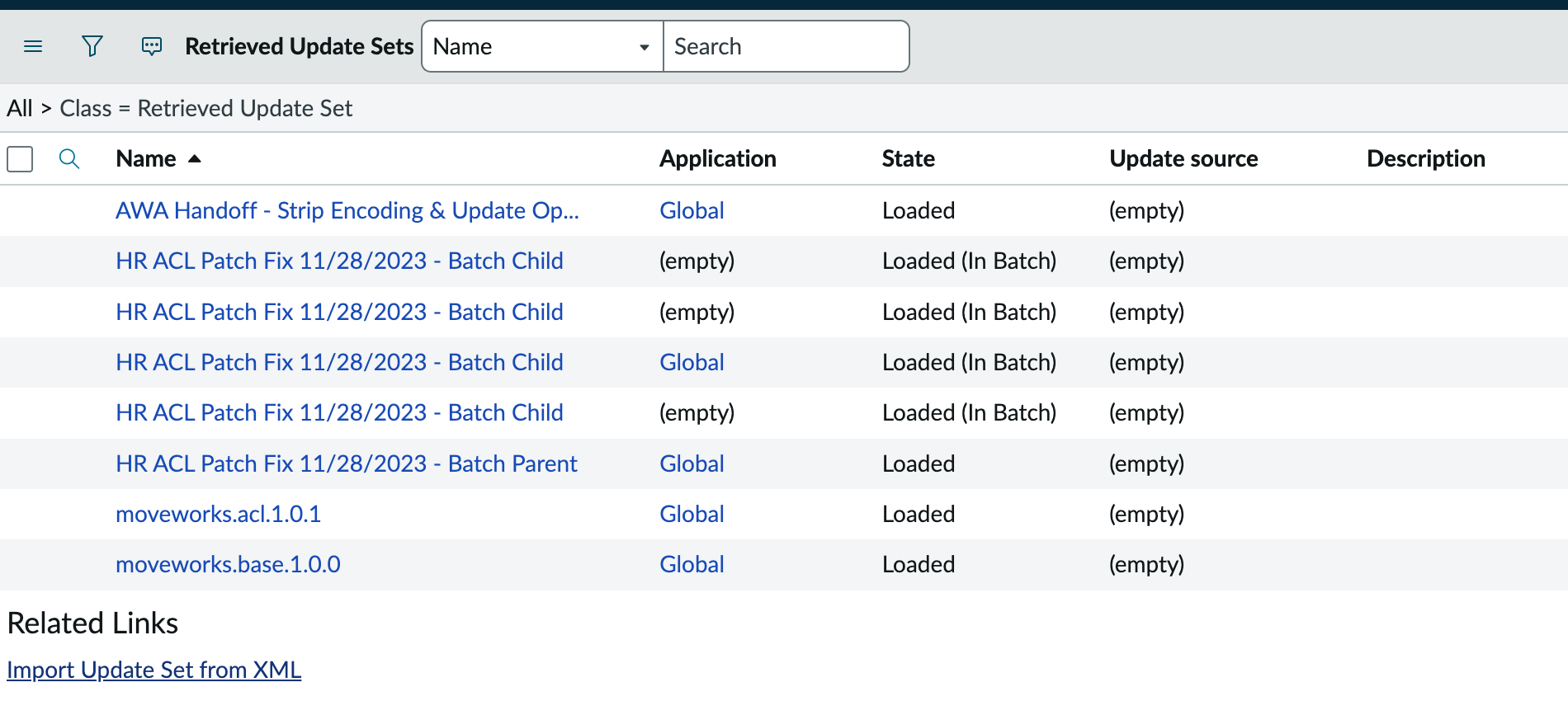
- Confirm that all required Update Sets have been installed
Depending on the purpose of this lab, you may not need to install the HR or AWA Handoff Update Sets. Your instructor will let you know which ones are required.
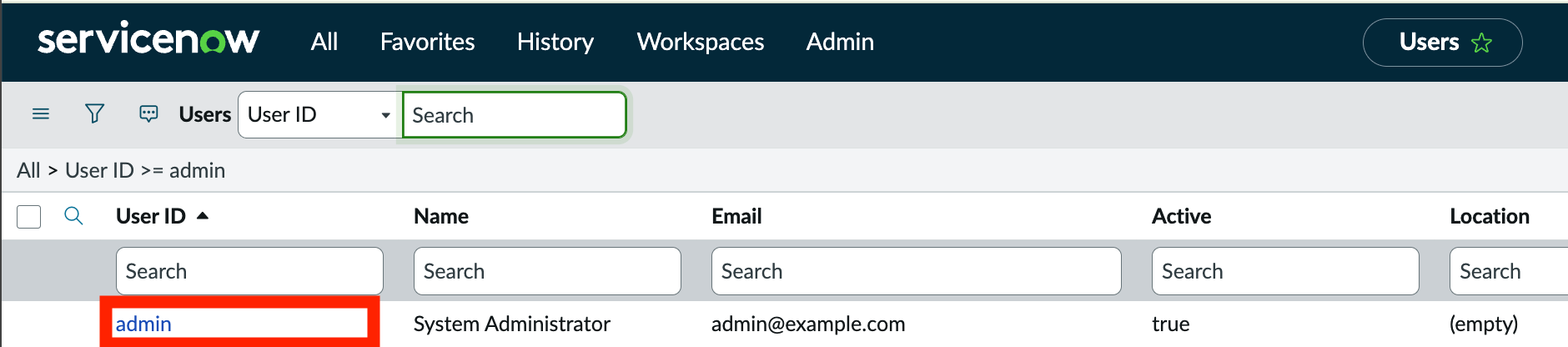
- Navigate to
Organization > Usersand select the admin account you are using as your Moveworks Service Account user

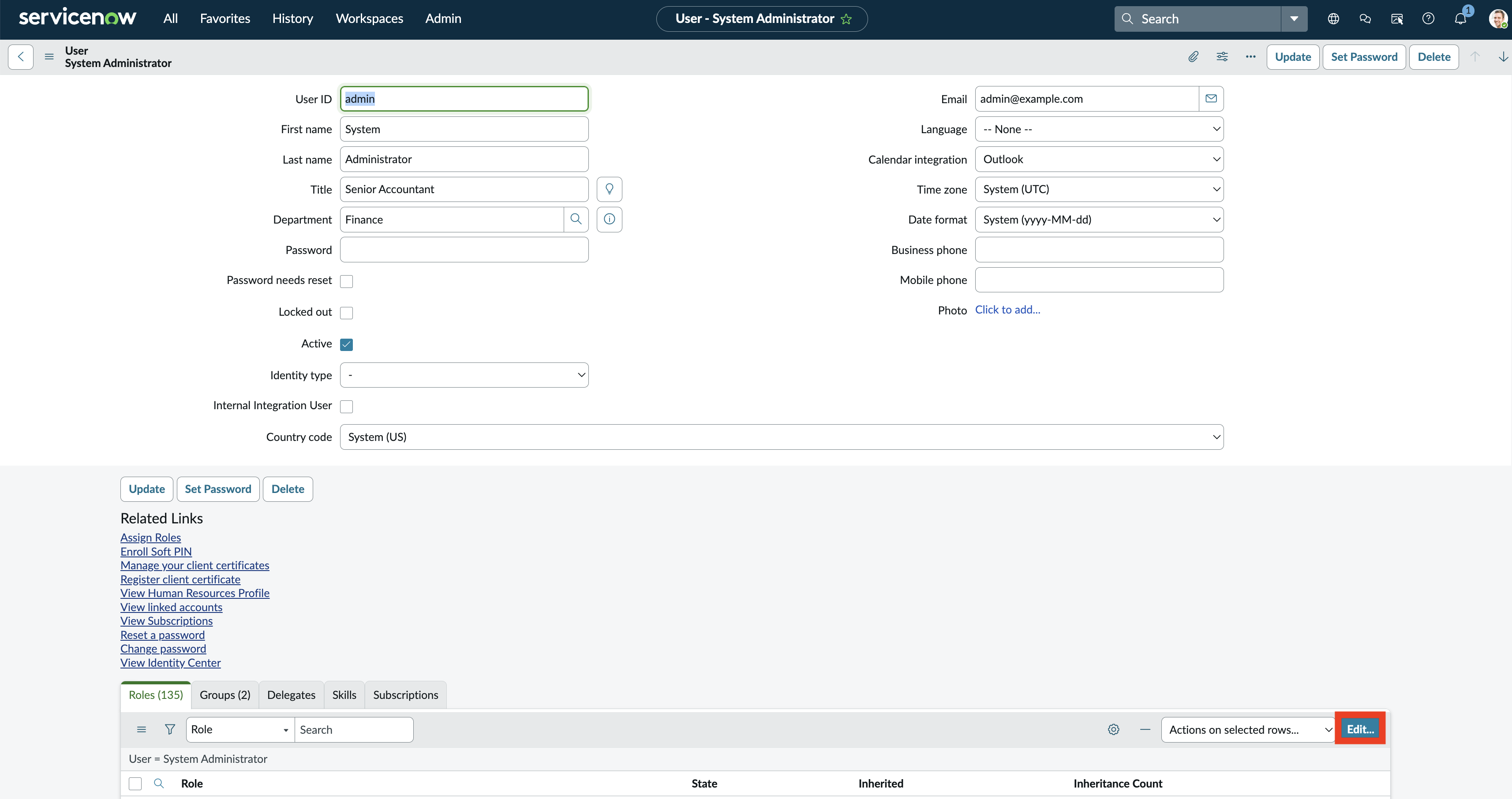
- Assign the
moveworks_userrole andSavethe update
✅ 2: Verification & Next Steps
- Finalize:
- Ensure all Update Sets are marked
Committed - Ensure that your Moveworks Service Account user has the
moveworks_userrole saved
- Ensure all Update Sets are marked
Next: Lab #3 — Enterprise Search — configure Moveworks to ingest and search the ServiceNow knowledge articles your update sets just enabled.
🪞 3: Reflecting on This Configuration
Through this guide, you’ve learned the following:
- Where to find the Moveworks ↔ ServiceNow Update Sets
- How to install them into a ServiceNow instance
- How to apply the
moveworks_userrole to the ServiceNow service account used for the Moveworks integration