
How to Configure Zendesk Knowledge Ingestion
Pre-Requisites
- Please ensure the required Zendesk Connector has been created with the necessary permissions. Please refer the Zendesk Access Requirements Doc for details.
- Please ensure the Service Account being used for connecting to Zendesk has access to the Categories customers want to ingest from.
Configuration
Start by creating a new Ingestion under Search > Configure Search > Classic Ingestion > Internal Knowledge
-
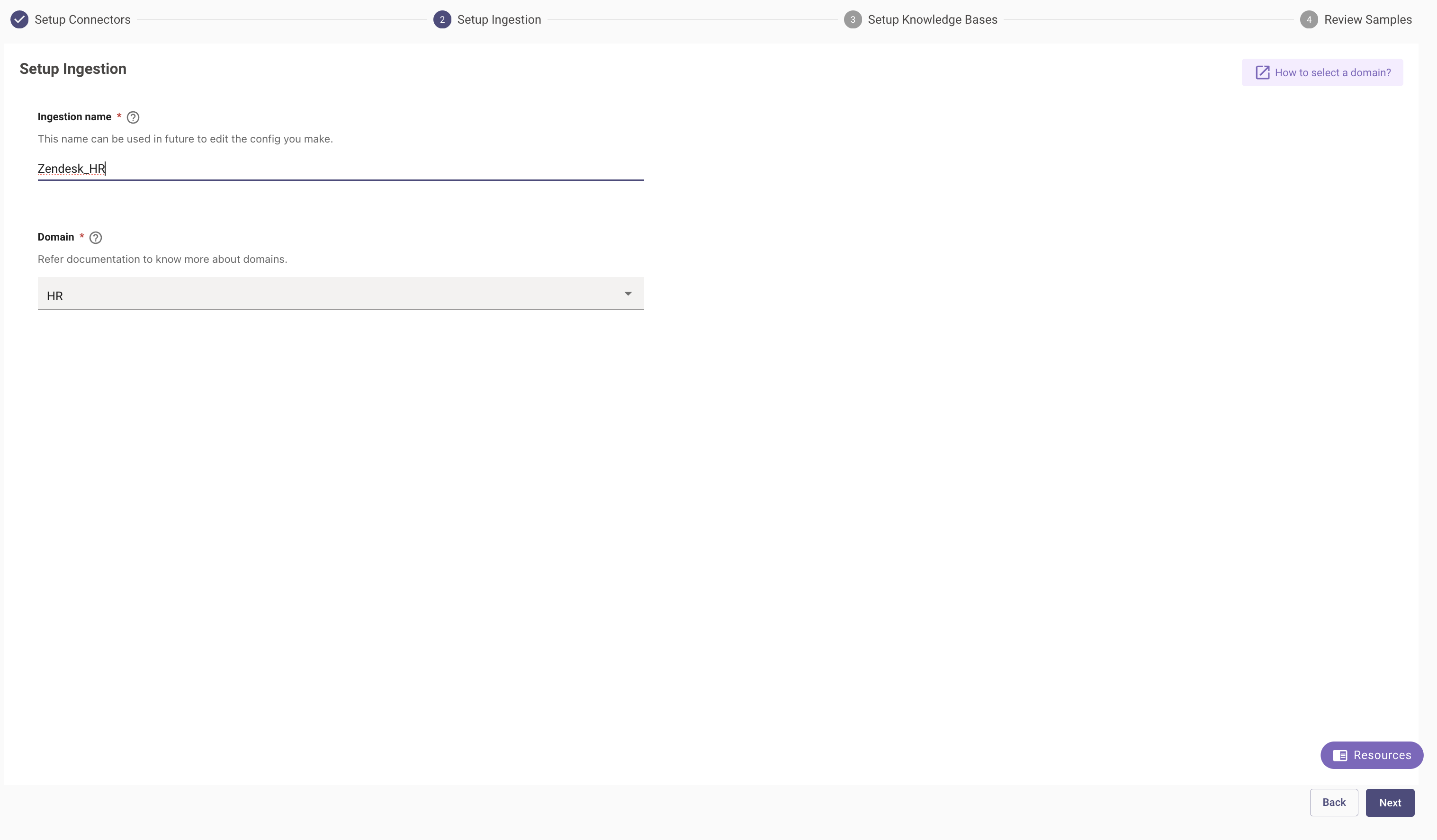
First, select the Connector created for the ingestion and then provide a name for the ingestion under Ingestion Name.
-
Then, choose a Domain. The domain is the functional areas of employee service that is most related to the knowledge being ingested for this configuration.
Setup Knowledge Bases
-
Wizard Mode
-
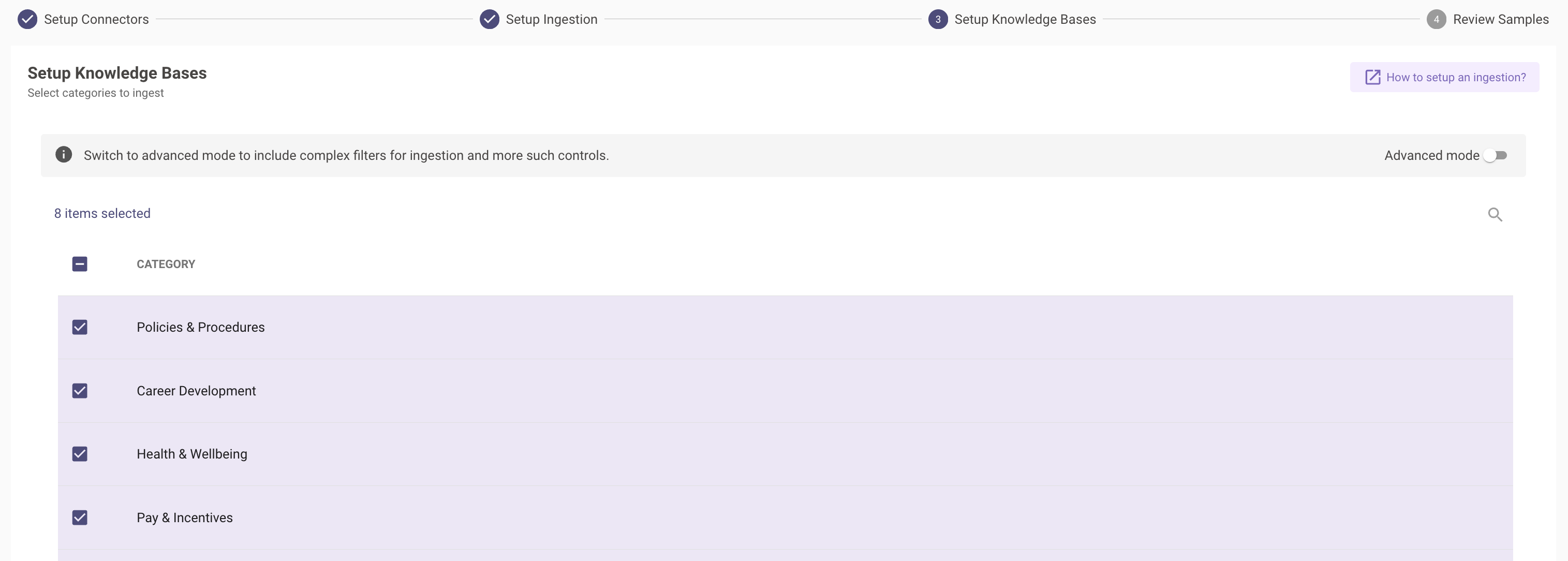
Moveworks will now make a live API call to Zendesk and provide the user with a list of Categories that have access to ingest Articles from.
-
Once the Categories have been selected, you will be required to provide the URL of an existing article, Moveworks will leverage this URL to create the redirect links for all the Articles post ingestion.
-
On the final page you can review a Sample set of Articles fetched based on the config in a preview screen. You can validate the Article URL here.
-
-
Advanced Mode
-
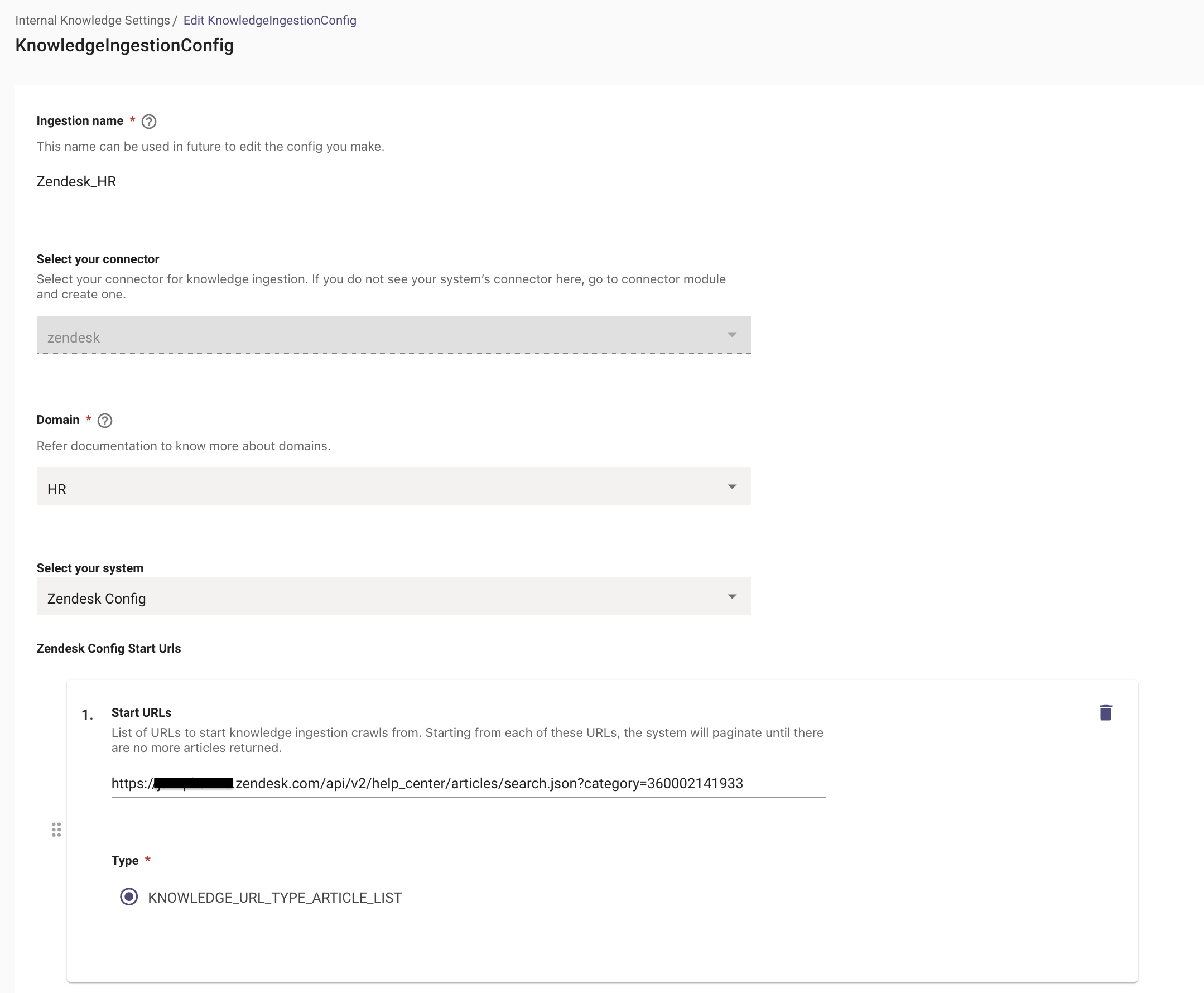
In the Advanced mode, in order to ingest articles from a Category, users are required to define the Start URL. They commonly follow the below structure :
-
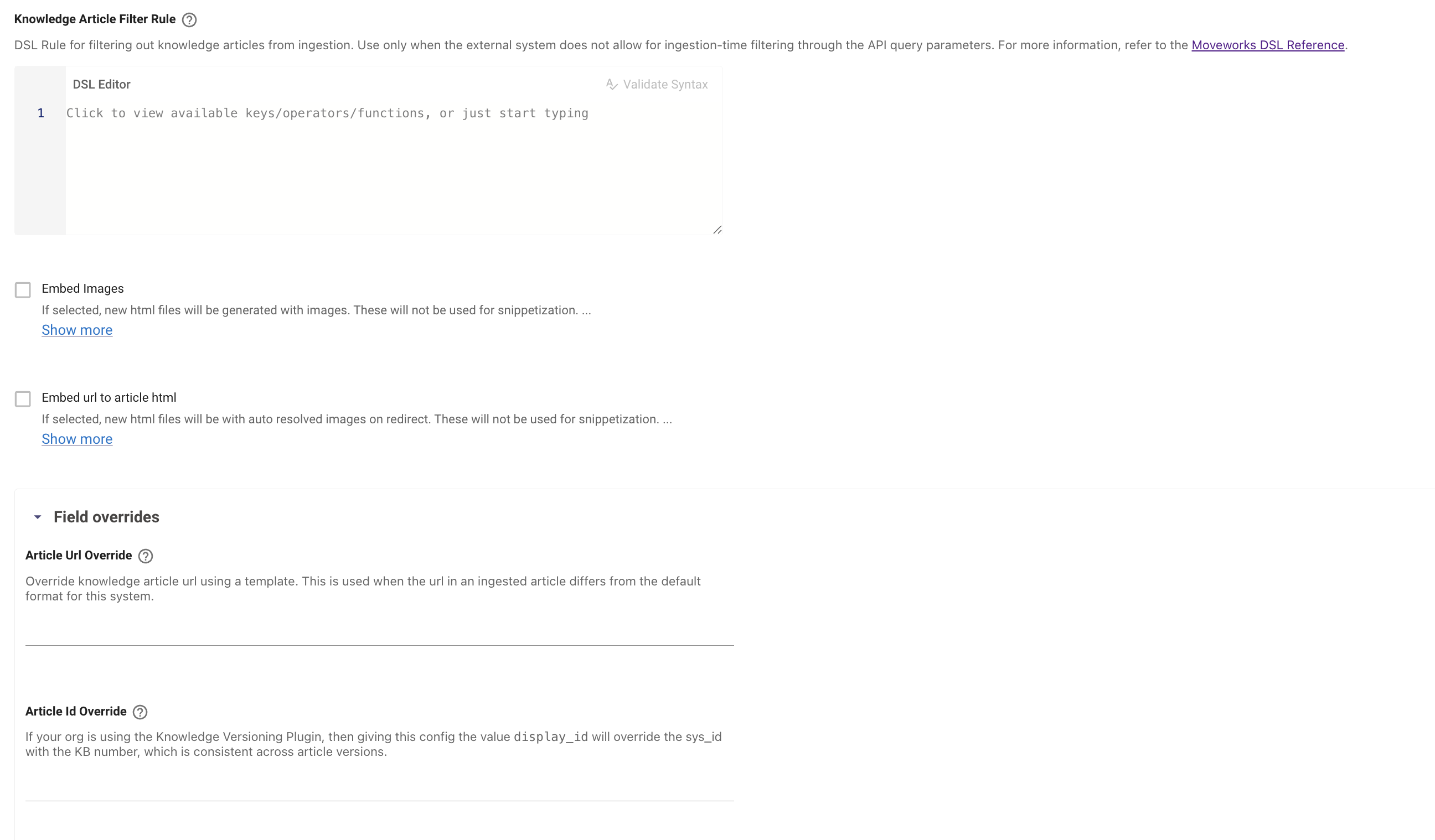
This is the similar field as the one in Wizard mode, This is where Moveworks will take up the new URL in order to generate this for all the ingested Articles. The field that controls this is the Article Url Override filed under Field Overrides and this is where you can provide the template.
-
Validation
- Once you have submitted the Knowledge ingestion configuration, it will kick off the Ingestion pipeline in the background, the status of the same can be tracked on the Indexed Content View
- You can search for the Articles with their Titles here, and if they are listed on the Console that means they have been ingested successfully.