Customizing your Teams Appstore Bot
Customizing your Bot
After you’ve installed your AI Assistant into Microsoft Teams. You can customize your AI Assistant as your organization sees fit. Most customers will build a custom Avatar, and select a custom name for their version of the Moveworks bot. The instructions below outline how to update the name, description, and image of your organization’s Moveworks bot.
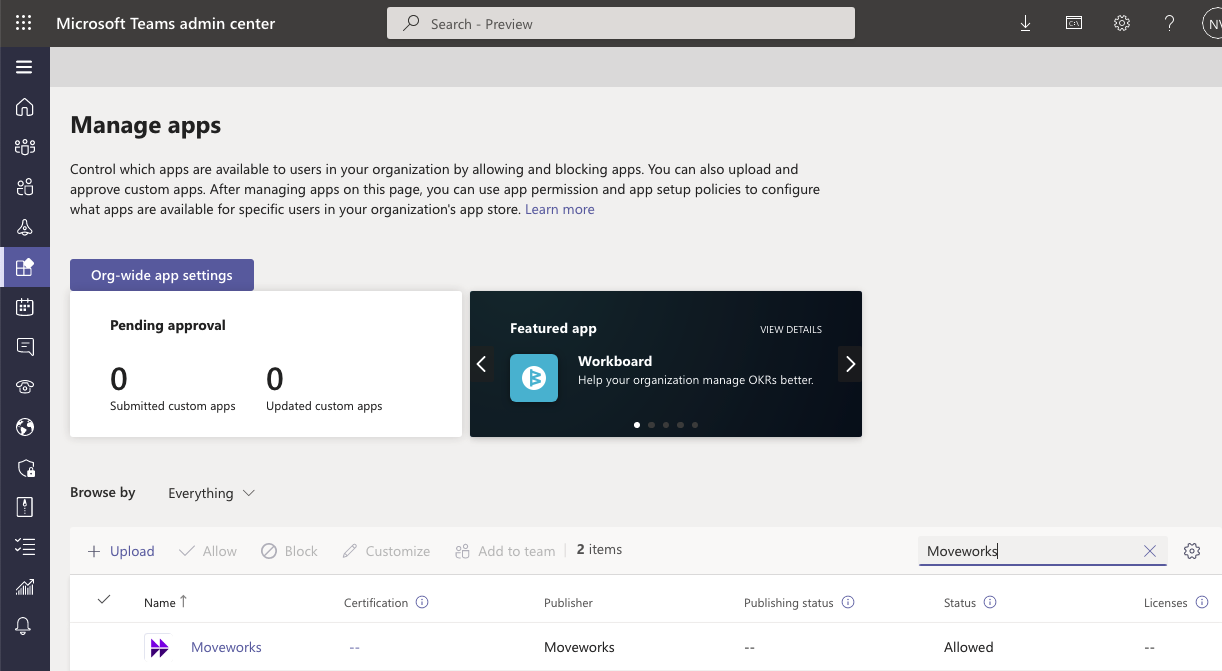
- Click here to navigate to the Manage Apps section of Microsoft Teams: https://admin.teams.microsoft.com/policies/manage-apps
- Search for Moveworks, and select the AI Assistant by clicking on Moveworks.
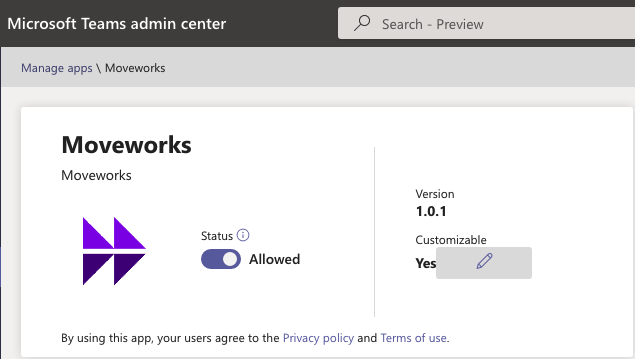
- Select the pencil icon to customize the settings of your bot.
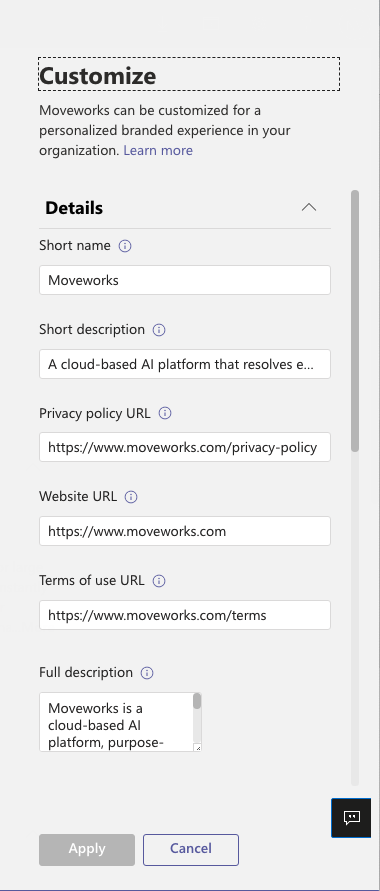
- A pop up should appear on the right side, which allows you to customize the name and other details of the bot.
-
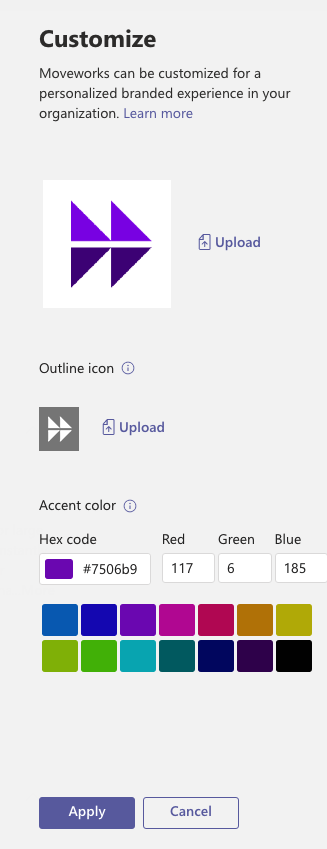
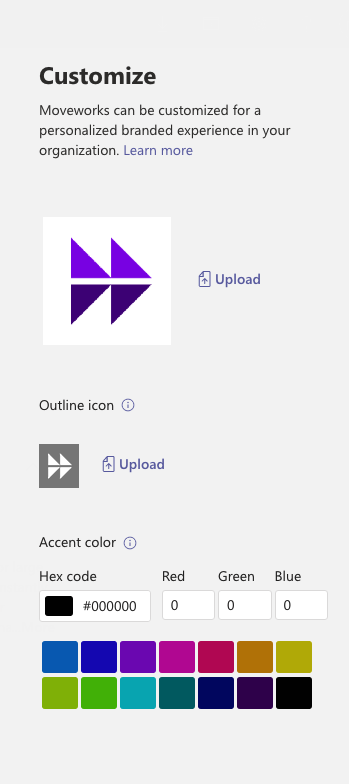
After you’ve customized your name, and description, if you scroll down further, there will be settings to customize the images and other colors.
-
For the main icon, use one full-color icon (192x192) pixel in PNG format.
-
For the outline icon, use one transparent outline (32x32) pixel in PNG format.
-
- After you are done customizing the details of your bot, click on the Apply button on the bottom.